PDF.js: Access outline, bookmarks, and metadata

Table of contents
PDFDocumentProxy API.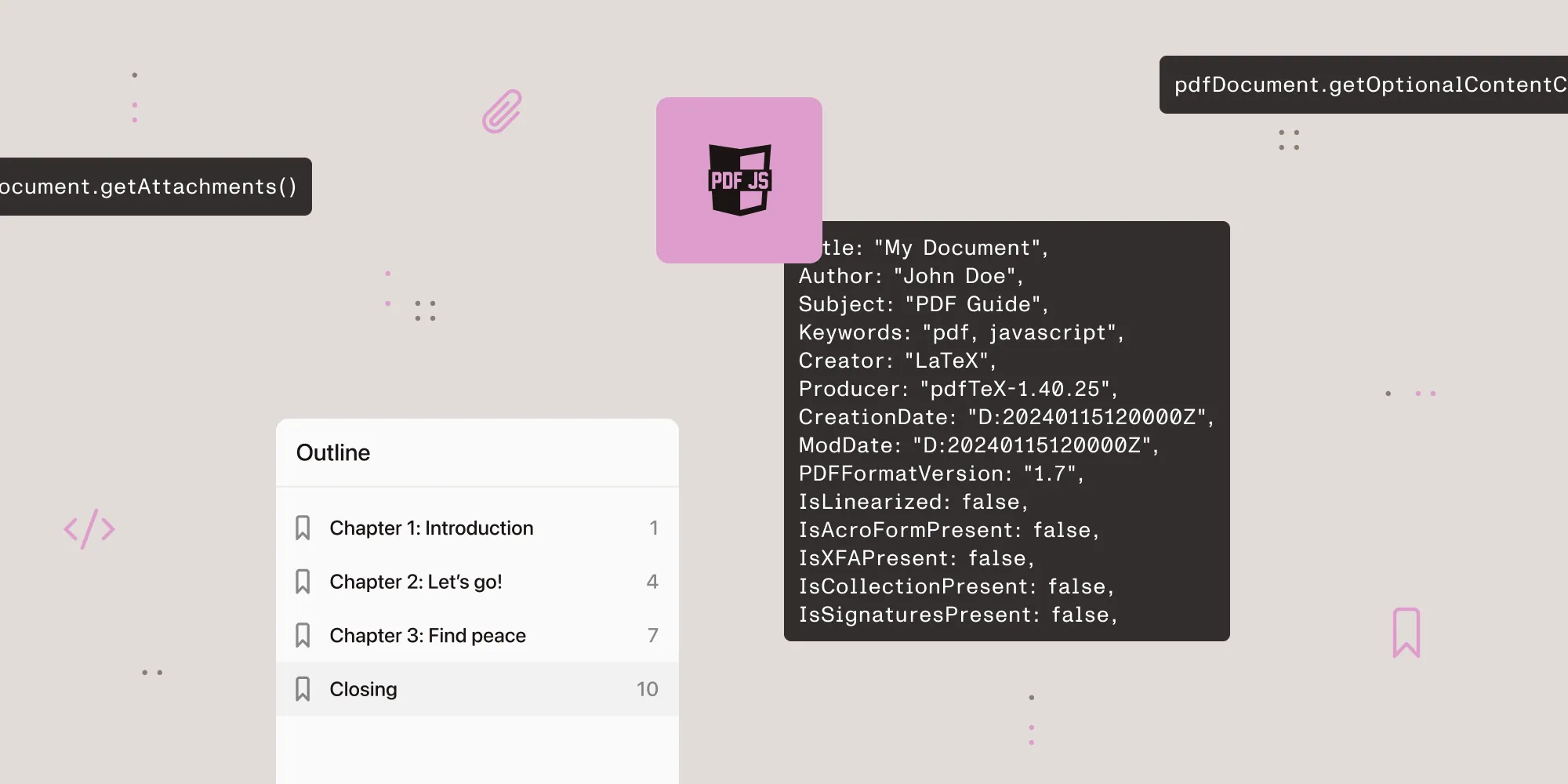
- Pull the outline/bookmark tree with
pdfDocument.getOutline()and navigate vialinkService.goToDestination(). - Read PDF metadata (title, author, version, form/signature flags) with
pdfDocument.getMetadata()and Extensible Metadata Platform (XMP) via the returnedmetadatafield. - Access embedded files with
getAttachments()and toggle layer visibility withgetOptionalContentConfig().
Prerequisites
This guide assumes you have a loaded PDFDocumentProxy (the value getDocument(...).promise resolves to) and, for the navigation examples, a configured PDFLinkService. If you haven’t wired those up yet, start with our blog on how to set up a custom PDF.js viewer in React.
You’ll also need:
pdfjs-dist4.x or later- A place to render a tree of React components alongside the page canvases (for the sidebar UI section)
Document outline (table of contents)
The outline is the PDF’s bookmark tree — the table of contents that PDF readers show in a sidebar:
const outline = await pdfDocument.getOutline();Outline structure
Each outline item has:
{ title: "Chapter 1: Introduction", // Display text. bold: false, // Bold styling. italic: false, // Italic styling. color: Uint8ClampedArray(3), // RGB color [r, g, b]. dest: [...], // Internal destination (page + position). url: null, // External URL (if it links outside). unsafeUrl: null, // Unsanitized version of `url`, before PDF.js escapes it. newWindow: false, // Whether an external URL should open in a new window. count: 3, // Number of child items. items: [...] // Nested child outline items.}Rendering an outline sidebar
This component fetches the outline when the document loads and renders it as a nested list, navigating to a destination or opening an external URL when a reader clicks an item:
function OutlineSidebar({ pdfDocument, linkService }) {  const [outline, setOutline] = useState(null);
  useEffect(() => {    pdfDocument.getOutline().then(setOutline);  }, [pdfDocument]);
  if (!outline) return <div>No outline available</div>;
  return <OutlineTree items={outline} linkService={linkService} />;}
function OutlineTree({ items, linkService, depth = 0 }) {  return (    <ul style={{ paddingLeft: depth * 16 }}>      {items.map((item, i) => (        <li key={i}>          <button            onClick={() => {              if (item.dest) {                linkService.goToDestination(item.dest);              } else if (item.url) {                window.open(item.url, "_blank");              }            }}            style={{              fontWeight: item.bold ? "bold" : "normal",              fontStyle: item.italic ? "italic" : "normal",            }}          >            {item.title}          </button>          {item.items?.length > 0 && (            <OutlineTree              items={item.items}              linkService={linkService}              depth={depth + 1}            />          )}        </li>      ))}    </ul>  );}
Navigating to destinations
Outline items contain dest arrays that you pass directly to linkService.goToDestination():
// Named destination (string).linkService.goToDestination("chapter-1");
// Explicit destination (array).linkService.goToDestination([  pageRef,         // Page reference object { num, gen } from `getDestination()`.                   // — Convert with `pdfDocument.getPageIndex(pageRef)` if you need an index.  { name: "XYZ" }, // Type: XYZ, Fit, FitH, FitV, FitR, FitB.  x,               // x position (or null).  y,               // y position (or null).  zoom,            // Zoom level (or null).]);
Resolving named destinations
Named destinations are strings that resolve to an explicit destination array. Look one up directly, or list every named destination the document defines:
// Resolve a named destination to an explicit destination array.const dest = await pdfDocument.getDestination("chapter-1");// Returns: [pageRef, { name: "XYZ" }, x, y, zoom].
// Get all named destinations.const destinations = await pdfDocument.getDestinations();
Document metadata
PDF.js exposes document properties and XMP metadata through a single call:
const metadata = await pdfDocument.getMetadata();Metadata structure
The returned object separates the legacy document information dictionary from XMP metadata and a few document-level flags:
{ info: { Title: "My Document", Author: "John Doe", Subject: "PDF Guide", Keywords: "pdf, javascript", Creator: "LaTeX", Producer: "pdfTeX-1.40.25", CreationDate: "D:20240115120000Z", ModDate: "D:20240115120000Z", PDFFormatVersion: "1.7", IsLinearized: false, IsAcroFormPresent: false, IsXFAPresent: false, IsCollectionPresent: false, IsSignaturesPresent: false, }, metadata: { // XMP metadata (XML-based, may contain additional fields). // Access via `metadata.get("dc:title")`, `metadata.get("dc:creator")`, etc. }, contentDispositionFilename: null, contentLength: 1234567, hasStructTree: true, // True if the PDF has an accessibility structure tree.}Using metadata
This component loads the info dictionary once the document is ready and renders the common fields in a definition list:
function DocumentInfo({ pdfDocument }) {  const [info, setInfo] = useState(null);
  useEffect(() => {    pdfDocument.getMetadata().then(({ info }) => setInfo(info));  }, [pdfDocument]);
  if (!info) return null;
  return (    <div>      <h3>Document Properties</h3>      <dl>        <dt>Title</dt><dd>{info.Title || "Untitled"}</dd>        <dt>Author</dt><dd>{info.Author || "Unknown"}</dd>        <dt>Creator</dt><dd>{info.Creator}</dd>        <dt>Pages</dt><dd>{pdfDocument.numPages}</dd>        <dt>PDF Version</dt><dd>{info.PDFFormatVersion}</dd>        <dt>Has Forms</dt><dd>{info.IsAcroFormPresent ? "Yes" : "No"}</dd>      </dl>    </div>  );}
File attachments
Some PDFs contain embedded files (spreadsheets, images, other PDFs):
const attachments = await pdfDocument.getAttachments();Attachments structure
Attachments come back as an object keyed by file name, with each entry holding the raw bytes and an optional description:
{ "report.xlsx": { filename: "report.xlsx", content: Uint8Array(...), // Raw file data. description: "Quarterly report data", }, "photo.jpg": { filename: "photo.jpg", content: Uint8Array(...), },}Downloading attachments
This component lists each attachment and wraps its bytes in a Blob so the browser can download it when a reader clicks it:
function AttachmentList({ pdfDocument }) {  const [attachments, setAttachments] = useState(null);
  useEffect(() => {    pdfDocument.getAttachments().then(setAttachments);  }, [pdfDocument]);
  if (!attachments) return <div>No attachments</div>;
  const downloadAttachment = (attachment) => {    const blob = new Blob([attachment.content]);    const url = URL.createObjectURL(blob);    const a = document.createElement("a");    a.href = url;    a.download = attachment.filename;    a.click();    URL.revokeObjectURL(url);  };
  return (    <ul>      {Object.entries(attachments).map(([name, attachment]) => (        <li key={name}>          <button onClick={() => downloadAttachment(attachment)}>            {attachment.filename}          </button>          {attachment.description && <span> — {attachment.description}</span>}        </li>      ))}    </ul>  );}
Optional content groups (layers)
PDFs can contain toggleable layers, which are common in computer-aided design (CAD) drawings, maps, and technical documents:
const optionalContentConfig = await pdfDocument.getOptionalContentConfig();
// List all groups.const groups = optionalContentConfig.getGroups();// { "layer-id-1": { name: "Dimensions", visible: true }, ... }
// Toggle a layer.optionalContentConfig.setVisibility("layer-id-1", false);
// Rerender affected pages after toggling.viewer.optionalContentConfigPromise = Promise.resolve(optionalContentConfig);
Key points
getOutline()returns the full bookmark tree — render it as a sidebar for navigationgetMetadata()returns both aninfodict and XMP metadatagetAttachments()returns embedded files asUint8Arraycontent — ready to download- Use
linkService.goToDestination()to navigate to outline destinations - Optional content groups let you toggle visibility of PDF layers
- All these APIs are on
PDFDocumentProxy— call them after the document loads - These features are entirely built into PDF.js — no extra dependencies needed
How Nutrient Web SDK handles this
Nutrient Web SDK ships an interactive sidebar with outline, thumbnail, and annotation views. Toggling between them is one setViewState call:
instance.setViewState((v) => v.set("sidebarMode", NutrientViewer.SidebarMode.DOCUMENT_OUTLINE),);That replaces the custom outline tree, sidebar UI, and linkService.goToDestination() wiring with one API call.
Nutrient Web SDK has no API to read the document information dictionary or XMP metadata. To read the title or author, parse the PDF bytes with a PDF library, using the original file or the ArrayBuffer that exportPDF() returns. Some export options, such as flatten or PDF/A output, replace fields like Producer and ModDate. Document operations replace them too, so read those fields from the original file.
For navigation between pages and outline destinations, see the related guides on thumbnail sidebars and navigation, zoom, and rotation.
Learn more about Nutrient Web SDK | Migration guide | Contact Sales
FAQ
In PDF terminology they’re the same thing — the PDF specification calls it an “outline,” but Acrobat labels it “bookmarks.” pdfDocument.getOutline() returns the same tree that Acrobat shows in its bookmarks panel. Nutrient Web SDK keeps them apart: SidebarMode.DOCUMENT_OUTLINE shows the PDF outline, and SidebarMode.BOOKMARKS shows Nutrient’s own bookmarks.
getOutline() return null sometimes?Because not every PDF has bookmarks. getOutline() returns null (not an empty array) when the document has no outline dictionary. Branch on outline === null in your UI to show a “no outline available” state rather than rendering an empty list.
metadata.metadata vs. metadata.info?info is the legacy document information dictionary — flat key-value pairs like Title, Author, Producer. metadata is an XMP packet, an Extensible Markup Language (XML) document that can carry arbitrary structured metadata (rights, history, custom schemas). Read XMP values with metadata.get("dc:title") or metadata.getAll(). Many PDFs have both; modern producers prefer XMP.
Only after the document loads, which requires the password. PDF.js’s getDocument({ url, password }) decrypts the file before exposing any API; once loadingTask.promise resolves, all the methods on this page work normally.
Rarely. Layers show up in CAD exports, geographic information system (GIS) maps, multilanguage documents, and some technical drawings. For a typical business PDF — invoices, reports, contracts — getOptionalContentConfig().getGroups() returns an empty object. It’s worth handling, but don’t expect to find layers in most files.
Whatever format the original file was. getAttachments() returns a Uint8Array of raw bytes per attachment — the original file could be .xlsx, .docx, .jpg, another .pdf, or anything else. The filename field gives you the original name with its extension, and the browser’s Blob API can wrap the bytes for download or further processing.