Nutrient Python SDK
Convert HTML to PDF in Python
- Convert HTML files to PDF with a single API call — no template engine or browser automation to wire up
- Rendered through Chrome, so CSS, fonts, images, and page layout are preserved
- Server-ready with no GUI dependencies — runs on Linux, Docker, and CI/CD pipelines
- Same two-step pattern as Markdown, Word, and Office conversions
Need pricing or implementation help? Talk to Sales.
HTML-TO-PDF CONVERSION
from nutrient_sdk import Documentfrom nutrient_sdk import NutrientException
def main(): try: with Document.open("input.html") as document: document.export_as_pdf("output.pdf") print("Successfully converted to output.pdf") except NutrientException as e: print(f"Error: {e}")
if __name__ == "__main__": main() Lufthansa
Disney
Autodesk
UBS
Dropbox
IBM
Lufthansa
Disney
Autodesk
UBS
Dropbox
IBM
USE CASES
When developers reach for this SDK
Generate invoices and receipts from HTML
Render an HTML invoice or receipt template — styled with your own CSS — into a fixed PDF for emailing, billing, and record keeping.
Produce reports and statements
Turn dashboards, statements, and generated reports built as HTML into print-ready PDFs with consistent pagination and layout.
Archive web content for compliance
Capture rendered webpages as PDFs for offline access, audit trails, and long-term archiving where a stable format is required.
Preserve full CSS and layout fidelity
Nutrient renders HTML through Chrome, so fonts, images, and CSS styling come through exactly as they appear in the browser.
Convert more formats to PDF in Python
Markdown to PDF
Convert Markdown to PDF in Python. The SDK parses Markdown and renders formatted PDF output.
- Handles Markdown syntax and document structure
- Renders code blocks and formatting
- One method call:
export_as_pdf()
Word to PDF
Convert DOCX to PDF in Python. The SDK renders Word documents to PDF with no Microsoft Office required.
- Preserves fonts, styles, and layout
- No Microsoft Office installation needed
- One method call:
export_as_pdf()
Excel to PDF
Convert XLSX to PDF in Python. The SDK renders spreadsheets to PDF for sharing and archiving.
- Renders worksheets and tabular data
- Keeps cell formatting intact
- One method call:
export_as_pdf()
ADVANCED CAPABILITIES
Beyond a single conversion
The SDK handles more than one-off conversions. Build HTML-to-PDF conversion into automated workflows and deploy anywhere Python runs.
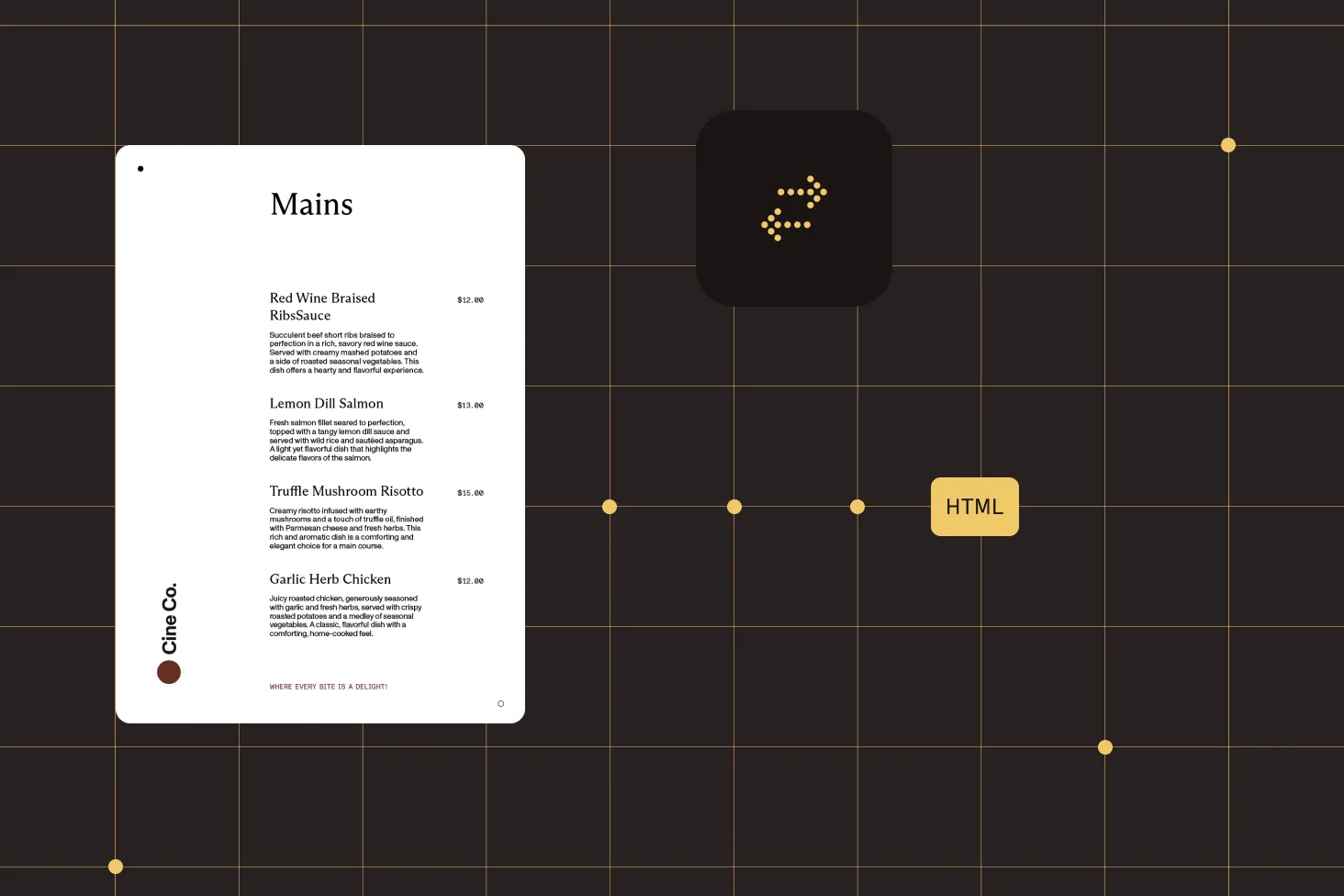
Chrome-grade rendering
HTML is rendered through Chrome, so complex CSS, web fonts, and images appear in the PDF exactly as they do in the browser.
Batch HTML conversion
Convert many HTML files in a loop or with Python’s concurrency tools. Each conversion follows the same pattern: open and export.
Server-side processing
No GUI dependencies — run HTML-to-PDF conversion in background jobs, cron tasks, or API handlers on any server.
Docker and Linux ready
Run conversions in containers by including Chrome in the image and running as a non-root user, following the Docker deployment guide.
Frequently asked questions
How do I convert HTML to PDF in Python?
Install Nutrient Python SDK. Then open your HTML file with Document.open('input.html') and call document.export_as_pdf('output.pdf'). The SDK renders the HTML through Chrome and writes a PDF that preserves the page’s layout, fonts, images, and CSS. See the HTML-to-PDF guide for a complete working example.
Does the conversion preserve CSS and styling?
Yes. Nutrient renders HTML through Chrome, so CSS, web fonts, images, and page layout come through in the PDF exactly as they appear in the browser. You don’t need to implement any rendering or pagination logic yourself.
Do I need to set up a headless browser or template engine?
No template engine or browser-automation framework is required in your code — the conversion is a single export_as_pdf() call. The SDK uses Chrome internally for rendering; on first run, it provisions the rendering engine for you.
Can I run HTML-to-PDF conversion in Docker or on Linux?
Yes. The SDK is server-ready and runs on Linux. Because HTML rendering relies on Chrome, a containerized deployment needs Chrome included in the image and the container run as a non-root user. See the guide on Chrome-based conversions in Docker for the packaged setup.
How do I convert HTML to PDF at scale in Python?
Loop over your HTML files, or use Python’s concurrency tools, and run the same two-step conversion for each one: Document.open(...) then export_as_pdf(...). Because there are no GUI dependencies, the same code runs in background jobs and CI/CD pipelines.
Can I convert other formats to PDF with the same API?
Yes. The open-then-export pattern is the same across formats. Use export_as_pdf() after opening Markdown, Word (DOCX), Excel (XLSX), or PowerPoint (PPTX). See the Python conversion guides for each format.
How do I handle errors during conversion?
Wrap the conversion in a try-except block and catch NutrientException for SDK-specific errors. Use the context manager syntax (with Document.open(...) as document:) so the document is closed automatically, even when an error occurs.
FREE TRIAL
Ready to get started?
Start converting HTML to PDF in Python in minutes — no payment information required.
Explore more
Also available for
More Python SDK capabilities