Best multilingual OCR software, APIs, and SDKs (2026)

Table of contents
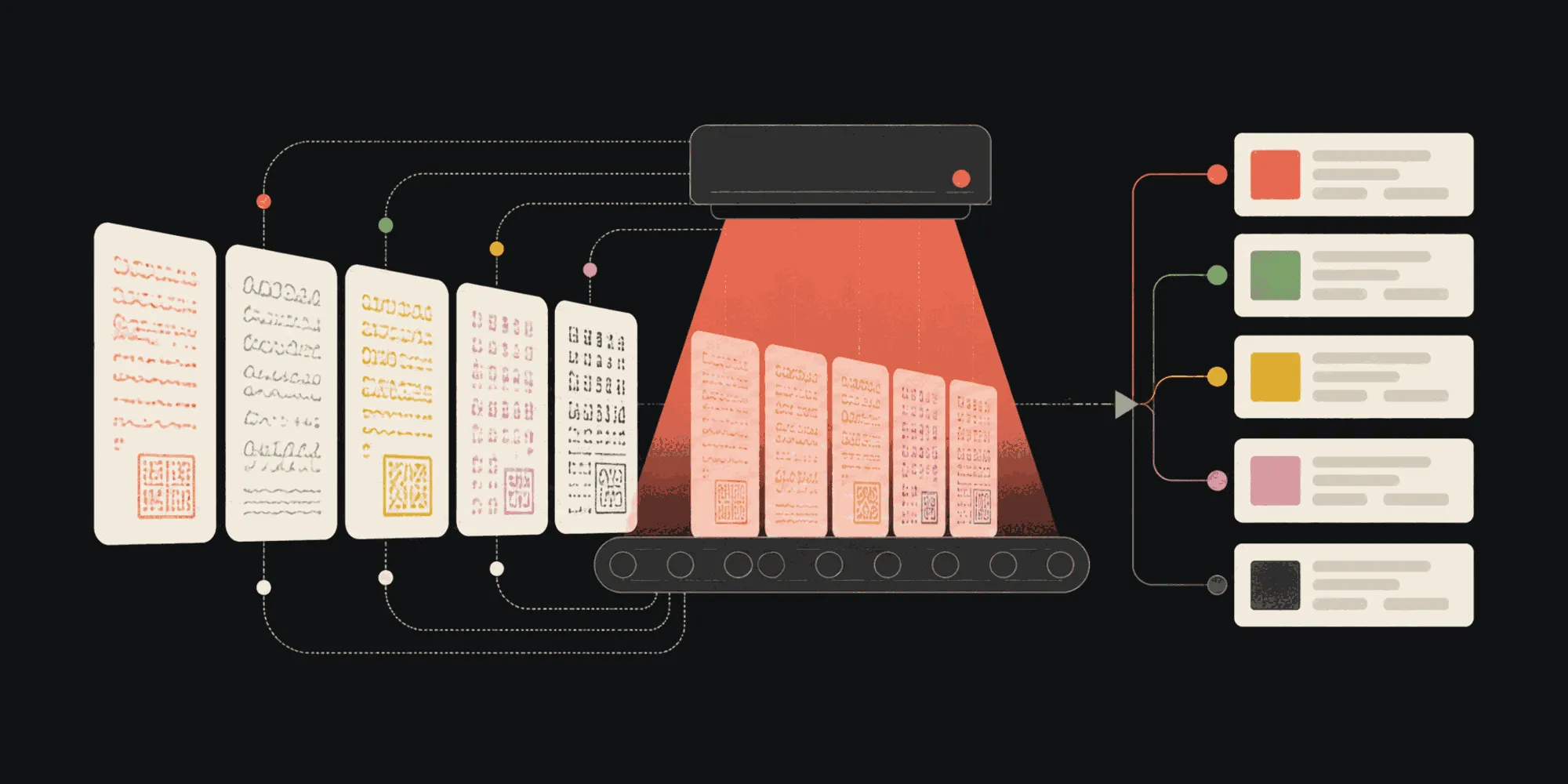
Structured output with per-field confidence scores through the Nutrient Data Extraction API.
- There’s no universal winner. Choose by deployment, required scripts, input quality, output contract, and total operating cost.
- Use Tesseract when open source, local processing, and control matter more than turnkey document handling.
- Use Google Cloud Vision or Azure Vision for broad managed OCR. Use Amazon Textract when its six-language coverage fits and AWS document analysis is the priority.
- Use ABBYY Vantage when an enterprise workflow needs extensive printed-language coverage and documented named entity recognition (NER).
- Use Nutrient OCR SDK for offline mobile PDF workflows, OCR API for searchable PDFs, or Data Extraction API for multilingual, layout-aware structured output.
The best multilingual OCR software depends on three decisions: where recognition must run, which writing systems must work, and what the next system needs. No engine wins every combination. Tesseract offers local control and broad language packs, while Google and Azure trade that control for broad managed recognition. Amazon Textract adds document analysis, but its language coverage is narrower. ABBYY pairs extensive language coverage with enterprise extraction tooling. Nutrient splits the job three ways instead of one: on-device PDF OCR, cloud searchable-PDF creation, and layout-aware data extraction, so teams pick the right output rather than force one engine to cover all three.
Start with the required scripts and deployment boundary. Then test the shortlist on representative documents. A vendor’s language list proves availability, not accuracy on your scans.
What “best multilingual OCR” should mean
Optical character recognition (OCR) converts text in an image or scan into machine-readable characters. Multilingual OCR adds models for different languages and scripts. The harder product decision starts after recognition.
Define these five requirements before comparing names.
- Processing location — Browser, mobile device, your server, vendor cloud, private cloud, or on-premises.
- Script coverage — Latin, Chinese/Japanese/Korean (CJK), right-to-left (RTL) scripts such as Arabic and Hebrew, or Indic scripts such as Devanagari.
- Output — Plain text, a searchable PDF, spatial JSON, reading order, or schema-shaped fields.
- Document conditions — Clean digital pages, camera images, degraded scans, handwriting, mixed languages, or vertical text.
- Operating model — License cost, usage charges, model storage, preprocessing, review, and exception handling.
Language count alone is a weak buying criterion. A list may mix regularly evaluated languages, experimental languages, mapped languages, script models, and historical variants. Verify the exact language, orientation, handwriting mode, and output you need.
Comparison at a glance
| Product or class | Genuine strength | Main constraint to test | Choose it when |
|---|---|---|---|
| Tesseract | Open source, local, and more than 100 languages | You own image preparation, PDF rasterization, layout reconstruction, and operations | You need control, no usage fee, and engineering ownership is acceptable |
| Google Cloud Vision | Broad script coverage, automatic language detection, and document-oriented hierarchy | Cloud dependency and output still need downstream business logic | You need managed OCR across diverse languages and images |
| Azure Vision Read | Mixed-language text recognition without requiring a language parameter | Cloud dependency and separate downstream extraction logic | Your stack is on Azure and pages may mix languages on one line |
| Amazon Textract | AWS-native text, forms, tables, queries, and asynchronous document analysis | Printed OCR covers six languages; handwriting is English-only | Your documents fit its language limits and already live in AWS |
| ABBYY Vantage | 203 printed recognition languages plus enterprise OCR, classification, extraction, and NER activities | Commercial platform scope, configuration, and procurement | You need a configurable enterprise document process, especially NER |
| Nutrient OCR SDK | Embedded PDF OCR across several application platforms, with offline mobile processing | SDK language support differs from cloud API coverage | OCR must run inside a document application or offline mobile workflow |
| Nutrient cloud APIs | Searchable PDF output through OCR API, or multilingual spatial and schema-shaped output through Data Extraction API | Hosted processing and usage-based economics | You need a document result or structured data, not only recognized characters |
These products don’t all solve the same layer. Treat this table as a routing guide, not a ranking.
Open source engine: Tesseract
Tesseract(opens in a new tab) is the default open source shortlist candidate. Its official project documents Unicode support; more than 100 languages; Apache 2.0 licensing; and output formats including text, hOCR, TSV, ALTO, PAGE, and searchable PDF. Language and script packs can be combined, such as English plus French.
Its strength is ownership. Recognition can stay in your environment, and there is no vendor usage charge. The tradeoff is the pipeline around the engine. Official input format documentation(opens in a new tab) states that Tesseract doesn’t read PDF input directly, so PDF pages need rasterization or a wrapper such as OCRmyPDF. Teams also own deskewing, denoising, thresholding, page segmentation, language pack distribution, monitoring, and layout reconstruction.
Choose Tesseract for controlled server environments, offline utilities, and workloads where engineers can tune input quality. Start with the Python Tesseract walkthrough, and use the PSM and OEM tuning guide when page segmentation or model selection becomes the limiting factor.
Managed cloud OCR APIs
Cloud OCR APIs remove model packaging and infrastructure work. Their language behavior and document abstractions still differ.
Google Cloud Vision
Google Cloud Vision(opens in a new tab) offers TEXT_DETECTION for general images and DOCUMENT_TEXT_DETECTION for dense documents. Document output includes pages, blocks, paragraphs, words, and break information. Google’s language documentation(opens in a new tab) separates supported, experimental, and mapped languages, and it can detect multiple languages in one image. Language hints are optional and can hurt results when they’re wrong.
Choose Google when script breadth and managed image OCR matter, particularly for CJK, Arabic, Hebrew, and Devanagari workloads. Test the distinction between regularly evaluated and experimental coverage instead of treating every listed language as equivalent.
Azure Vision Read
Azure Vision Read(opens in a new tab) uses universal models that can extract mixed-language text, including multiple languages on the same line, without requiring a language code. Microsoft publishes separate printed and handwritten language lists.
Choose Azure when mixed-language auto-detection and Microsoft cloud integration reduce system complexity. Confirm the exact handwritten language separately because handwriting coverage is narrower than printed-text coverage.
Amazon Textract
Amazon Textract(opens in a new tab) returns text, forms, tables, query responses, and signatures through AWS document-analysis operations. Its asynchronous APIs handle multipage document workflows.
The language boundary is strict. AWS documents(opens in a new tab) printed-text detection for English, French, German, Italian, Portuguese, and Spanish. Handwriting is English-only, queries are English-only, and vertical text isn’t supported. Choose Textract when those limits fit and AWS-native forms or document analysis matters more than broad multilingual reach.
Commercial enterprise platform: ABBYY Vantage
ABBYY Vantage(opens in a new tab) combines OCR with configurable document, classification, and process skills. Its current documentation lists 203 printed recognition languages(opens in a new tab), automatic selection from an allowed-language set, handwriting options, image enhancements, barcode recognition, and several PDF processing modes.
ABBYY is also the clearest choice in this comparison when NER is a stated requirement. Its Named Entities activity(opens in a new tab) extracts people, organizations, locations, addresses, money, dates, and other entities from unstructured documents. The documented NER language set is smaller than its OCR set, so verify the exact entity and language combination.
Choose ABBYY for an enterprise program that wants OCR, classification, extraction, and NER in a configurable commercial platform. Don’t assume that 203 OCR languages mean 203 NER languages or equivalent handwriting support.
Embedded and on-device OCR: Nutrient OCR SDK
Nutrient OCR SDK adds OCR to web, .NET, iOS, Android, Python, and Java applications. It can make scanned PDFs and images searchable, selectable, and copyable while retaining the original page appearance. The mobile SDKs can process documents offline, which keeps recognition inside the application’s device workflow.
Choose it for mobile-first PDF intake, field work without dependable connectivity, or products that need OCR alongside viewing, annotations, and other document interactions. Check the supported-language guidance for the target SDK before committing. The on-device list isn’t the same as Nutrient’s cloud OCR or data extraction language coverage, so don’t infer CJK, RTL, or Devanagari support from a cloud list.
OCR APIs and extraction APIs solve different outputs
Nutrient exposes two cloud paths because “OCR output” can mean two different things.
The Nutrient OCR API accepts scans and images, supports more than 80 OCR languages, and produces searchable PDFs with a selectable text layer. It fits archives, document search, and server-side batches where the document remains the primary artifact. See how to OCR PDFs with the Nutrient OCR API for worked examples in JavaScript, Python, PHP, and Java.
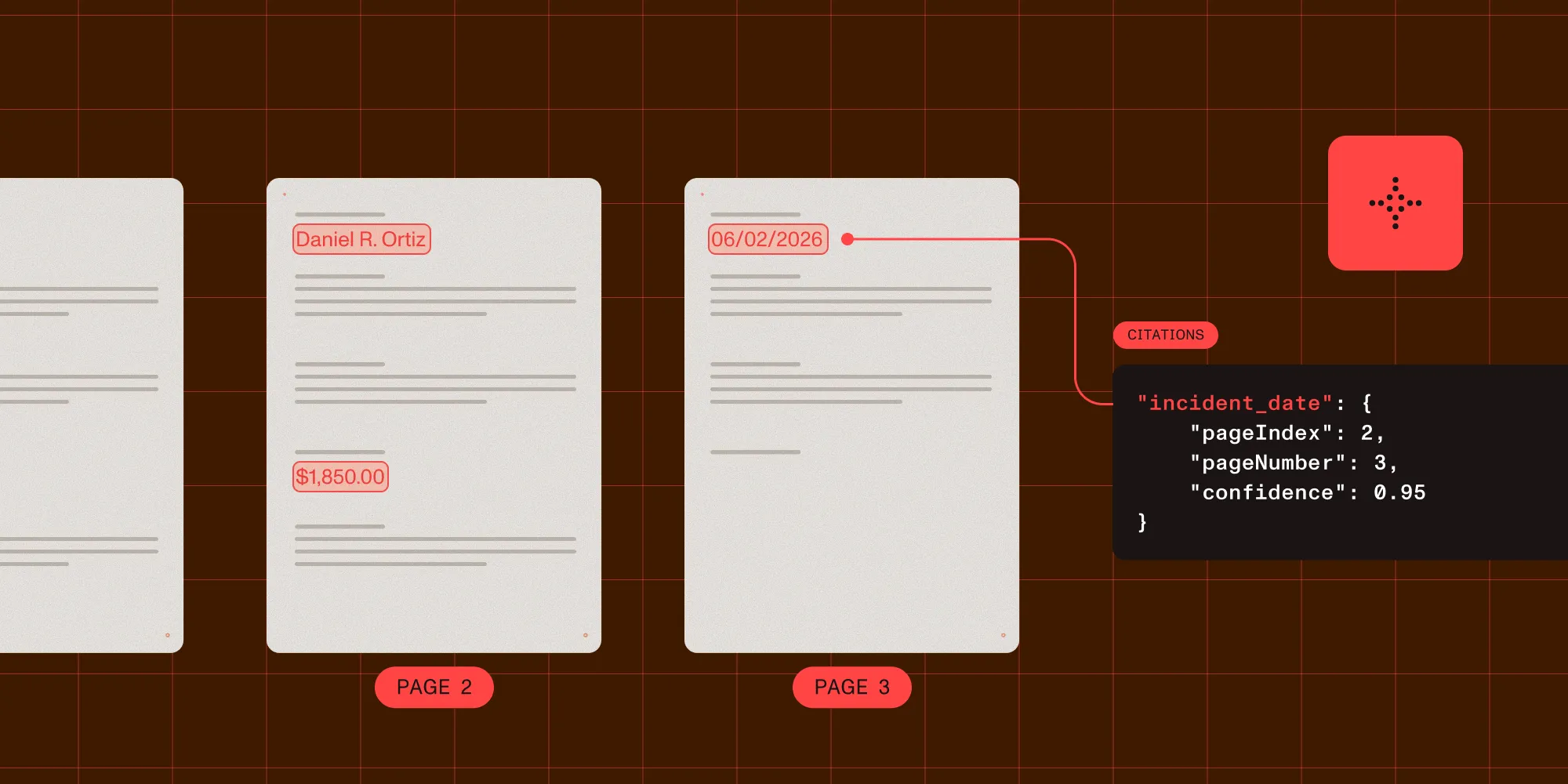
The Nutrient Data Extraction API supports more than 100 OCR languages, including CJK, Arabic, Hebrew, Hindi, and other Indic languages. It accepts one or more language hints for multilingual documents. Parsing can return Markdown or spatial elements with page context, coordinates, and reading order. Schema-based extraction can return per-field confidence and bounding-box grounding for review.
Choose the OCR API when people need a searchable document. Choose Data Extraction API when software needs layout-aware elements or named fields. Its schema extraction can retrieve names, organizations, dates, and other requested values, but the current Nutrient sources don’t describe a dedicated NER operation. If a named-entity-specific activity is mandatory, compare it directly with ABBYY’s documented NER feature.
For a wider comparison of parsing and extraction tools, see the document parsing API guide.
Recommendations by scenario
The right choice depends on where recognition runs and what happens to the output afterward. The following scenarios match common deployment and workload patterns to a starting recommendation.
On-device or offline mobile OCR
Choose Nutrient OCR SDK when an iOS or Android application must turn scanned PDFs into searchable documents without a network connection. Validate the exact language list, app size impact, device performance, and photographed-page quality on every supported hardware tier.
Server-side batch OCR
Choose Tesseract when local control and zero usage fees outweigh engineering work, or Nutrient OCR API when the desired result is simply a searchable PDF without maintaining an OCR pipeline. Cloud alignment and existing identity, storage, monitoring, and procurement controls tip the decision toward Google, Azure, or AWS instead.
Layout retention for downstream extraction
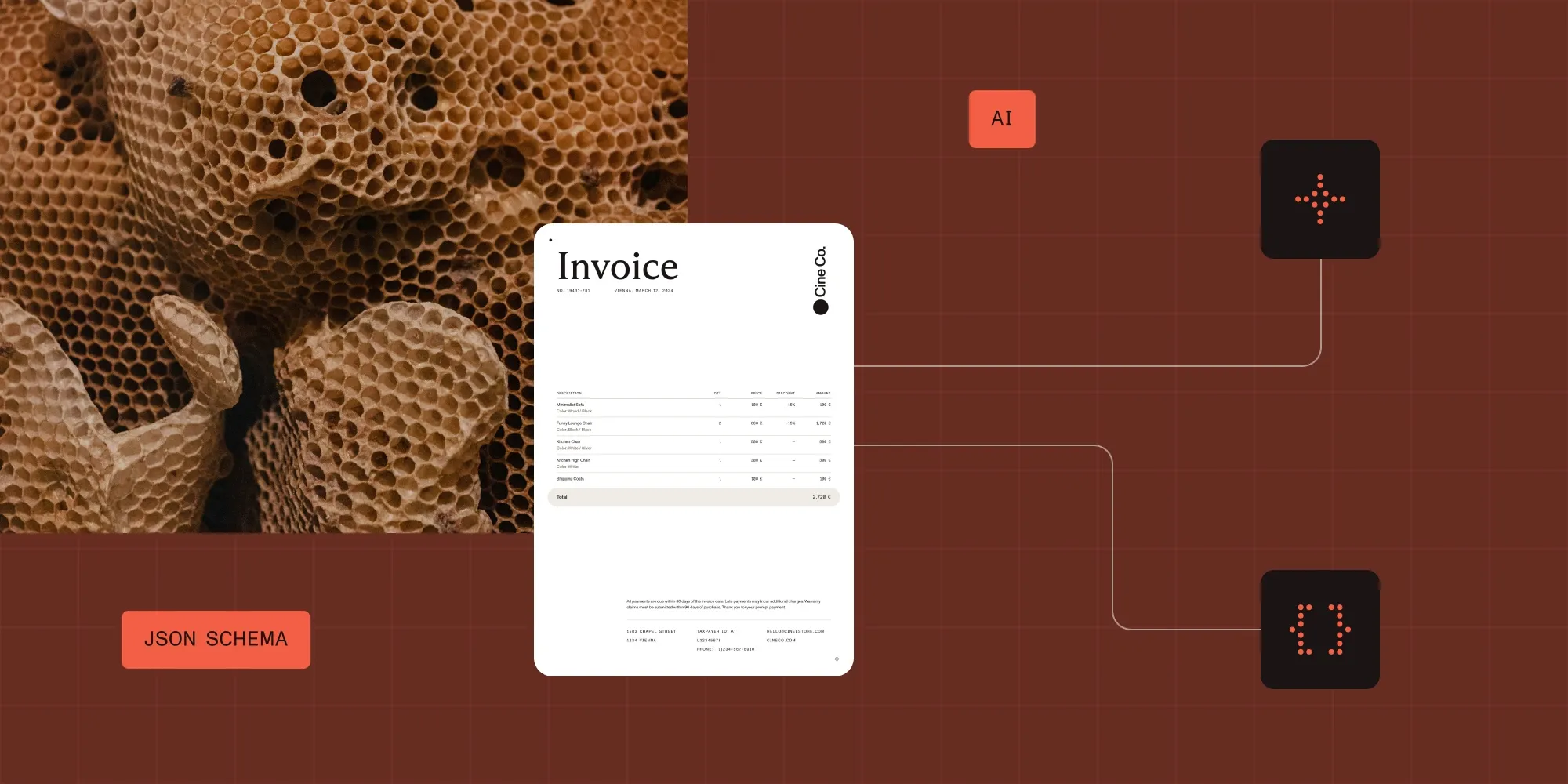
Choose a layout-aware API instead of a plain text engine: Google Cloud Vision returns document hierarchy, Amazon Textract returns block relationships, and ABBYY Vantage exposes document structure and extraction skills. Nutrient Data Extraction API returns spatial elements or Markdown and can map requested fields to a schema with source grounding.
Treat tables neutrally. Every platform should be tested on merged cells, borderless tables, repeated headers, rotated pages, and tables spanning pages. No language count predicts table quality.
CJK, RTL, and Devanagari scripts
Shortlist only products that explicitly list the required script and orientation. Google publishes script-level language status, Tesseract offers language and script packs including vertical CJK models, and ABBYY lists printed recognition languages individually. Nutrient Data Extraction documents Chinese, Japanese, Korean, Arabic, Hebrew, Hindi, and other Indic languages. Amazon Textract’s six-language limit rules it out for these scripts.
Enterprise NER extraction
ABBYY Vantage fits when a built-in NER activity and its supported entity-language matrix match the requirement; Nutrient Data Extraction fits better when the task is schema-directed field extraction with layout context and source grounding instead. Those are adjacent capabilities, not interchangeable product labels.
Lowest total cost
Don’t compare only license or per-page price. Tesseract removes usage fees but adds infrastructure, tuning, and support. Cloud APIs add usage charges but reduce engine operations. An embedded SDK changes cost with application licensing and device support. An extraction API may remove downstream parsing and review-interface work.
Model cost with your real page mix, retries, preprocessing, retention, and human-review rate. Check each vendor’s current pricing page before procurement, because billing units and tiers change.
Run a multilingual OCR proof of concept
Use the same labeled set for every candidate:
- Collect 30–50 pages per critical language and script. Include clean scans, mobile photos, low contrast, skew, mixed languages, and vertical text where relevant.
- Define the output contract before testing. Separate character accuracy, searchable-PDF quality, reading order, spatial coordinates, and field extraction.
- Measure character error rate and word error rate by language. Report each script separately so high-volume English pages don’t hide failures elsewhere.
- Score layout on headings, columns, lists, key-value pairs, and tables. Keep table results separate from text recognition.
- Test language detection with and without hints. A correct hint can help; an incorrect one can suppress valid text.
- Record latency, memory, transfer time, retries, and human-review rate. These determine operating cost.
- Inspect source grounding for extracted fields. Confidence is a relative signal, not proof that a value is correct.
The winner is the product that meets the required language and output thresholds at an acceptable operating cost. It may be a different product for mobile capture and server-side extraction.
FAQ
There is no single best product. Tesseract fits local, open source processing; Google and Azure fit broad managed OCR; Amazon Textract fits supported-language workloads in AWS; ABBYY fits enterprise OCR and NER; and Nutrient fits embedded PDF OCR, searchable-PDF APIs, or layout-aware data extraction. Test the required scripts on your own documents.
Choose an SDK that runs on-device and verify its platform-specific language list. Nutrient OCR SDK processes documents offline in its mobile SDKs and integrates OCR with PDF viewing and document interactions. Test device performance, language pack size, camera quality, and the exact scripts you need.
Google Cloud Vision, Tesseract, ABBYY Vantage, and Nutrient Data Extraction API document coverage for Chinese, Arabic, and Hindi or their associated scripts. Confirm vertical Chinese or Japanese, RTL reading order, handwriting, and mixed-language behavior separately. Amazon Textract doesn’t cover these languages.
ABBYY Vantage documents OCR structure plus a dedicated NER activity for a defined set of languages and entity types. Nutrient Data Extraction API is an alternative when the need is schema-directed fields, spatial layout, and per-field confidence with source grounding. Run both against the same labeled documents and output contract.
Use OCR when you need recognized text or a searchable PDF. Use a document extraction API when downstream software needs reading order, coordinates, tables, key-value regions, or fields mapped to a schema. Many extraction APIs run OCR as one stage, but their main value is the structure after recognition.
Build a labeled sample for every critical language and script. Measure character and word error rates separately, score layout and fields independently, and include degraded scans and mobile photos. Vendor language lists create the shortlist; your documents decide the purchase.