How to chat with your PDF using RAG

Table of contents
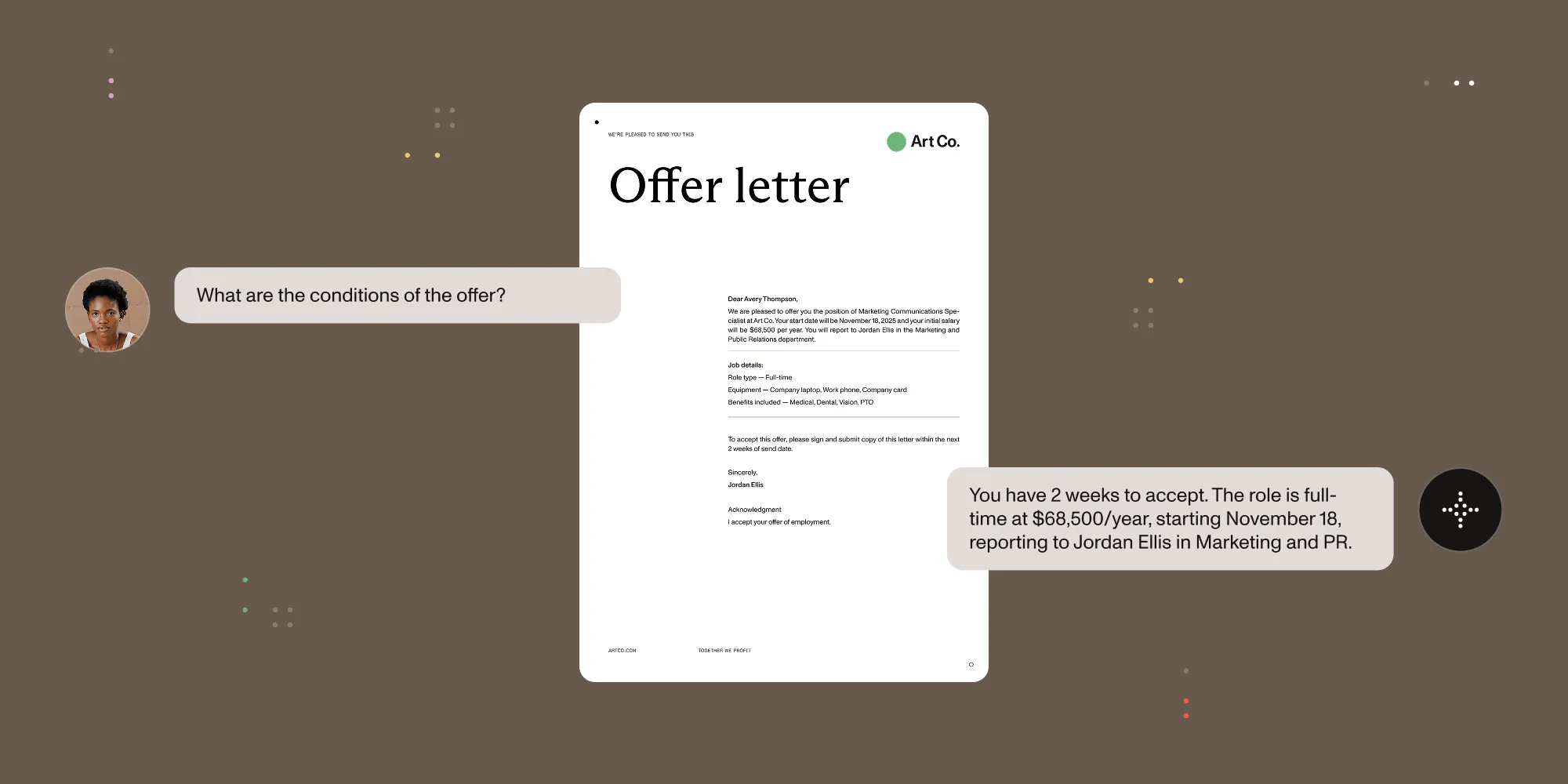
- Chatting with a PDF lets a user ask it questions in natural language and get answers grounded in its content.
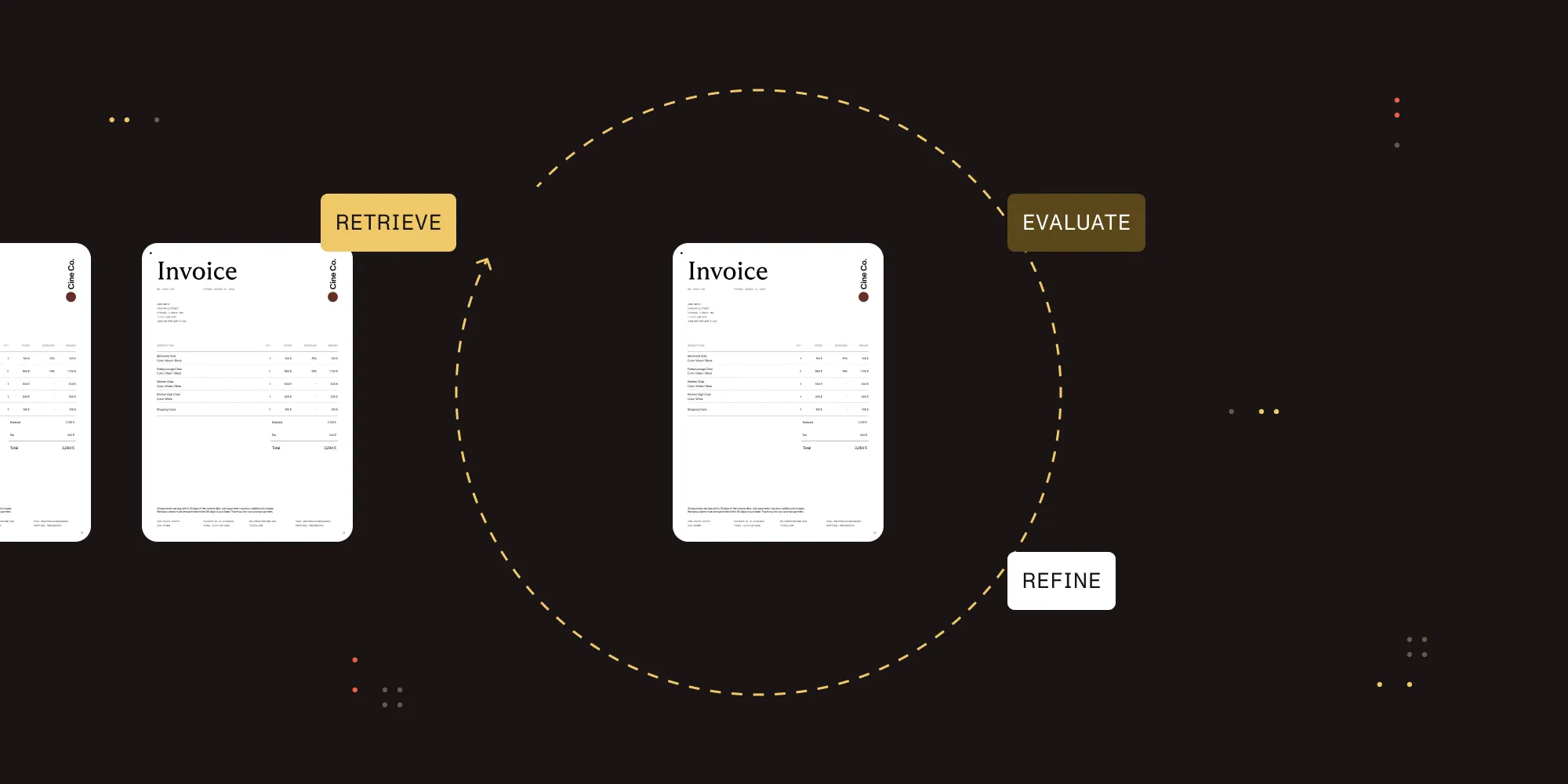
- Under the hood, it’s retrieval-augmented generation (RAG): Extract the PDF’s content, split it into chunks, embed them, retrieve the relevant chunks for a question, and let a large language model (LLM) answer from them.
- The build is short. The accuracy problem is upstream: A PDF with tables, scans, or multicolumn layout has to be extracted correctly first, or the model answers from broken input.
- This guide covers how it works, how to build one, and how to skip the plumbing with Nutrient AI Assistant.
Chat-with-PDF tools let you upload a document and ask it questions like “what’s the penalty clause?”, “summarize section 4”, or “what was Q2 revenue?”, instead of scrolling through pages. Almost all of them work the same way: retrieval-augmented generation over the document’s text.
This article explains how that pipeline works, walks through building one, and covers the part that decides answer quality: getting clean content out of the PDF in the first place.
How chat with PDF works
A chat-with-PDF app is a RAG pipeline scoped to one document (or a small set). The flow is outlined below.
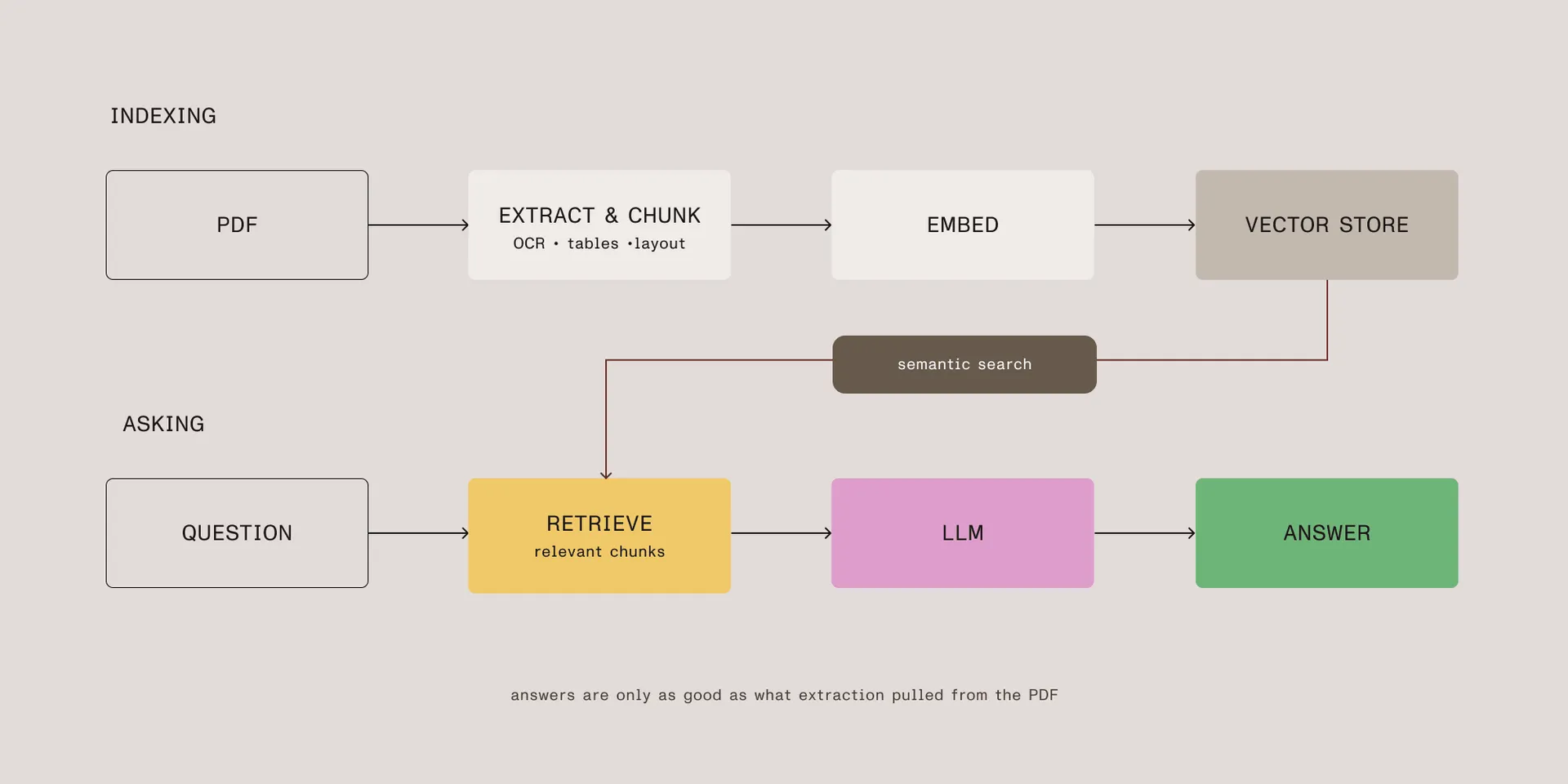
- Extract the text (and tables, and any text from scanned pages) from the PDF.
- Chunk the content into passages small enough to embed and retrieve.
- Embed each chunk into a vector and store it.
- Retrieve the chunks most relevant to the user’s question.
- Generate an answer with an LLM, passing the retrieved chunks as context.
The model never “reads” the whole PDF on each question. It answers from the handful of chunks retrieval pulled, which is why both chunking and extraction matter as much as the model.
Building a chat-with-PDF app
Here’s a minimal version with LangChain(opens in a new tab): Load a PDF, index it, and answer questions with an agent that retrieves on demand.
You’ll need:
- Python 3.10+
- An OpenAI API key set as
OPENAI_API_KEY - The required packages —
pip install langchain langchain-community langchain-openai langchain-text-splitters pypdf
from langchain_community.document_loaders import PyPDFLoaderfrom langchain_text_splitters import RecursiveCharacterTextSplitterfrom langchain_openai import OpenAIEmbeddingsfrom langchain_core.vectorstores import InMemoryVectorStorefrom langchain.chat_models import init_chat_modelfrom langchain.agents import create_agentfrom langchain.tools import tool
# 1. Extract and chunk the PDF.pages = PyPDFLoader("contract.pdf").load()splits = RecursiveCharacterTextSplitter(    chunk_size=1000, chunk_overlap=200).split_documents(pages)
# 2. Embed and store the chunks.vector_store = InMemoryVectorStore(OpenAIEmbeddings(model="text-embedding-3-small"))vector_store.add_documents(splits)
# 3. Give an agent a retrieval tool.@tool(response_format="content_and_artifact")def search_pdf(query: str):    """Retrieve passages from the PDF relevant to the query."""    docs = vector_store.similarity_search(query, k=4)    return "\n\n".join(d.page_content for d in docs), docs
model = init_chat_model("gpt-4o-mini", model_provider="openai")agent = create_agent(    model,    tools=[search_pdf],    system_prompt=(        "Answer questions about the PDF using the search tool. "        "If the retrieved passages don't contain the answer, say you don't know."    ),)
# 4. Ask.result = agent.invoke(    {"messages": [{"role": "user", "content": "What is the penalty clause?"}]})print(result["messages"][-1].content)
That’s a working chat-with-PDF backend for a clean, born-digital PDF. Wrap it in a chat UI and you have the app.
The part that decides accuracy: Extraction
Step 1, PyPDFLoader, is where this breaks on real documents. A loader that pulls the raw text layer works for a born-digital report. It fails on the documents people actually want to chat with:
- Scanned PDFs have no text layer, so the loader returns empty pages. Without optical character recognition (OCR), there’s nothing to index.
- Tables get flattened into a run of numbers, so “what was Q2 revenue?” retrieves a chunk where the figure has lost its label.
- Multicolumn and complex layouts come out in the wrong reading order, so chunks mix unrelated text.
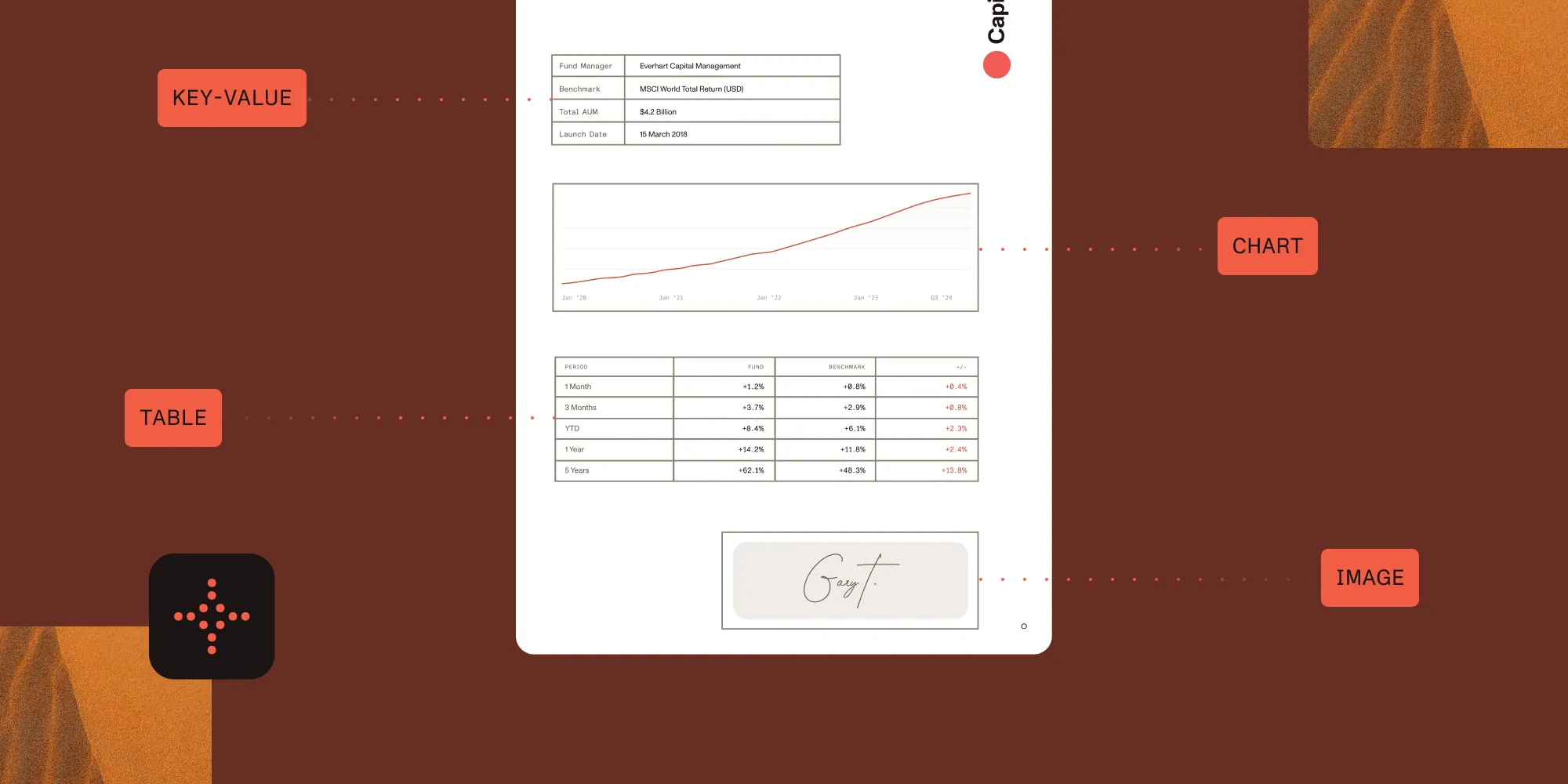
When that happens, the model isn’t wrong; it’s answering faithfully from broken input. The fix is to replace naive text loading with real extraction: OCR for scans, table detection that preserves structure, and layout-aware reading order.
Swap the loader for an extraction step that handles those cases. Nutrient’s Data Extraction API returns clean Markdown — with OCR, tables, and reading order already resolved — which you chunk and embed exactly as before:
import requestsfrom langchain_text_splitters import RecursiveCharacterTextSplitter
# Replace PyPDFLoader with extraction that runs OCR, detects tables,# and preserves reading order, returning Markdown.response = requests.post(    "https://api.nutrient.io/extraction/parse",    headers={"Authorization": "Bearer your_api_key_goes_here"},    files={"file": open("contract.pdf", "rb")},    data={"instructions": '{"mode":"understand","output":{"format":"markdown"}}'},)markdown = response.json()["output"]["markdown"]
# Chunk the extracted Markdown, then embed and index as before.splits = RecursiveCharacterTextSplitter(    chunk_size=1000, chunk_overlap=200).create_documents([markdown])
Everything downstream stays identical. The chunks are just built from content that survived extraction, so the table figure and the scanned clause are actually in the index when the agent goes looking.
Try the Data Extraction APIIf your documents include scans, tables, or forms, extraction quality sets the ceiling on answer quality. Nutrient’s AI document and data extraction SDK handles OCR, intelligent character recognition (ICR), table detection with cell-level coordinates, and layout-aware reading order, returning structured output you can chunk and embed. The same problem on the retrieval side is covered in our multimodal RAG and agentic RAG posts.
Skipping the plumbing with a managed AI Assistant
Build the pipeline yourself when you need control over chunking, the model, and the vector store. If you’d rather not run that stack, a managed document AI handles the retrieval, model orchestration, and UI for you.
| Build it yourself | Managed AI Assistant | |
|---|---|---|
| Setup | Wire up extraction, chunking, embeddings, a vector store, and a chat UI | Drop-in backend service your viewer connects to |
| Control | Full control over chunking, model, and vector store | Opinionated defaults, less to tune |
| Extraction (OCR, tables, scans) | You integrate it yourself | Built in |
| Chat UI | You build it | Included with the document viewer |
| LLM provider | Any | OpenAI, Azure OpenAI, AWS Bedrock, and Anthropic |
| Maintenance | You own the stack | Managed for you |
| Best when | You need a custom pipeline | You want to ship fast |
Nutrient AI Assistant does this. It runs as a backend service your document viewer connects to, works with major LLM providers (OpenAI, Azure OpenAI, AWS Bedrock, and Anthropic), and is available for web, iOS, Android, and Flutter. Through it, users can:
- Ask questions and get context-aware answers from the document.
- Summarize long documents or specific pages.
- Translate content into other languages.
- Redact sensitive information through natural-language commands.
- Compare versions and categorize the differences.
Pair it with the Web SDK so the chat sits next to a real document viewer. The getting started guides and an open source demo(opens in a new tab) cover setup.
Other no-build options
- Nutrient PDF Editor for Claude Cowork lets you chat with and edit PDFs inside Claude, with no signup.
- Document Engine MCP Server lets AI agents like Claude process documents through natural-language commands.
FAQ
Chat with PDF lets you ask a document questions in natural language and get answers drawn from its content instead of reading it manually. It works through retrieval-augmented generation (RAG): The PDF is extracted, split into chunks, and embedded. Then the chunks most relevant to your question are retrieved and passed to an LLM that answers from them.
Extract the PDF’s text, split it into chunks, embed and store them in a vector store, retrieve the chunks relevant to each question, and have an LLM answer from them. The code above shows a minimal LangChain(opens in a new tab) version.
Most often, the document wasn’t extracted correctly: A scanned page returned no text, or a table was flattened into a run of numbers. The model answers from whatever was indexed, so fix extraction before blaming the model.
Yes, but only if extraction runs OCR and table detection first. A plain text-layer loader returns nothing for a scanned page and flattens tables, so the answer is already missing before retrieval runs.
Build it when you need control over chunking, the model, and the vector store, or when you have to keep documents on your own infrastructure. Use a managed AI Assistant when you want to ship fast without running the retrieval stack yourself.
Any model works if you build the pipeline yourself. Nutrient AI Assistant works with OpenAI, Azure OpenAI, AWS Bedrock, and Anthropic, so you’re not locked into one provider.
Conclusion
Chatting with a PDF is RAG pointed at a single document: extract, chunk, embed, retrieve, answer. The pipeline is a few lines of code, and the model does the visible work, but the answers are only as good as what extraction pulled out of the PDF. A flattened table or a skipped scan produces confident, wrong answers, no matter which model you use.
Get extraction right with the AI document and data extraction SDK, or skip the stack entirely with the managed AI Assistant. Contact our team to talk through your use case.