Nutrient document decision: Why we built a decision model for documents


Table of contents
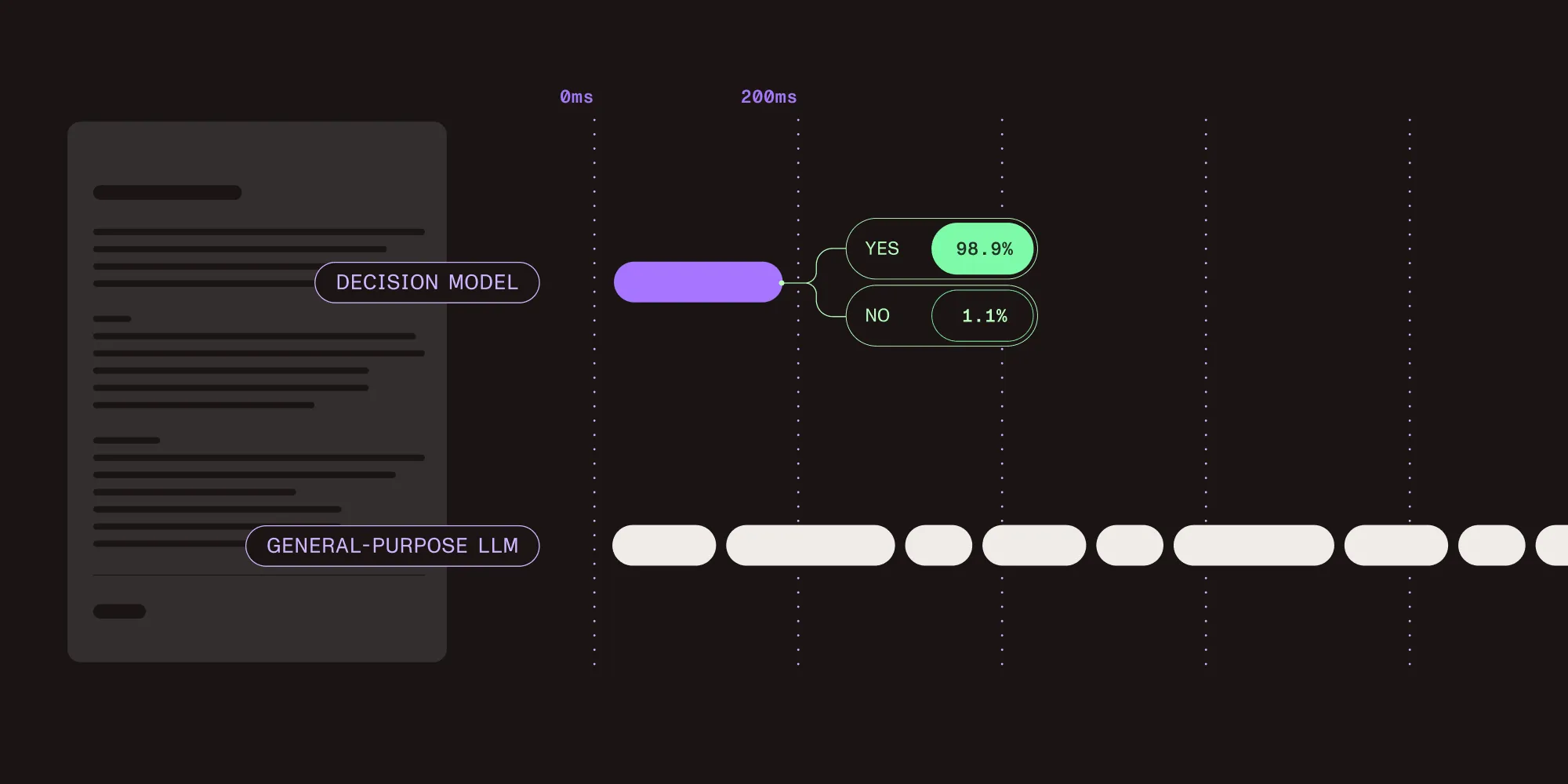
Most questions asked about a document don’t need an essay in reply. Is this file an invoice or a contract? The answer is one of a few fixed options, yet the usual way to get it is to send the whole document to a general-purpose large language model (LLM) and wait while it writes a reply, one token at a time.
The Nutrient document decision model reads a document, both the page image and the text, and returns a choice and a score instead of generated text. Decision models are a new class of models that return typed answers with a score. Typesafe AI’s Jev showed what the architecture can do, and Nutrient’s model is tuned for document tasks.
Austin Nguyen, an artificial intelligence (AI) engineer at Nutrient, built the model.
- What it is — A document model that answers yes-or-no, multiple-choice, and scoring questions, each with a score. It reads the page image as well as the text.
- What it powers — Result checks for the Data Extraction API extract endpoint, plus the classify and split endpoints.
- Speed — About 200 ms per answer. In DWS, about 0.5 to 1 second per document for classify and about five seconds for split.
- Try it — The AI Gateway playground(opens in a new tab) or the demo on Hugging Face(opens in a new tab).
Watch a short overview of how decision models make document AI faster and cheaper.

Decision model vs. LLM at a glance
| Decision model | General-purpose LLM | |
|---|---|---|
| Output | A choice (true or false, a label, a rating) plus a score | Generated text |
| Explains its answer | No | Yes |
| Multistep reasoning | Weaker | Stronger |
| Speed | Around 200 ms per answer | Depends on the model and the length of the reply |
| Best for | Verifying extracted data, classifying documents, splitting merged PDFs, routing | Explanations, summaries, and anything that needs written output |
Interview with Austin Nguyen
We asked Austin why Nutrient trained its own model instead of relying on a large general-purpose one, what the score means, where the model falls short, and what it already powers in Nutrient DWS. This interview has been edited for length and clarity.
What is a decision model?
A decision model is like an LLM that can read but not write. You can talk to it, and it understands what you’re saying, but it can only respond in choices. It’s kind of like a Ouija board.
Why replace the general-purpose LLM in Workflow Automation?
There were two reasons. The first was latency and cost. An LLM has to generate every word of its answer, which adds latency downstream in our application and extra cost for our users. Switching to the decision model cut both latency and cost while keeping the accuracy of the decision. It answers in about 200 ms, where an LLM can take more than two seconds, depending on the model and the task.
The second reason is more nuanced. For our customers, a decision in Workflow Automation isn’t always binary, like a yes-or-no answer. Sometimes, the AI is asked to rate how confident it is in an answer, or to rank requests. With an LLM, you just ask it to come up with a number. With a decision model, you can look inside the model’s internals and get a calibrated score.
Why build your own model instead of using a large general-purpose one?
For specialized tasks like document processing, the right dataset lets a much smaller model get results similar to a general-purpose model. That cuts cost and increases speed.
Why does reading the page image matter?
During testing, we noticed that for a lot of document use cases, text alone isn’t enough. Take classifying figures or charts in a document. That task is highly visual: Even if you extract all the text from a graph, that might not be enough to tell a bar chart from a pie chart.
Splitting merged PDFs is another example. To know where one document ends and the next begins, the model needs both textual and visual information.
What does the score mean?
The score is the model’s confidence in a given answer, and it’s calibrated to match the probability that the model is right. To calibrate it, we run the model on a separate evaluation dataset and tune the confidence score against how often its answers are actually correct.
Why one model rather than three specialists?
The model was benchmarked on three tasks: checking whether a value is supported by the document, classifying documents, and splitting merged PDFs.
The goal of the model isn’t only to solve those three tasks. During training, we made sure the model can generalize to other document tasks. One thing we’re experimenting with is multimodal retrieval for our agentic harness.
How is it different from Typesafe AI’s Jev?
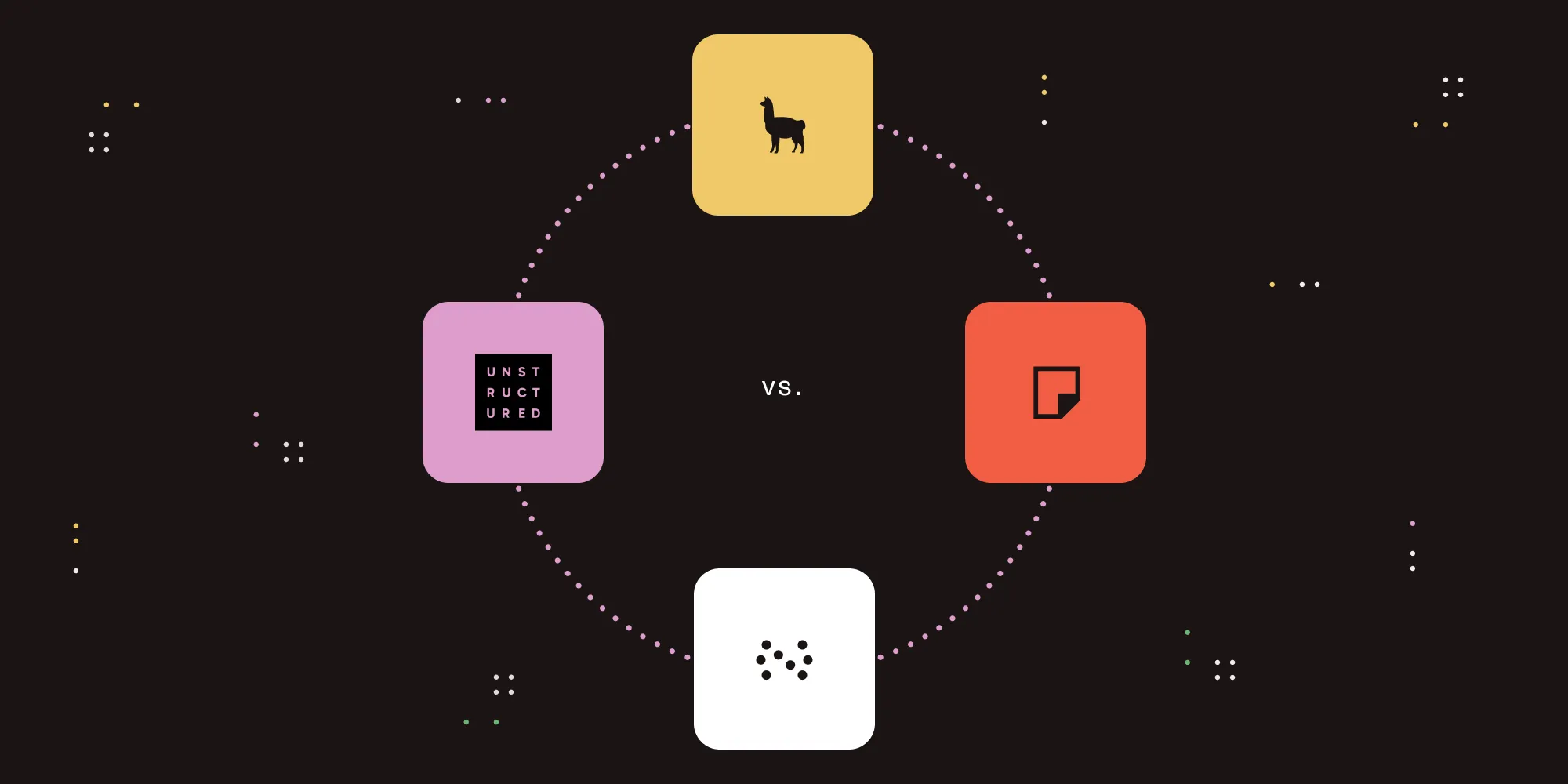
Compared with Typesafe AI’s Jev model, our model adds image input, and we tuned it specifically for tasks on document inputs.
Since this interview, Typesafe AI has added image input to Jev.
Why is splitting merged PDFs so hard?
Splitting merged PDFs shows the biggest gap in the benchmarks: 96.2 percent F1, compared with 63.7 percent for Jev.
Our customers in the financial sector need to split invoices that were merged earlier. Invoices are similar to each other, so the text doesn’t carry much signal about where a split happens. Visual information can detect breaks in things like fonts, branding, icons, and styles.
What do the results on untrained tasks show?
The model also did well on tasks it was never trained for, such as comparing two optical character recognition (OCR) results and picking the relevant chunks in a retrieval-augmented generation (RAG) pipeline.
What surprised us when evaluating the model is that even on tasks it never saw in training, it performed close to models built for those tasks. That tells us the model’s weights have shifted toward a better fit for document tasks.
Why publish the benchmarks openly?
One of our founding principles when training models is to have a public benchmark for the results. That way, we can be transparent with our partners about what our models can do, and we invite the wider community to engage with the field.
The results are public on four Hugging Face leaderboards: grounding(opens in a new tab), document classification(opens in a new tab), open-vocabulary classification(opens in a new tab), and document split(opens in a new tab).
Where is the model weaker?
The main advantage of a decision model over an LLM is also its main drawback. Because the model only outputs choices and scores, it can’t give a text explanation for its answer if a use case needs one. And because the model has no reasoning layer, it does worse on tasks that need multistep reasoning.
What should a developer do if they need an explanation?
If the use case needs text output, you still need something like an LLM. But decision models and LLMs aren’t substitutes; they can complement each other. For example, you can design a system that uses a decision model as a router, picking out the cases where an LLM should generate extra diagnostic information.
How fast is it compared with an LLM or a single-task model?
It depends on the size of the LLM or the single-task model you compare it with, as well as your hardware and input size. For a single answer from our decision model, you can expect latency of around 200 ms.
A full DWS call asks the model more than one question, so it takes longer: about 0.5 to 1 second per document for classify and about five seconds for split.
What does the model power in DWS at launch?
The model enhances existing features in DWS. It checks the results of our extraction endpoint, and it supports our classification and document split endpoints.
How do developers use it?
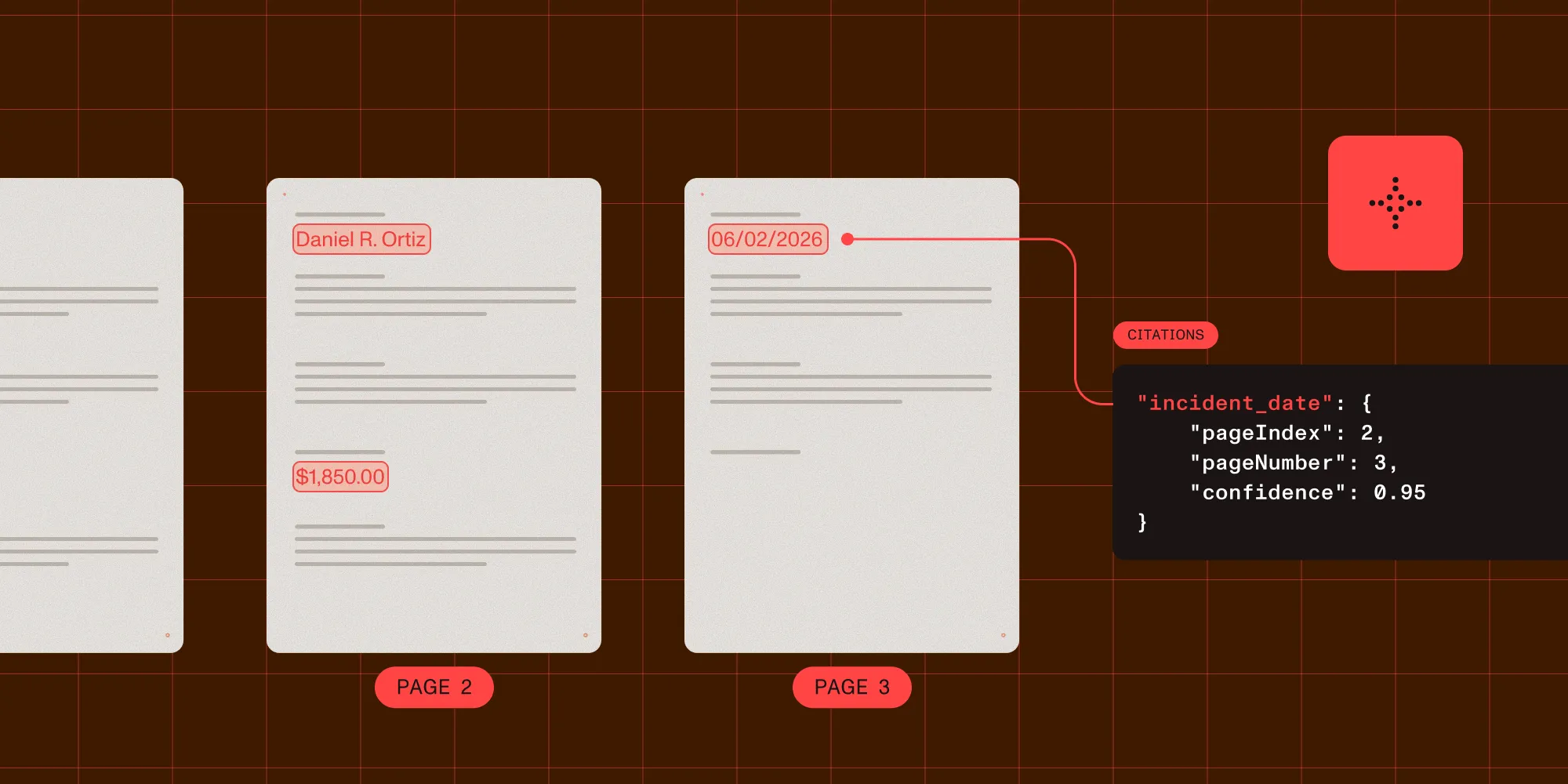
You use it through DWS. It’s the default model behind our classification and document split endpoints, and the /extraction/extract endpoint in the Data Extraction API gets the same upgrade: The extracted JSON is compared back to the document to catch mistakes. To call the model directly, use the decision API in the AI Gateway.
Where can I see it in action?
The demo page(opens in a new tab) has an example of checking whether an extracted claim is supported by the source text. On the demo, it’s called grounding.
What’s next?
Next comes a combination of more languages, more speed, and more tasks. What Typesafe AI did was show the community a new model architecture that trades away an LLM’s ability to speak for very fast output. I believe it’s our job to build on that innovation to improve the AI we offer our customers.
What’s the one thing to remember?
At Nutrient, we’re releasing a Jev-like model that takes both text and images as input and is tuned for document tasks.
When to use a decision model
Use a decision model when a question has a fixed set of answers and the workflow needs that answer fast: verifying extracted data, classifying documents, splitting merged PDFs, and approving or rating requests in an automated workflow.
When the output has to be written text, such as an explanation, a summary, or a draft, an LLM is still the right tool. The two also work well together: A decision model can act as a router that sends only the cases needing a written answer to an LLM, which keeps most requests fast and cheap.
Try the model
Many document workflows come down to a long series of small, structured questions. A model that answers them with a choice and a score and reads the page while it does is faster and cheaper than one that writes every answer out. General-purpose LLMs stay the right choice for work that needs language, and a model built for decisions can take the rest.
The model already checks extraction results and supports the classify and split endpoints in Nutrient DWS. To see it in action, try the Hugging Face demo(opens in a new tab), read the model card(opens in a new tab), or see the benchmark charts on the AI models page. To call the model from your own code, get your API key(opens in a new tab) for Nutrient AI Gateway.