Private document AI: Local processing with Nutrient

Table of contents
Local layout analysis and structured extraction in the Nutrient Python and Java SDKs — no hosted model required.
Private document AI processes documents with models running on infrastructure the organization controls. Nutrient’s intelligent content recognition (ICR) engine provides local layout analysis and structured extraction through its Python and Java SDKs. Prepare models and offline licensing before disconnecting the environment, validate results against source pages, and approve any data sent to an external vision language model (VLM) endpoint.
A document extraction service may need to read patient records, signed contracts, or financial statements. Before choosing a model, establish where that content is allowed to be processed and who may access it.
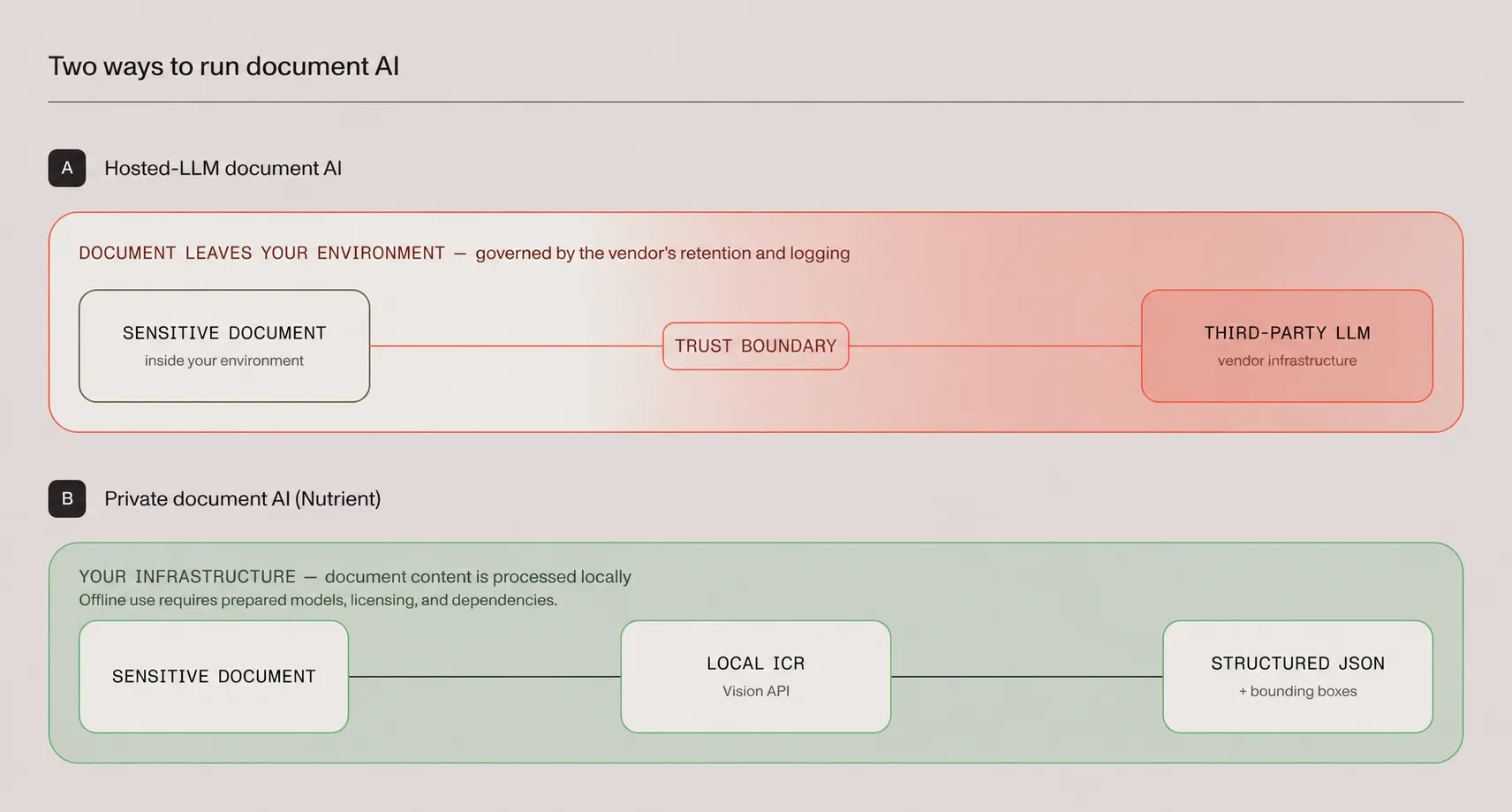
Nutrient’s local ICR engine is a starting point for teams whose policies require processing on their own infrastructure. It extracts document structure without sending content to a hosted large language model (LLM). Running fully offline also requires preparing the surrounding application, model resources, and licensing.
Compare data handling and extraction quality separately
A hosted deployment requires reviewing the provider’s retention, logging, training, access, and regional processing terms, and the organization still has governance responsibilities. A local deployment gives direct control over infrastructure, but the application must enforce access rules and manage logs, backups, and retention.
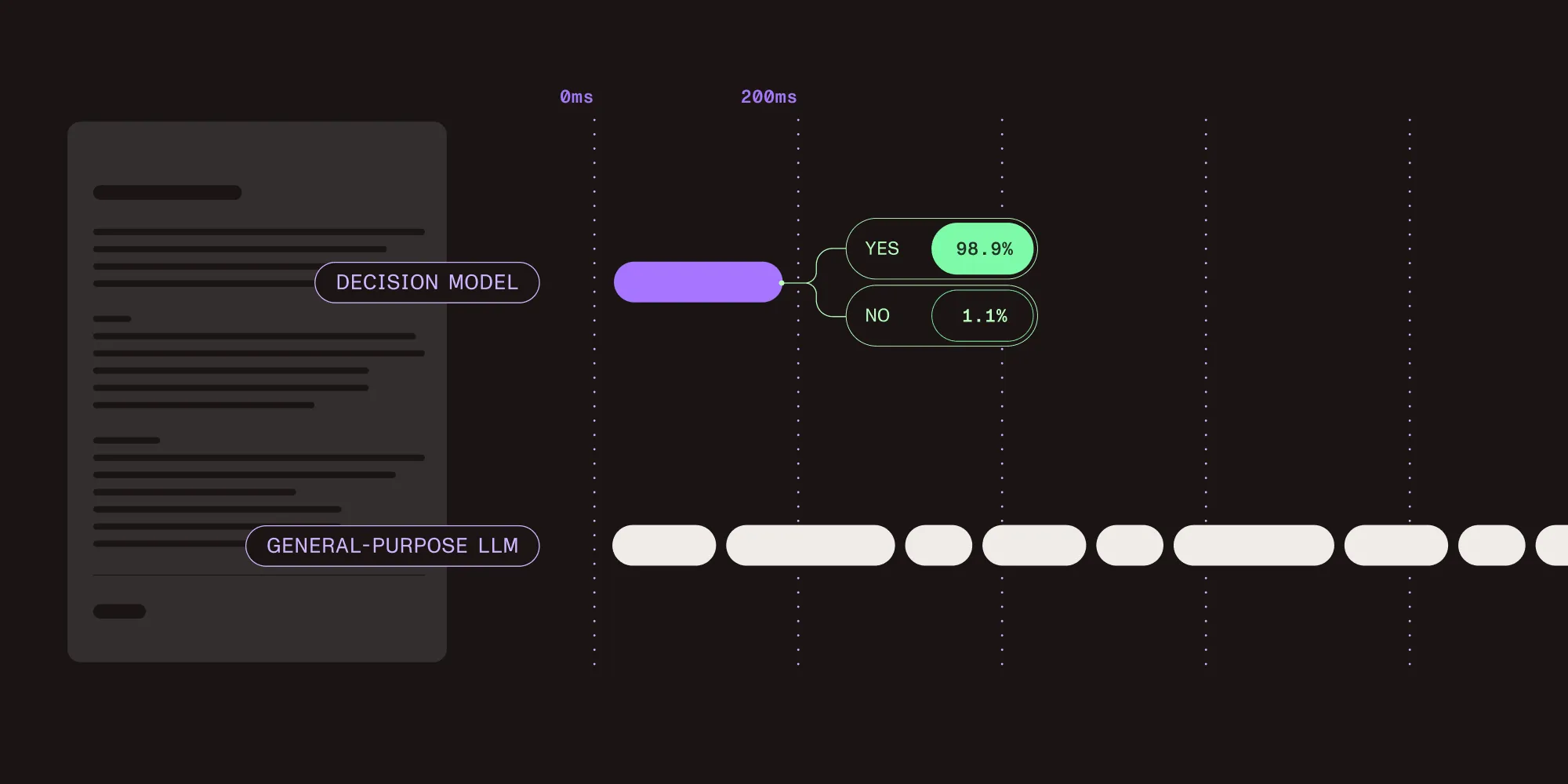
Hosting location doesn’t determine whether extracted values are accurate or reproducible. General-purpose LLM responses can vary across runs, while document extraction systems may add structured output and source references. Test the actual pipeline, because local models can also vary between runs.
| Dimension | Hosted processing | Local processing with Nutrient ICR |
|---|---|---|
| Processing location | Provider infrastructure; verify the service and region | Self-operated infrastructure |
| Data governance | Organizational controls plus provider terms and configuration | Organizational infrastructure and application controls |
| Source traceability | Depends on the extraction service and output format | Structured JSON includes coordinates for detected elements |
| Output validation | Test accuracy and repeatability on representative documents | Test accuracy and repeatability on representative documents |
| Offline operation | A remote service requires connectivity | Prepare model resources, licensing, and dependencies first |
For healthcare workloads, the Health Insurance Portability and Accountability Act (HIPAA) doesn’t categorically prohibit cloud processing. The HHS cloud guidance(opens in a new tab) describes requirements such as appropriate business associate agreements and safeguards. Choose local processing when the organization’s deployment and data-handling requirements call for it; location alone doesn’t establish compliance.
What private document AI requires
Three parts of the deployment need attention: the extraction engine, its surrounding services, and the output reviewers use.
Local extraction models
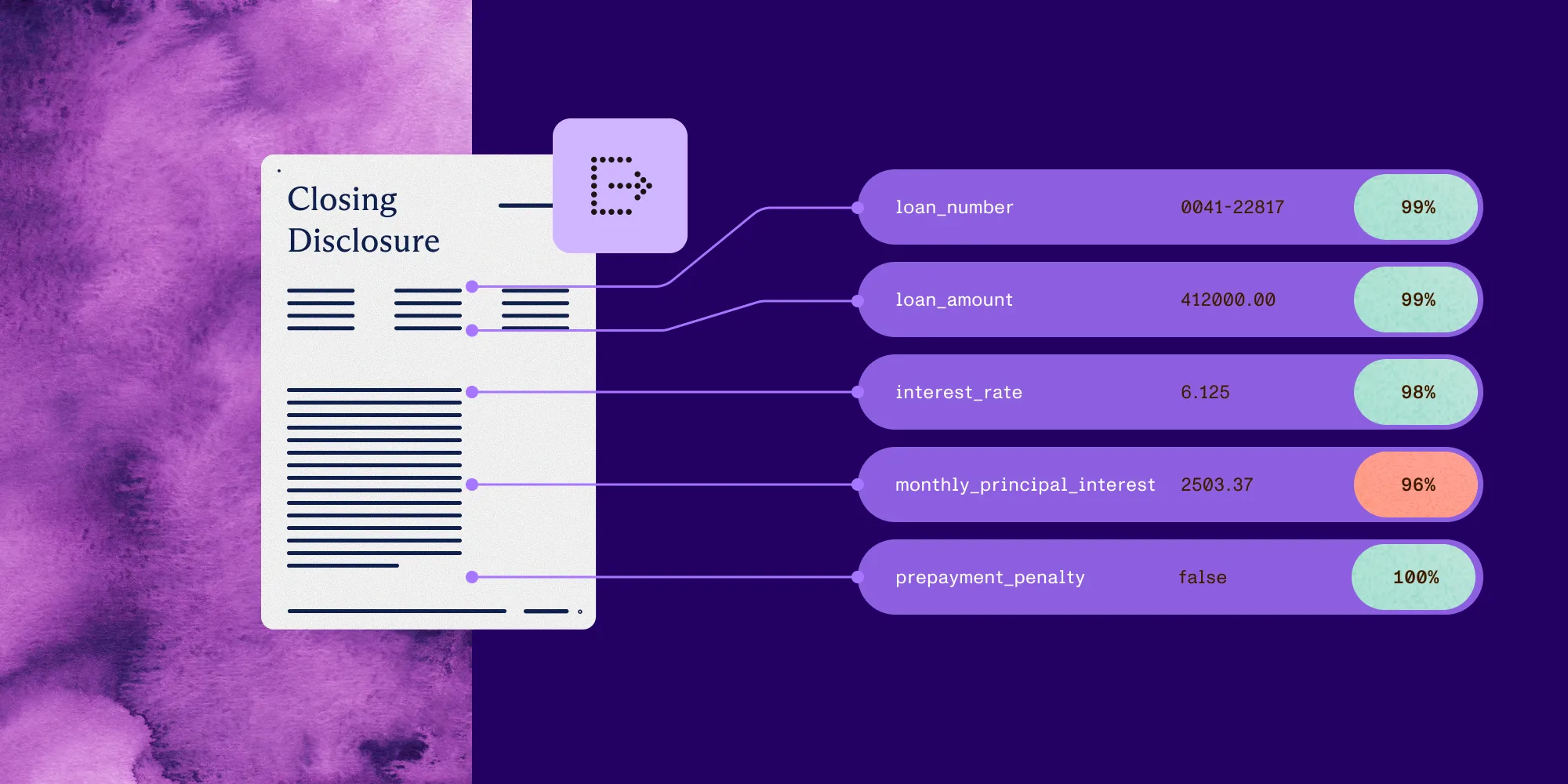
Nutrient’s ICR engine analyzes document layout, detects tables and other semantic elements, calculates reading order, and returns structured JSON with coordinates. ICR is the default Vision engine in the Python SDK. The document extraction pipeline guide covers Python and Java integration.
The following example selects ICR explicitly and extracts a JSON string. It assumes the SDK and required model resources are installed, the license is configured for the intended deployment, and the input image is available locally:
from nutrient_sdk import Document, Vision, VisionEngine
with Document.open("patient-record.png") as document:    # ICR runs locally and is the default engine    document.settings.vision_settings.engine = VisionEngine.ICR    vision = Vision.set(document)    content_json = vision.extract_content()  # structured JSON, all processing stays local
The first ICR operation can download required models. Follow the model warmup guide to prepare those resources before offline deployment. The extraction call above covers only the extraction step, not the full offline setup.
Self-hosted surrounding services
The SDK can run within an application; Document Engine isn’t required to execute this Python example. If the application also needs a document backend for storage, rendering, or processing, evaluate self-hosted Document Engine separately.
Document Engine’s standard online license periodically contacts Nutrient and sends anonymous usage analytics. An offline license avoids those calls. Refer to the product activation guide for offline license requirements, including the distinction between production and development keys. Check other dependencies, monitoring endpoints, and viewer assets before treating the full application as air-gapped.
Traceable output and validation
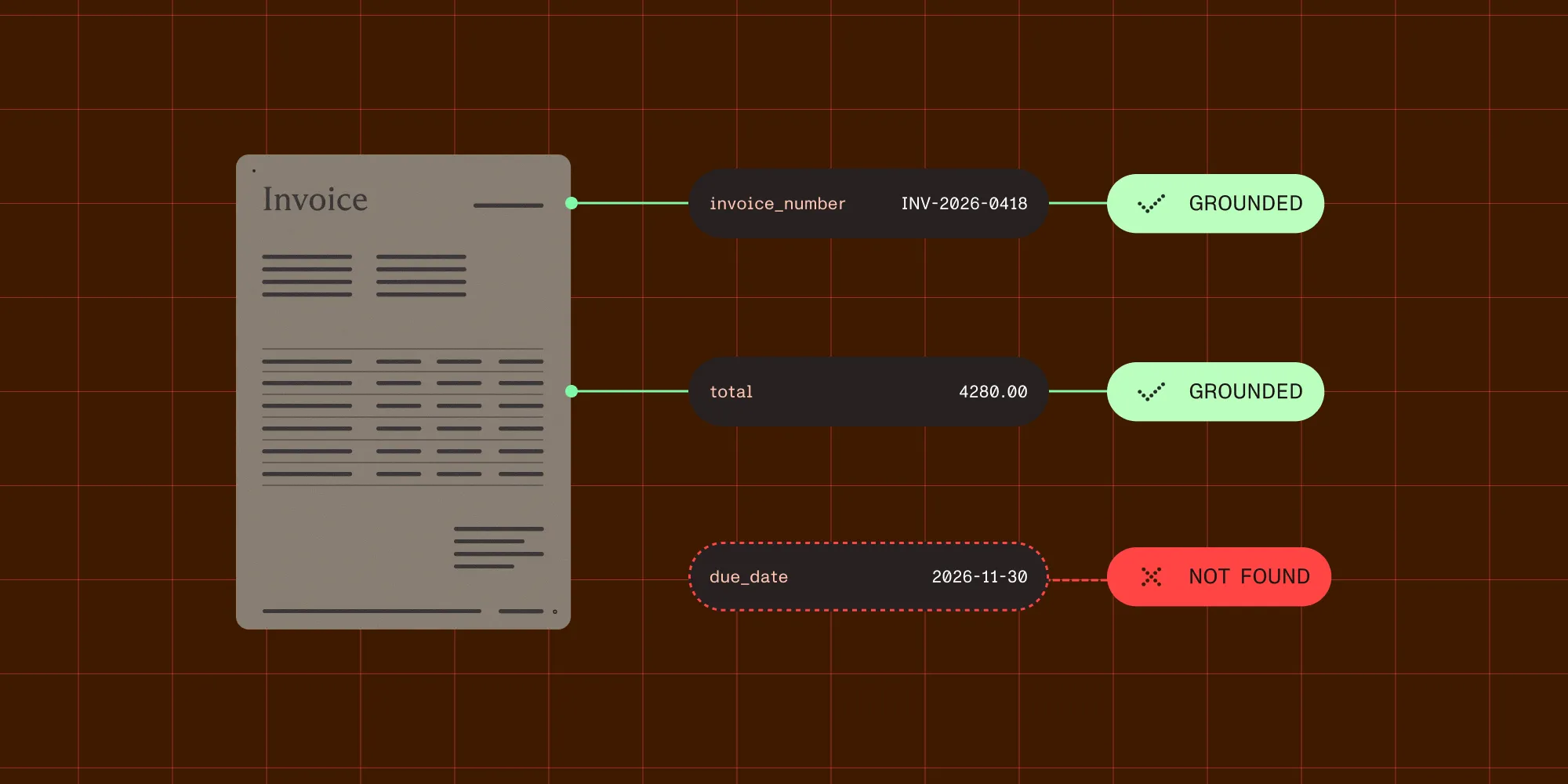
ICR returns coordinates for detected document elements so reviewers can locate extracted content on the source page. This supports review interfaces and error investigation. A coordinate shows where a value came from, not that the value is correct or that repeated runs will match.
Test representative documents against expected values. Include poor scans, handwriting, rotated pages, and complex tables where relevant. Record the SDK version, model resources, and extraction settings, and route uncertain or invalid results for review before updating a system of record.
Where local processing is useful
Evaluate local extraction where a document policy or deployment requirement limits external processing:
- Healthcare — Process protected health information within the chosen environment while maintaining the access, retention, and other safeguards the workflow requires.
- Financial services — Apply approved residency and retention controls to statements, customer verification documents, and loan files.
- Legal and government — Support restricted networks or air-gapped environments when the specific contract or system requires them.
These requirements vary by organization and workload. Use them to define an acceptance test for the deployment.
Start a free trial Talk to our teamChoose a local or hosted VLM
If testing shows that ICR needs help with a document type, evaluate VLM-enhanced extraction. By default, it uses a local provider that runs a vision model inside the SDK process, with no API key, endpoint, or separately managed model server. The first request downloads the model files and caches them, so include them in offline preparation. Local VLM processing needs a supported GPU with at least 10 GB of available memory.
To use a different model, the SDK can connect to an OpenAI-compatible server — such as LM Studio, Ollama, or vLLM — that can also run on local infrastructure. Running that server on your own infrastructure keeps VLM enhancement in-house.
For a hosted endpoint, establish exactly what the configured pipeline sends before approving sensitive documents. Keeping the original file on disk doesn’t by itself mean its content stays private: Extracted text or derived images can also contain sensitive information. Don’t treat “layout data” as an assurance that a payload is nonsensitive.
Review the chosen endpoint’s payload, retention, logging, and regional processing behavior. Approve that data flow explicitly, and compare extraction quality with local ICR on a representative document set. For an air-gapped deployment, use only endpoints and dependencies available within the isolated environment.
Prepare and verify an offline deployment
Use this checklist before disconnecting the environment:
- Prepare model resources — Download and cache the required ICR resources using the documented warmup procedure, plus the VLM model if the workflow uses VLM-enhanced extraction. Include them in the deployment process.
- Confirm licensing — Arrange the appropriate offline license for each product in use. For Document Engine, follow its offline production license requirements, even when testing an air-gapped instance.
- Inventory outbound connections — Check model endpoints, license validation, telemetry, storage, logging, and application assets.
- Test with outbound access blocked — Start the application and run representative extraction jobs. Check failures and attempted connections, including after a restart.
- Validate extracted results — Compare values and coordinates with expected results. Define review rules and measure throughput on the intended hardware before scaling.
Choose the Nutrient product for the deployment
Start with the product that matches the required processing environment and application behavior:
- Vision in Nutrient Python or Java SDK — Embed local ICR extraction in an application. Add VLM-enhanced extraction, which runs locally by default, only when the workflow needs it.
- Self-hosted Document Engine — Add a document backend for storage, rendering, and document processing when those services are needed. Validate its integration with the extraction application and configure it for the intended network environment.
- Data Extraction API — Use the hosted extraction service when provider-managed processing is permitted. It’s a hosted alternative, not a component that runs inside a private environment; evaluate its API and output against the deployment requirements separately.
For a private extraction proof of concept, start with local ICR and a representative document set. Confirm model preparation, licensing, and blocked-egress behavior before expanding the workflow.
Read the Athena Intelligence case study
FAQ
Private document AI processes documents with models running on infrastructure the organization controls. With Nutrient’s local ICR engine, an application can extract layout and structured content without sending documents to a hosted model. The surrounding application must also meet the organization’s data-handling requirements.
Yes, with the required preparation. Cache model resources, arrange offline licensing, and keep dependencies within the isolated environment. For Document Engine, use an offline production license and review its network requirements. Test the complete application with outbound connectivity blocked.
Yes. Nutrient’s VLM-enhanced extraction uses a local provider by default, which runs a vision model inside the SDK without an API key or a separate server. It can also connect to an OpenAI-compatible server — such as LM Studio, Ollama, or vLLM — running on local infrastructure. If a hosted provider is used instead, review and approve the data sent to it before processing sensitive documents.
No. Coordinates help locate extracted content on a source page. Accuracy and repeatability require separate validation using representative documents, expected results, and recorded model and SDK versions.
To process structured data at scale from a hosted endpoint instead, see the Data Extraction API. To keep everything in-house, start with the local extraction pipeline guide or get started with the Python SDK.