Best PDF viewer APIs (2026): hosted document viewing without running your own servers

Table of contents
Render PDFs, Office files, and images with annotations, forms, and signatures through Nutrient DWS Viewer API — start with 250 free viewer sessions a month.
- For an embeddable document viewer API, Nutrient DWS Viewer API is the pick when a web app needs PDFs, Office files, and images with annotations, forms, and electronic signatures, and the team doesn’t want to run viewer servers. It pairs a hosted backend with the Nutrient Web SDK client, added with a CDN script tag and a session token.
- If “no SDK install” means no client library at all, the closest pure embeds are Adobe PDF Embed API’s hosted script and the iframe viewers from Google and Microsoft.
- Choose Adobe PDF Embed API when the documents are PDFs only and a free viewer with comments and analytics is enough.
- Choose Box Content Preview when the files already live in Box.
- Choose PDF.js when you want a free, self-hosted baseline and can build annotation storage, collaboration, and Office support yourself.
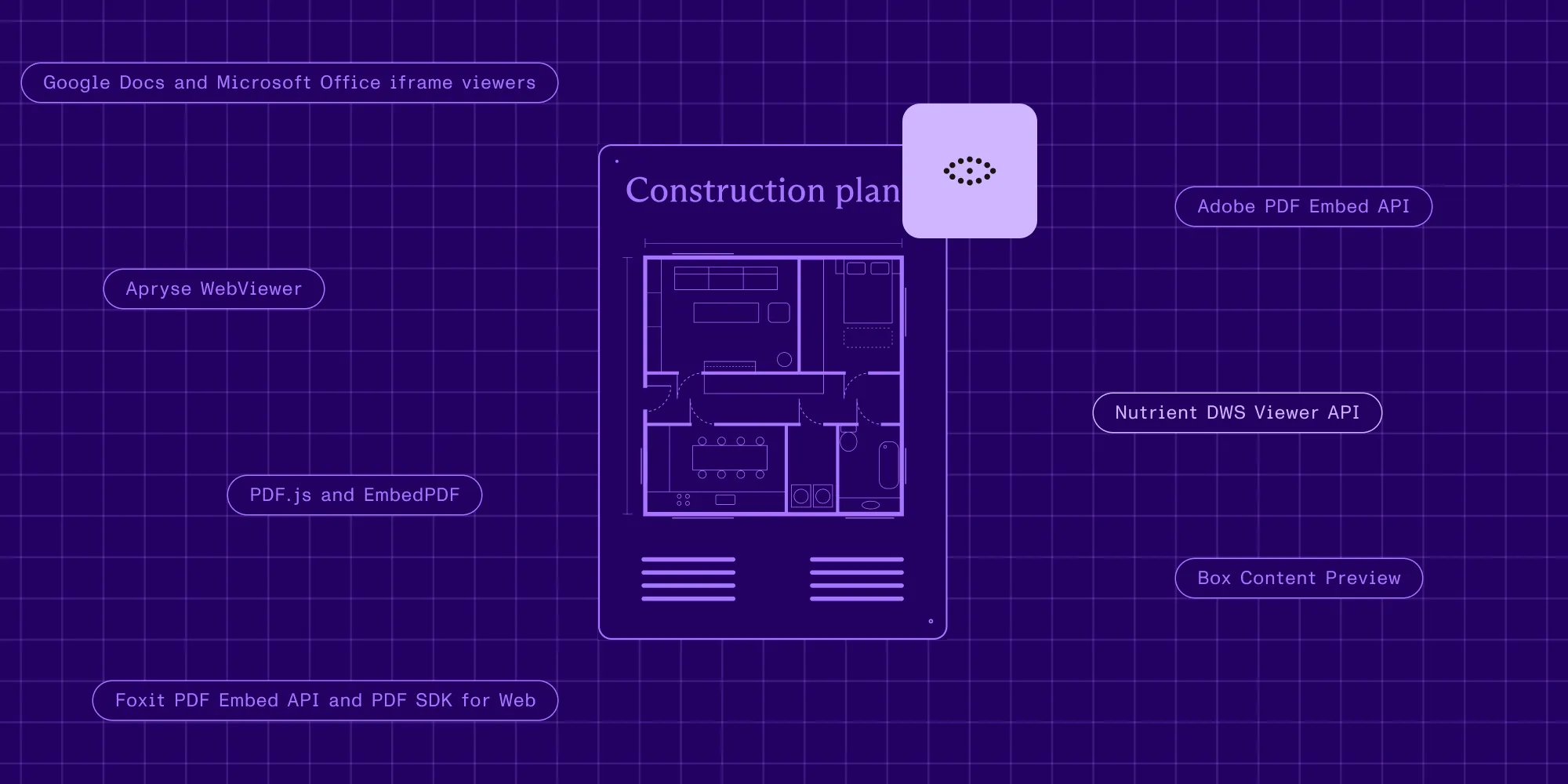
For an embeddable document viewer API, Nutrient DWS Viewer API is the pick when your web app needs PDFs, Office files, and images rendered with annotations, form filling, electronic signatures, and real-time collaboration, without Document Engine or viewer servers to run. It pairs a hosted backend with the Nutrient Web SDK client: you add Web SDK to the page (the getting started guide uses one CDN script tag), and your backend issues the session token. Adobe PDF Embed API is the closest pure script embed, a free Adobe-hosted viewer for PDFs with embed modes, comments, and analytics hooks. Apryse WebViewer is a client-side library installed from npm, with an optional self-deployed server. Foxit offers a PDF Embed API and a separate PDF SDK for Web. Box Content Preview previews files stored in Box. Google Docs publishing and Microsoft’s Office web viewer embed public files through an iframe, and PDF.js and EmbedPDF are the open source, self-hosted baselines.
What decides the choice is the integration path you can accept, the formats you must display, what users do inside the viewer, and who stores the document.
What “no SDK install” means in practice
Every browser viewer runs JavaScript on the page. The real difference is whose code that is, and how much of the stack your team installs, licenses, hosts, and keeps up to date. There are four common integration paths:
- Vendor-hosted script — You load the vendor’s viewer script and point it at a PDF. No client library ships with your app. Adobe PDF Embed API works this way.
- iframe link — You point an
<iframe>at a vendor URL that renders a public or published file. Google Docs publishing and Microsoft’s Office web viewer work this way. - Client library plus a hosted backend — You add the vendor’s viewer library to the page, and a hosted service authorizes sessions, stores documents, or syncs changes. Nutrient DWS Viewer API (with Nutrient Web SDK) and Box Content Preview (with the Box API) work this way.
- Self-hosted library — You install a package, ship its assets, and run any server component yourself. Apryse WebViewer, Foxit PDF SDK for Web, PDF.js, and EmbedPDF work this way.
For Nutrient, the client is Nutrient Web SDK, which the getting started guide loads with a CDN <script> tag and NutrientViewer.load() with a session value. What you skip is the backend: no Document Engine or viewer servers, and no separate Web SDK license, because DWS Viewer API provides the license entitlement, per the DWS Viewer API overview.
Criteria that matter in production
A viewer demo opens one clean PDF. A production viewer has to open your users’ files, keep their changes, respect permissions, and stay inside a budget.
Integration path
Count the moving parts: script tag, iframe, npm package, backend endpoint, and any server you must deploy. Hosted viewers still need credentials. With Nutrient, your backend calls POST /viewer/sessions with an API key, and the browser receives only a session token, as the session token guide describes. Adobe ties its client ID to the domain you registered. Box expects an access token that you can downscope.
Rendering fidelity and performance
Test your slowest files: large scans, dense vector drawings, and long Office documents. The Nutrient Viewer API page describes cloud-optimized streaming and progressive rendering that shows the first page while the rest loads. Measure time to first page and time to interactive on your own documents and devices.
Annotations, forms, signing, and collaboration
Decide whether users only read or also highlight, comment, fill forms, and sign, and then check where those changes go. Some viewers persist annotations for you, and others emit events and leave storage to your code. Real-time review also needs a backend that synchronizes changes. With DWS-managed documents, Nutrient handles storage, persistence, and synchronization, according to the collaboration guide.
Supported formats
List every format your users upload. A PDF-only viewer forces a separate conversion step for DOCX, XLSX, and PPTX files. Nutrient lists PDF, Word, Excel, PowerPoint, PNG, JPEG, and TIFF for DWS-managed documents on its supported file types page.
Security and document permissions
Check how access is granted, how long it lasts, and where files rest. Nutrient session tokens carry an expiry and per-document permissions such as read, write, and download. DWS-managed documents are encrypted at rest, and all traffic uses HTTPS, according to the security guide. iframe viewers that fetch a public URL can’t enforce any of this, because the file must be reachable by anyone.
Pricing shape
Hosted viewers price by usage, library vendors usually license by quote, and open source costs engineering time. Nutrient prices by monthly viewer sessions, and each document load counts as one session, per the pricing guide. Model your real open count before comparing plans.
Customization, deployment, and data residency
Check toolbar and theme control, custom buttons, and whether you can self-host later. Nutrient DWS Viewer API runs on Amazon Web Services (AWS) in eu-central-1 (Frankfurt) or us-west-2 (Oregon). Nutrient also offers Document Engine, which the deployment options guide describes as providing the same functionality on your own infrastructure.
PDF viewer APIs at a glance
The table summarizes what each vendor documents publicly. It’s a shortlist map, not a ranking, so follow the linked documentation before you commit.
| Option | Class | Integration path | Formats documented | In-viewer editing | Pricing shape | Choose it when |
|---|---|---|---|---|---|---|
| Nutrient DWS Viewer API | Hosted backend plus client library | Nutrient Web SDK client (CDN script tag) plus a session token from your backend | PDF, Word, Excel, PowerPoint, PNG, JPEG, TIFF | Annotations, comments, form filling, electronic signatures, real-time collaboration | Free plan, then subscription by monthly viewer sessions | You want a full document viewer without running viewer infrastructure |
| Adobe PDF Embed API(opens in a new tab) | Vendor-hosted script (free) | Adobe-hosted viewer.js script plus a domain-bound client ID | Comments and annotation tools in full window mode; form filling | Free to use | You display PDFs only and want analytics hooks | |
| Apryse WebViewer(opens in a new tab) | Client-side library | npm package; optional self-deployed WebViewer Server | 30+ formats, including PDF, Office, CAD, images | Annotations, forms, signing workflows, collaborative review | Modular, quote-based packages | You want a licensed library and will host it yourself |
| Foxit PDF Embed API(opens in a new tab) and PDF SDK for Web(opens in a new tab) | Embed product and client-side library | Embed API through a developer account; SDK runs in the browser | Annotations, form filling, signing, collaboration (Embed API) | Free developer account; custom licensing for the SDK | You’re already evaluating Foxit for PDF workflows | |
| Box Content Preview(opens in a new tab) | Client library plus Box API | Box UI Element library (CDN or npm) plus a Box access token | 120+ file types | Box annotations with real-time sync | Part of a Box account | Your files already live in Box |
| Google Docs publish to web(opens in a new tab) | iframe embed | Publish a file, and then paste the embed HTML | Google Docs, Sheets, Slides | None in the embed | No separate viewer price | You share a public or org-wide Google file |
| Microsoft Office web viewer(opens in a new tab) | iframe link | view.aspx?src= link to a public file URL | Word, Excel, PowerPoint | None | No separate viewer price | The file is already public and read-only viewing is enough |
| PDF.js(opens in a new tab) | Open source library | Self-hosted prebuilt viewer or display-layer API | Not documented in the getting started guide | Free (Apache 2.0); you pay in engineering time | You want a free baseline and will build the rest | |
| EmbedPDF(opens in a new tab) | Open source library | Drop-in snippet or headless library | Annotation tools you build on its engine | MIT-licensed core | You want an open source viewer with a headless option |
The PDF viewer APIs, one by one
1. Nutrient DWS Viewer API
Nutrient DWS Viewer API is a hosted service that authorizes Nutrient Web SDK viewer sessions, tracks usage, and optionally stores and renders your documents. You add Nutrient Web SDK to your web application and pass it a session token, so the client library is part of the integration, and the backend is the part Nutrient runs. With DWS-managed documents, you upload a file, and DWS stores, streams, and manages it. With app-provided documents, your app passes a file, URL, Blob, or ArrayBuffer straight to the viewer, and the document isn’t uploaded to DWS.
Users can highlight, comment, add shapes and stamps, fill PDF forms with native controls, and add drawn, typed, or image electronic signatures. For DWS-managed documents, the Viewer API persists changes and lets multiple users annotate the same document in real time. Measurement tools and document comparison are Nutrient Web SDK features, as the overview guide notes.
The free plan includes 250 viewer sessions a month, 100 stored documents, 500 MiB of storage, and 100 monthly uploads, with no payment information required, according to the pricing guide. Commercial use in enterprises with more than 20 employees or more than $1 million USD in annual revenue requires a paid plan, listed on the Viewer API pricing page.
Choose Nutrient DWS Viewer API when your app must display PDFs and Office files with annotations, forms, and signatures, and your team doesn’t want to operate a viewer backend.
2. Adobe PDF Embed API
Adobe PDF Embed API(opens in a new tab) is a JavaScript viewer that Adobe describes as free to use. You add the viewer.js script from Adobe’s CDN, create a container element, and initialize it with a client ID that Adobe’s getting started guide(opens in a new tab) checks against your registered domain. The how-to guide(opens in a new tab) documents four embed modes: full window (the default), sized container, in-line, and lightbox. Full window mode carries the most tools, including commenting. Adobe also documents an annotations API, callbacks for saving, and analytics events, and its documentation addresses PDF files only.
Choose Adobe PDF Embed API when you display PDFs only, a free viewer is the priority, and your code can store annotations through its callbacks.
3. Apryse WebViewer
Apryse WebViewer(opens in a new tab) is a JavaScript library installed from the @pdftron/webviewer npm package. Apryse describes client-side WebAssembly processing, more than 30 formats including PDF, Office, CAD, and images, more than 35 annotation types with collaborative review, forms, and custom signing workflows. WebViewer Server(opens in a new tab) is a drop-in backend that you deploy yourself with Docker, Windows, AWS, or Azure guides. Apryse’s pricing page(opens in a new tab) describes modular, quote-based packages and a free trial key.
Choose Apryse WebViewer when you want a licensed viewer library and are prepared to bundle it, host any server component, and negotiate a quote.
4. Foxit PDF Embed API and PDF SDK for Web
The Foxit PDF Embed API(opens in a new tab) page describes a lightweight viewer with built-in annotations, form filling, collaboration, and browser-based signing, offered with a free developer account. The Foxit PDF SDK for Web(opens in a new tab) is a client-side JavaScript library for viewing and annotating PDFs, with ink signatures, Smart Forms, a 30-day free trial, and custom licensing.
Choose Foxit when your organization already uses Foxit products and wants its PDF embed or web SDK path in the same evaluation.
5. Box Content Preview
Box Content Preview(opens in a new tab) is a Box UI Element that embeds interactive previews of Box files. You install it from the Box CDN or npm and pass an access token, which you can downscope to scopes such as base_preview and annotation_edit. Box documents more than 120 file types, and V4 annotations sync in real time.
Choose Box Content Preview when your documents already live in Box and the viewer should inherit Box permissions.
6. Google Docs and Microsoft Office iframe viewers
Google’s publishing help page(opens in a new tab) explains how to publish a Google Doc, Sheet, or Slides file and paste the generated embed HTML into your site. A published file can be visible to everyone on the web or to your organization, and the page doesn’t describe a viewer for arbitrary PDF URLs. Microsoft’s Office Web Viewer post(opens in a new tab), now in the Microsoft Learn archive, explains how a view.officeapps.live.com/op/view.aspx?src= link opens Word, PowerPoint, or Excel files, provided the document is accessible to everyone on the internet.
Choose Google Docs publishing when the source is a Google file and public or org-wide visibility is acceptable.
Choose Microsoft’s Office web viewer when the Office file is already public and read-only display is all you need.
7. PDF.js and EmbedPDF
PDF.js(opens in a new tab) is Mozilla’s open source PDF library, licensed under Apache 2.0 and described in its README(opens in a new tab) as community-driven and supported by Mozilla. Its prebuilt viewer is the one Firefox uses, and the project presents it as a starting point, asking sites not to embed an unmodified version. Its getting started guide doesn’t document Office formats, annotation persistence, or collaboration, so those become your work. Our PDF.js vs. Nutrient comparison goes deeper.
EmbedPDF(opens in a new tab) is an open source JavaScript PDF viewer with an MIT-licensed core, a drop-in snippet, and a headless library with hooks for React, Vue, and Svelte.
Choose PDF.js when a free, self-hosted PDF renderer is enough and your team will build and maintain everything around it.
Choose EmbedPDF when you want an open source PDF viewer with a headless option and you own the features you add on top.
Scenario-based recommendations
- Choose Nutrient DWS Viewer API when one hosted viewer must open PDFs, Word, Excel, PowerPoint, and images with annotations, forms, electronic signatures, and real-time collaboration.
- Choose Nutrient DWS Viewer API with app-provided documents when files must stay in your own storage and you only need session authorization and usage metering.
- Choose Nutrient Web SDK with a license key when the viewer must work offline or your app must own authorization and document delivery itself.
- Choose Adobe PDF Embed API when a free PDF-only viewer with analytics events covers the use case.
- Choose Apryse WebViewer when a licensed client-side library with CAD support is on the requirement list.
- Choose Box Content Preview when documents are stored in Box and access should follow Box tokens.
Run a fair proof of concept
Use the same documents and tasks for every finalist:
- Collect 20 to 50 real files, including your largest PDFs, scans, forms, and Office documents.
- Embed each viewer through its documented path, and record every install step, credential, and server you added.
- Measure time to first page and time to interactive on a laptop and a phone.
- Add a highlight, a comment, a form value, and a signature, and then reload to check what persisted.
- Open the same document in two browsers to test collaboration.
- Issue a read-only permission, and confirm that users can’t edit or download.
- Model a month of real document opens against each vendor’s pricing unit.
You can try Nutrient without writing code in the API explorer(opens in a new tab) in the Nutrient dashboard.
FAQ
Nutrient DWS Viewer API is the pick when what you want to avoid is running viewer servers: it pairs a hosted backend with the Nutrient Web SDK client, which you add with a CDN script tag, and it renders PDFs, Office files, and images with annotations, forms, electronic signatures, and real-time collaboration. It isn’t a pure embed, because Web SDK runs in your page and your backend issues session tokens. The pure embeds are Adobe PDF Embed API, a free Adobe-hosted script documented for PDFs only, and the iframe viewers from Google and Microsoft, which fit public files that need read-only display. PDF.js’s prebuilt viewer is a drop-in you host yourself.
Nutrient DWS Viewer API is the pick for a PDF viewer API when users must annotate, fill forms, sign, and collaborate inside the viewer without your team running viewer infrastructure. Adobe PDF Embed API suits free, PDF-only display with comments and analytics. Apryse WebViewer and Foxit PDF SDK for Web suit teams that want a licensed library bundled into their own app. PDF.js suits teams that want a free renderer and will build the rest.
Nutrient DWS Viewer API is the pick for a hosted PDF viewer API when a web app needs DWS-managed storage, streaming, persistence, and collaboration, or session authorization for documents your app provides directly. It runs on AWS in Frankfurt or Oregon, encrypts DWS-managed documents at rest, and uses HTTPS for all traffic. Adobe PDF Embed API and Box Content Preview are the other hosted options here, with Adobe focused on PDFs and Box on files stored in Box.
Nutrient DWS Viewer API displays Word (.doc, .docx), Excel (.xls, .xlsx), and PowerPoint (.ppt, .pptx) files alongside PDFs and PNG, JPEG, and TIFF images. Apryse documents Office support in WebViewer, and Box Content Preview documents more than 120 file types for files stored in Box. Adobe PDF Embed API and PDF.js document PDF only, and Microsoft’s Office web viewer requires a public file URL.
Nutrient DWS Viewer API needs a small backend today: an endpoint that calls POST /viewer/sessions with your API key and returns a session token to the browser, so the key never reaches client code. You don’t run Document Engine or any viewer servers. Adobe PDF Embed API uses a domain-bound client ID in the browser instead, and Box Content Preview expects an access token your app generates.
Nutrient covers the plain HTML options, including <embed>, <object>, and <iframe>, in its guide on how to embed a PDF viewer in a website, and DWS Viewer API is the step up when users need more than read-only display. An iframe relies on the browser’s built-in PDF viewer or a public viewer URL, so it can’t control permissions or persist annotations. Use an iframe for public, read-only files, and use a viewer API when documents are private or interactive.