Search
DOCUMENT AUTHORING
Write and review DOCX files inside your app
When users leave your product to write in Word, the document and its review leave too. Keep drafting, approval, and the finished file in your app.
What you can do
What you can do with document authoring
Writing
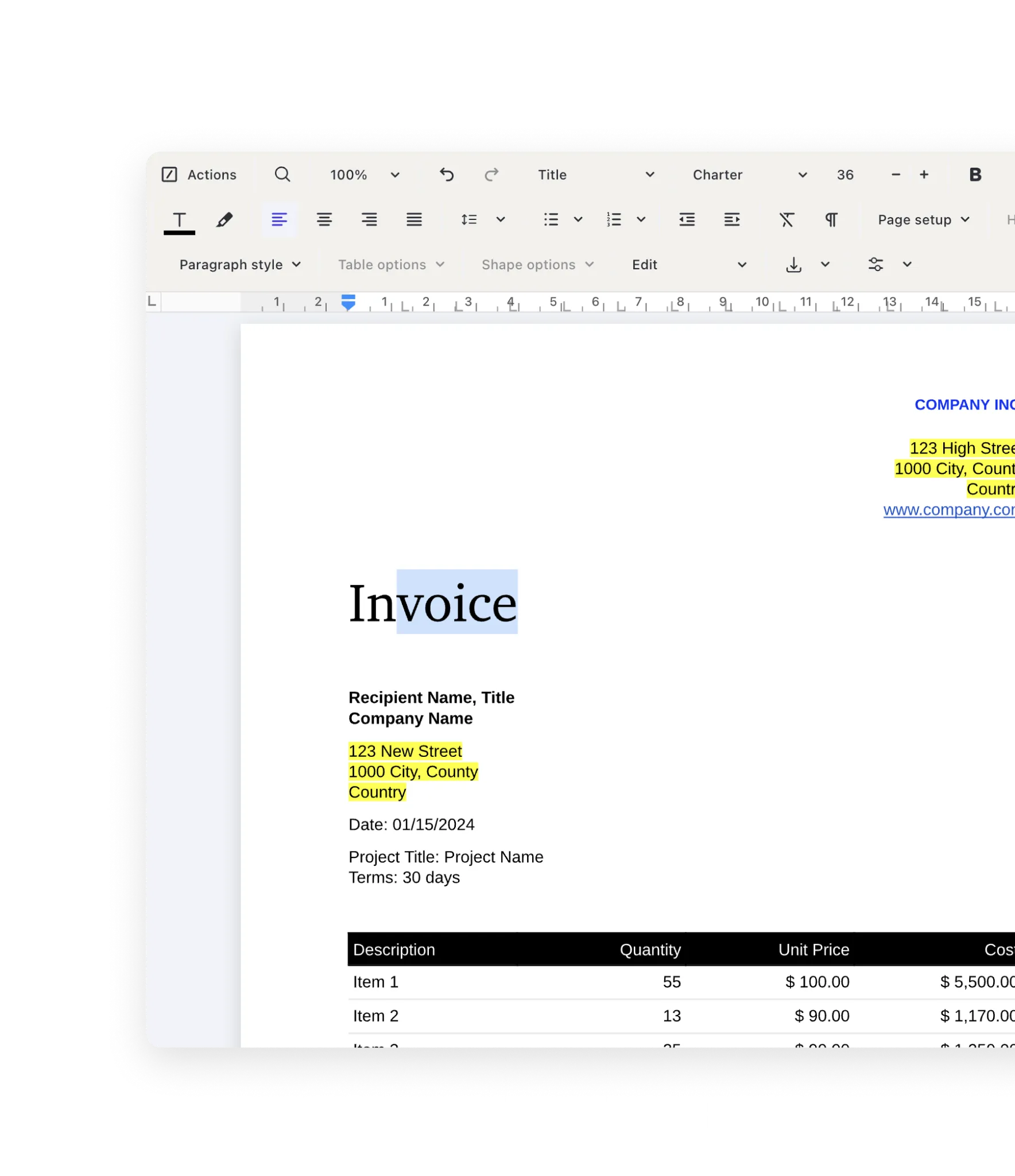
Write and format documents in your app
Give users pages, styles, tables, headers, footers, and a table of contents, without leaving your product.
Files
Open and save the files people use
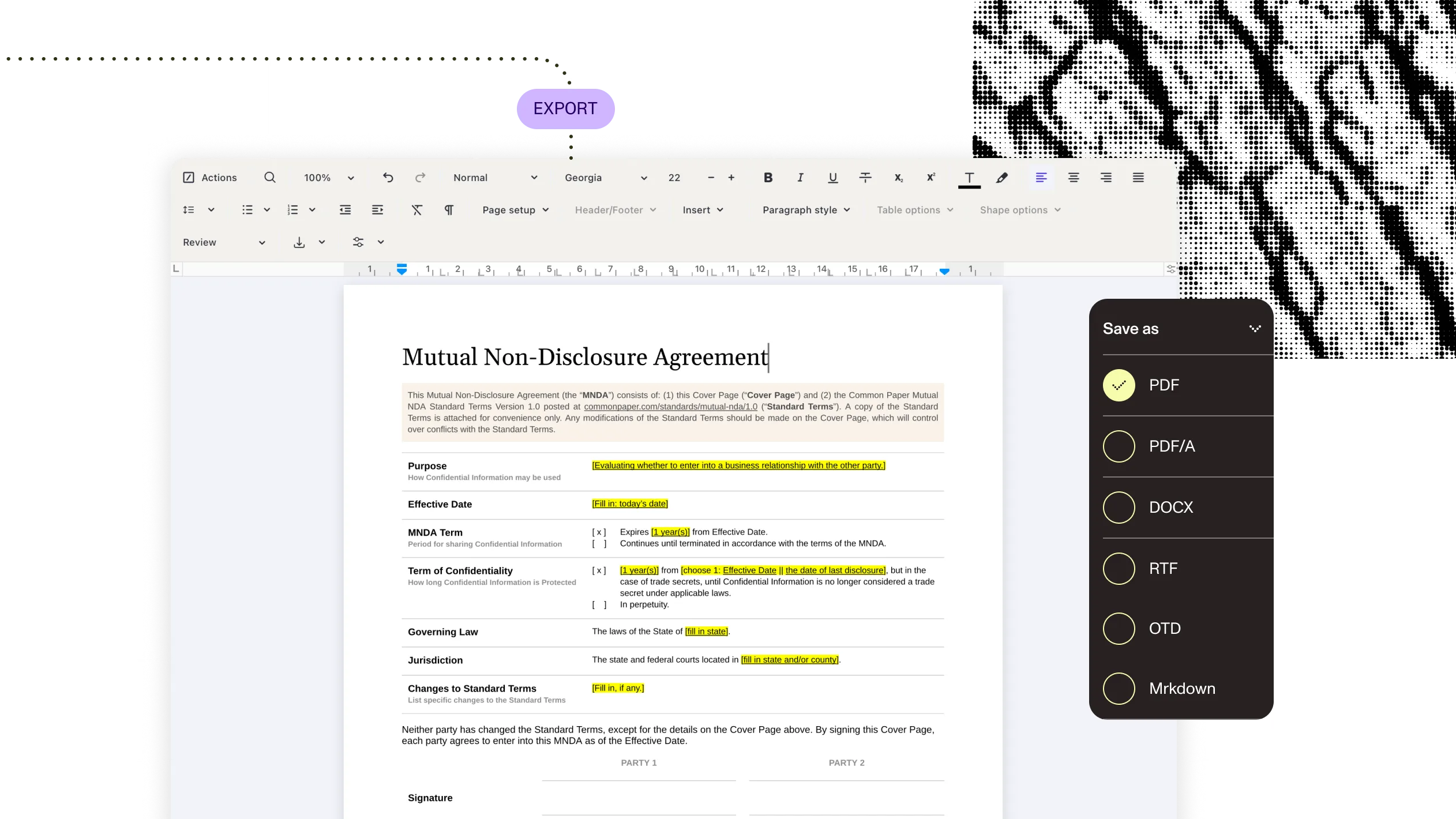
Import Word, RTF, ODT, and Markdown files, and export PDF, PDF/A, DOCX, and more.
Review
Control who approves changes
Record edits as tracked changes, comment in threads, and decide who can accept or reject them.
Automation
Edit documents from code or AI
Process documents on your own server, or let your AI model propose edits that people approve.
Ways to build
Add document authoring where your users work
In the browser
Nutrient Document Authoring SDK adds the editor to your web app, in any JavaScript framework.
JavaScript React Tracked changes Comments
On your own server
The same engine runs headless in Node.js to import, edit, and export documents without a separate conversion service.
Node.js 22 and 24 Headless PDF export
With your AI model
Document Authoring AI sends edit requests to your model through your server. In Review mode, they become tracked changes.
Your model Agentic tools Review and approval
Inside approval workflows
Workflow administrators edit DOCX templates in the built-in editor, so business teams maintain templates without developers.
Document generation Templates Approvals
Try it in code
Export the open document from the editor, or convert a DOCX file on your server.
const currentDoc = editor.currentDocument();const pdf = await currentDoc.export({ format: 'pdf' });const docx = await currentDoc.export({ format: 'docx' });import { createDocAuthSystem } from '@nutrient-sdk/document-authoring/node';import { readFile, writeFile } from 'node:fs/promises';
const system = await createDocAuthSystem();const document = await system.import(await readFile('input.docx'), { format: 'docx',});const pdf = await document.export({ format: 'pdf' });await writeFile('output.pdf', new Uint8Array(pdf));system.destroy();How it works
From Word file to PDF in a few lines
1
Add the editor
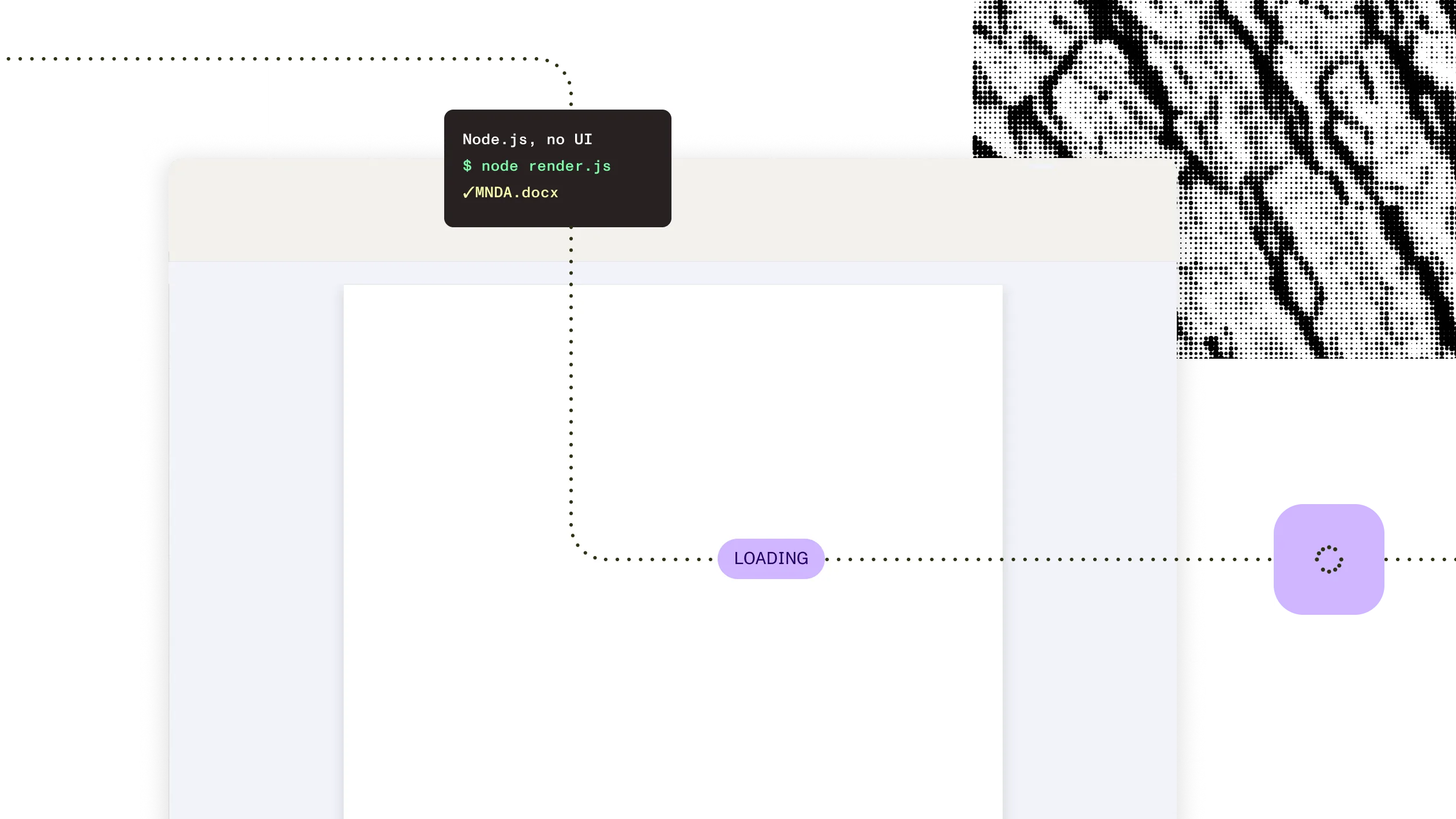
Load the editor into a page of your web app, or run the same engine in Node.js without a UI.
2
Open a document
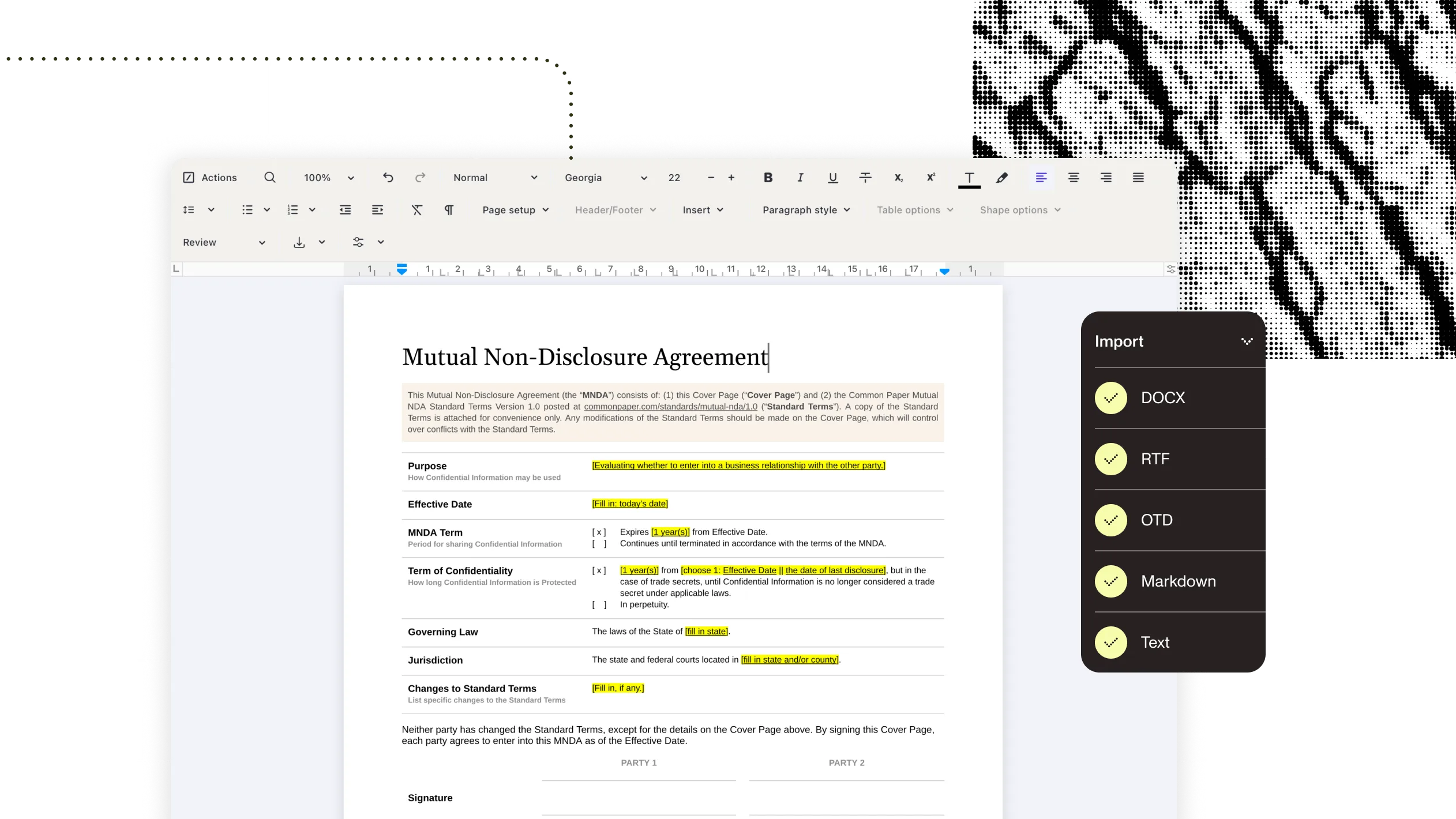
Import DOCX, RTF, ODT, Markdown, or text. Layout is matched closely, though complex Word files can differ.
3
Write and review
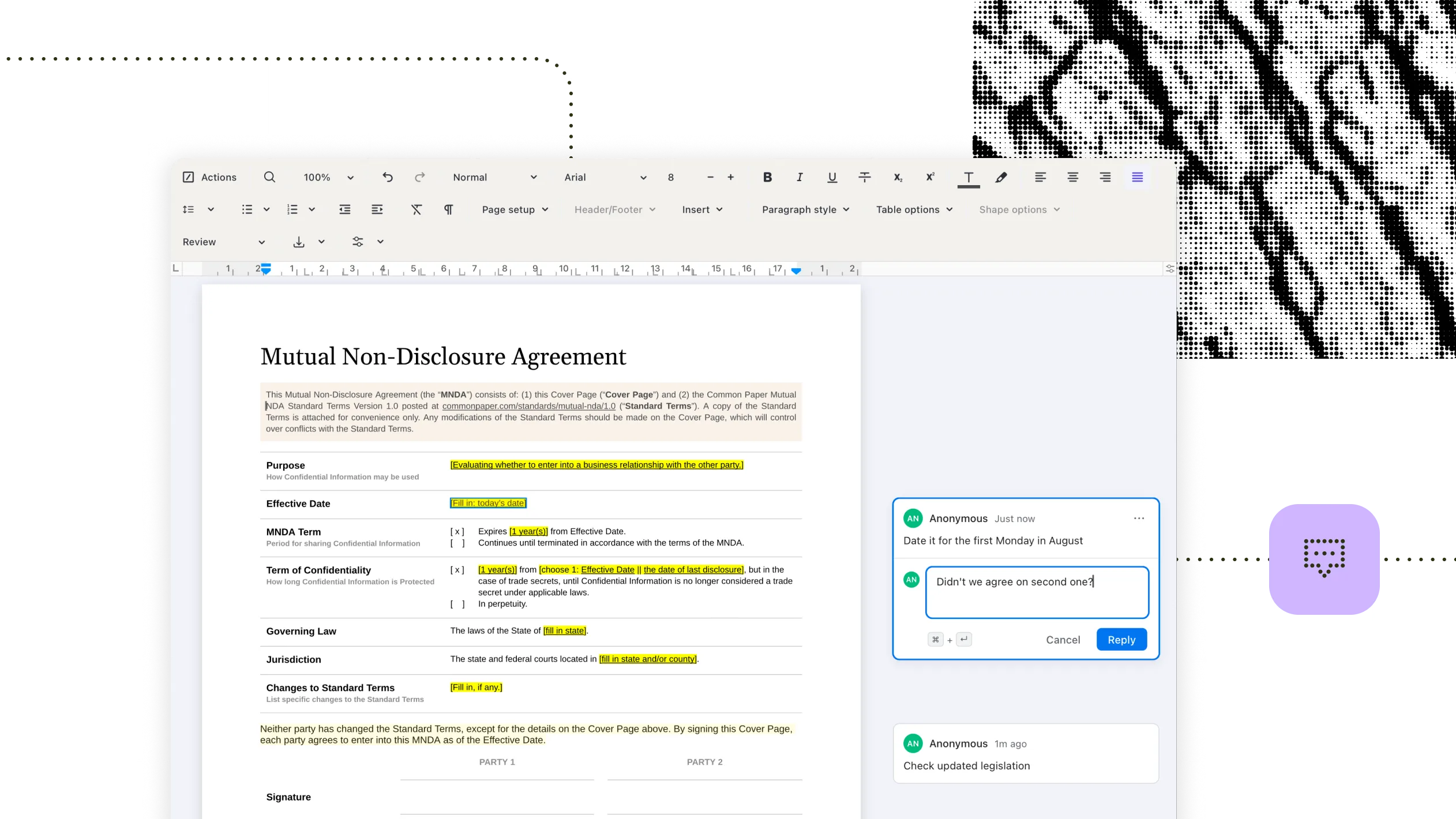
People edit on real pages. In Review mode, their edits are recorded as tracked changes with comments.
4
Export the result
Save as PDF, PDF/A, DOCX, RTF, ODT, or Markdown, in the browser or on your server.
At a glance
The specs behind document authoring
Nutrient document authoring puts a page-based, Word-style editor inside a web app, so people write, format, and review documents without leaving it. It opens DOCX, RTF, ODT, Markdown, and text, and exports PDF, PDF/A, DOCX, RTF, ODT, and Markdown. The same engine runs headless in Node.js, and reviewers’ edits can be recorded as tracked changes.
Inputs
DOCX, DOTX, DOCM, RTF, ODT, Markdown, text, and DocJSON.
Outputs
PDF, PDF/A, DOCX, RTF, ODT, Markdown, and DocJSON. PDF is export-only.
Runs on
Latest two versions of Chrome, Firefox, Safari, and Edge; Node.js 22 and 24.
Delivered through
A browser SDK, a headless Node.js engine, an AI package, and Workflow.
Data
With the SDK, documents stay in the browser or your own Node.js process.
Status
Available now. DOCX support and Node.js are licensed separately.
Where it fits
Document authoring in the document workflow
Some documents start as a draft, not a file. Start from a template, let an agent suggest changes within your rules, and finish the writing in a real editor inside your app.
Drafting a contract inside your app
ExampleAct
An agent suggests clauses, and each edit is checked against your rules before it’s saved.
Review
The author reviews the suggestions and finishes the document in a full editor inside your app.
Legal
Draft, review, and finish contracts inside the legal tools your team already uses.
See the offeringWhy Nutrient
Why build document authoring on Nutrient
A contract needs pages, headers, and a record of who changed what. A rich-text box has none, and your own word processor is an engine to maintain.
A page-based editor, not a text box
Users get pages, sections, and a table of contents, so long documents stay in your product.
Review with rules
Roles and a callback decide who can accept a change, so approval follows your rules, not email.
No document server to run
With the SDK, processing happens in the browser or on your Node.js server. Nutrient doesn’t see document content.
AI that proposes, people that approve
In Review mode, your model’s edits arrive as tracked changes, so a person sees each change before it’s accepted.
- 3,000+ organizations worldwide
- 15 percent of Global 500 companies
- 1B+ document interactions a year
- SOC 2 Type 2 audited
- GDPR and CSA compliant
Frequently asked questions
Document authoring lets people write, format, and review documents inside your web app instead of switching to Word. Nutrient’s editor shows real pages; opens DOCX, RTF, ODT, Markdown, and text; and exports PDF, PDF/A, DOCX, RTF, ODT, and Markdown.
DOCX conversion is best effort, so test it with your most complex files. Import a Word file once, save it as DocJSON, and work from that; use DOCX export for finished documents. A solutions engineer can test your document set with you.
No. The editor runs in the browser and the headless engine runs in your own Node.js process, so Nutrient doesn’t see document content. Fonts and code load from Nutrient’s content delivery network (CDN) unless you self-host them. With Document Authoring AI, a snapshot goes to your server and your chosen model provider.
Yes. Review mode records supported edits as tracked changes. Owner, reviewer, and reader roles and a callback decide who can accept or reject them, and review events let your app keep an audit trail. Some edits, such as moving images, apply without a tracked revision.
Your own model, on your own server, proposes edits. The browser applies them by editor mode: directly in Edit mode, as tracked changes in Review mode, or not at all in View mode. Document Authoring AI is an optional package that works in the browser editor.
No. Collaboration is asynchronous: People leave threaded comments and review each other’s tracked changes.