Search
PDF COMPARISON
Document comparison SDK for PDFs and drawings
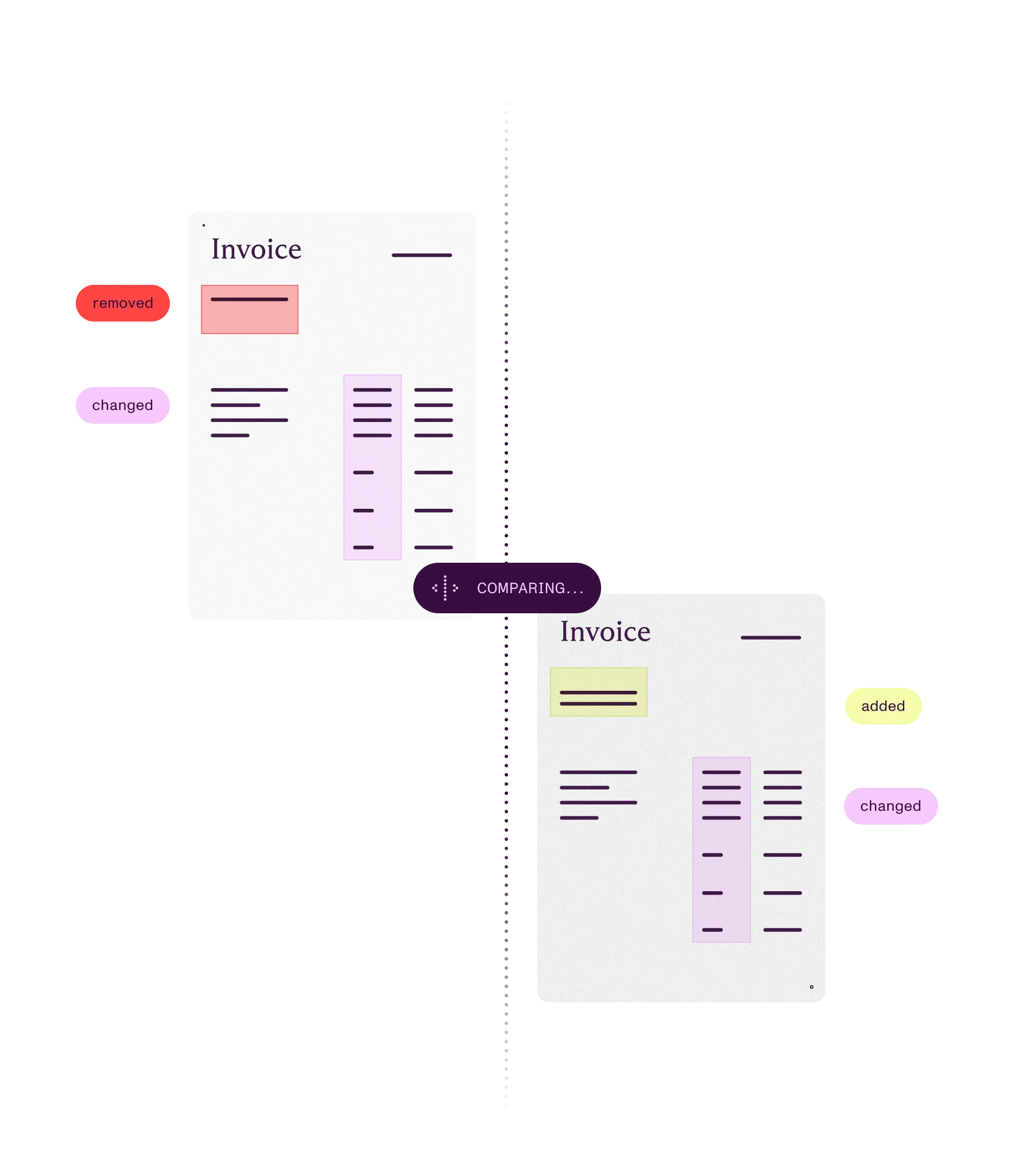
Overlay two drawings to see what moved. Compare the text of two contracts to see each insertion and deletion. Reviewers check the changes, not the whole document.
What you can do
What you can do with document comparison
Align
Line up the two versions
Pick the pages to compare. Then line them up automatically or with three matching points on each version.
Overlay
Spot what moved in a drawing
Overlay both versions in contrasting colors, so changed lines in plans and layouts stand out.
Diff
Catch each text edit
Compare the text page by page and list each insertion and deletion, by character or by word.
Summarize
Summarize and sort the changes
Get an AI summary, sort changes by type, or send the change data to your own review screen.
Ways to build
Compare two PDFs in your web or mobile app
In your web app
Nutrient Web SDK compares PDFs in the browser, as a visual overlay or a text diff with a built-in review view.
Web Electron Visual and text
In your mobile app
Nutrient SDKs overlay two versions of a drawing in iOS, Android, Flutter, React Native, and .NET MAUI apps.
iOS, Mac Catalyst, visionOS Android Flutter and React Native .NET MAUI
With AI summaries, on your servers
Nutrient AI Assistant summarizes and sorts the changes found by Web SDK text comparison. It runs on your servers with the model you choose.
Self-hosted Your LLM provider
Try it in code
Compare the text of two PDFs in the browser with Web SDK, or overlay a revised drawing on the one already open.
NutrientViewer.loadTextComparison({ ...defaultConfiguration, documentA: "text-comparison/static/documentA.pdf", documentB: "text-comparison/static/documentB.pdf",});instance.setDocumentComparisonMode({ documentA: { source: NutrientViewer.DocumentComparisonSourceType.USE_OPEN_DOCUMENT }, documentB: { source: "https://example.com/assets/documentB.pdf" }, autoCompare: true});How it works
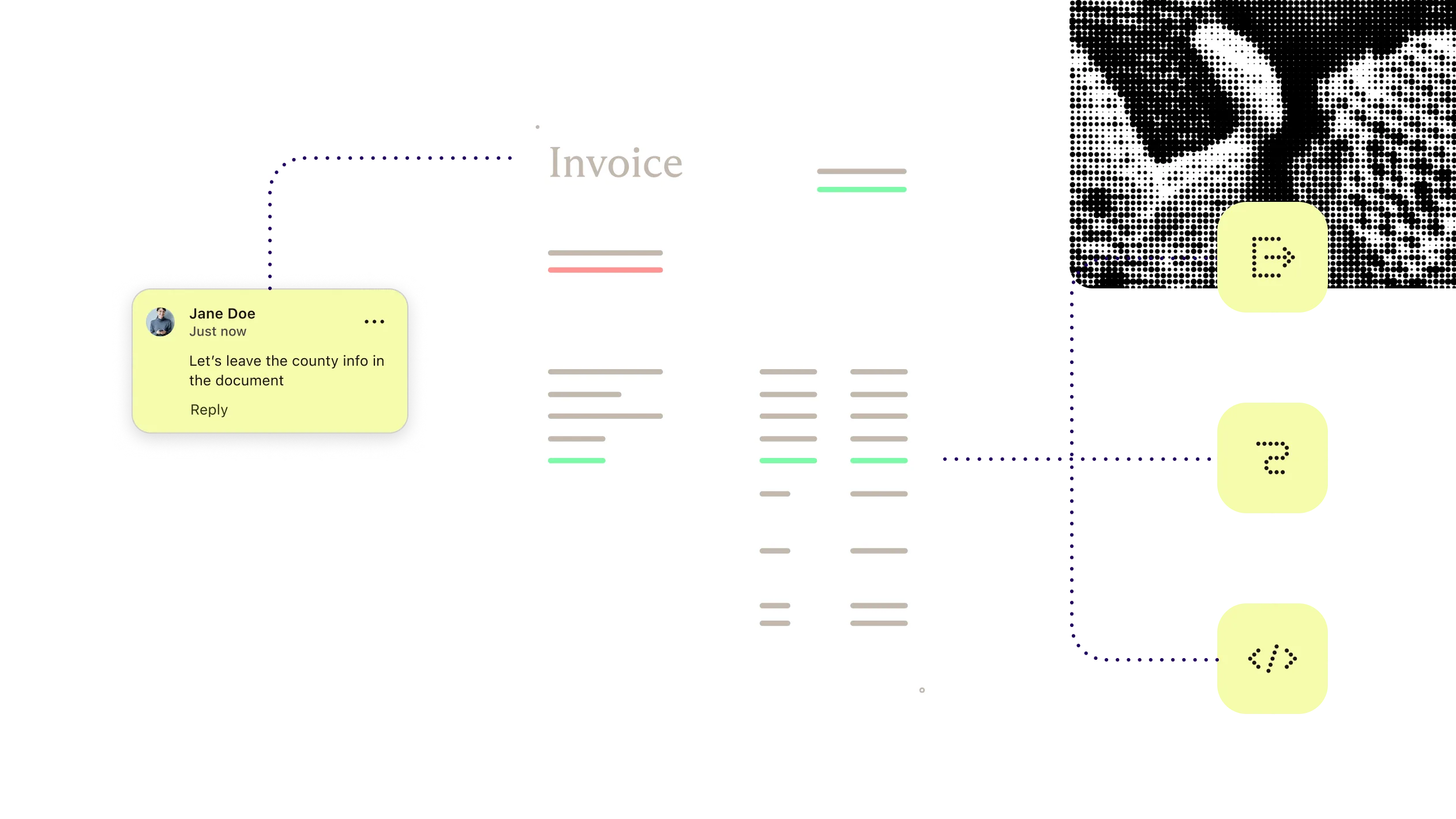
Compare two versions of a PDF and review the changes
1
Load both versions
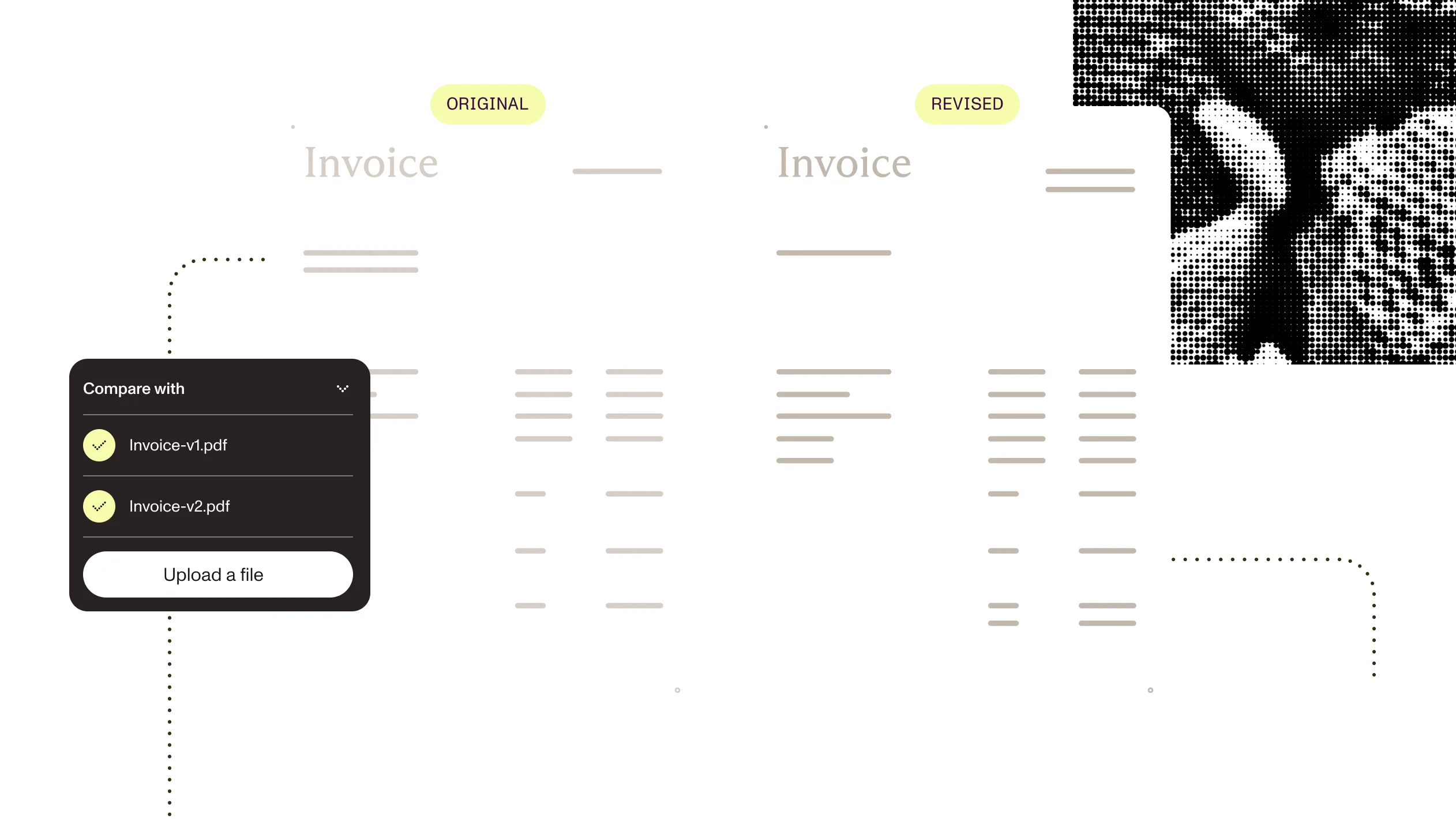
Open the original in the viewer. Then pass in the revised PDF or let the user pick it.
2
Line them up
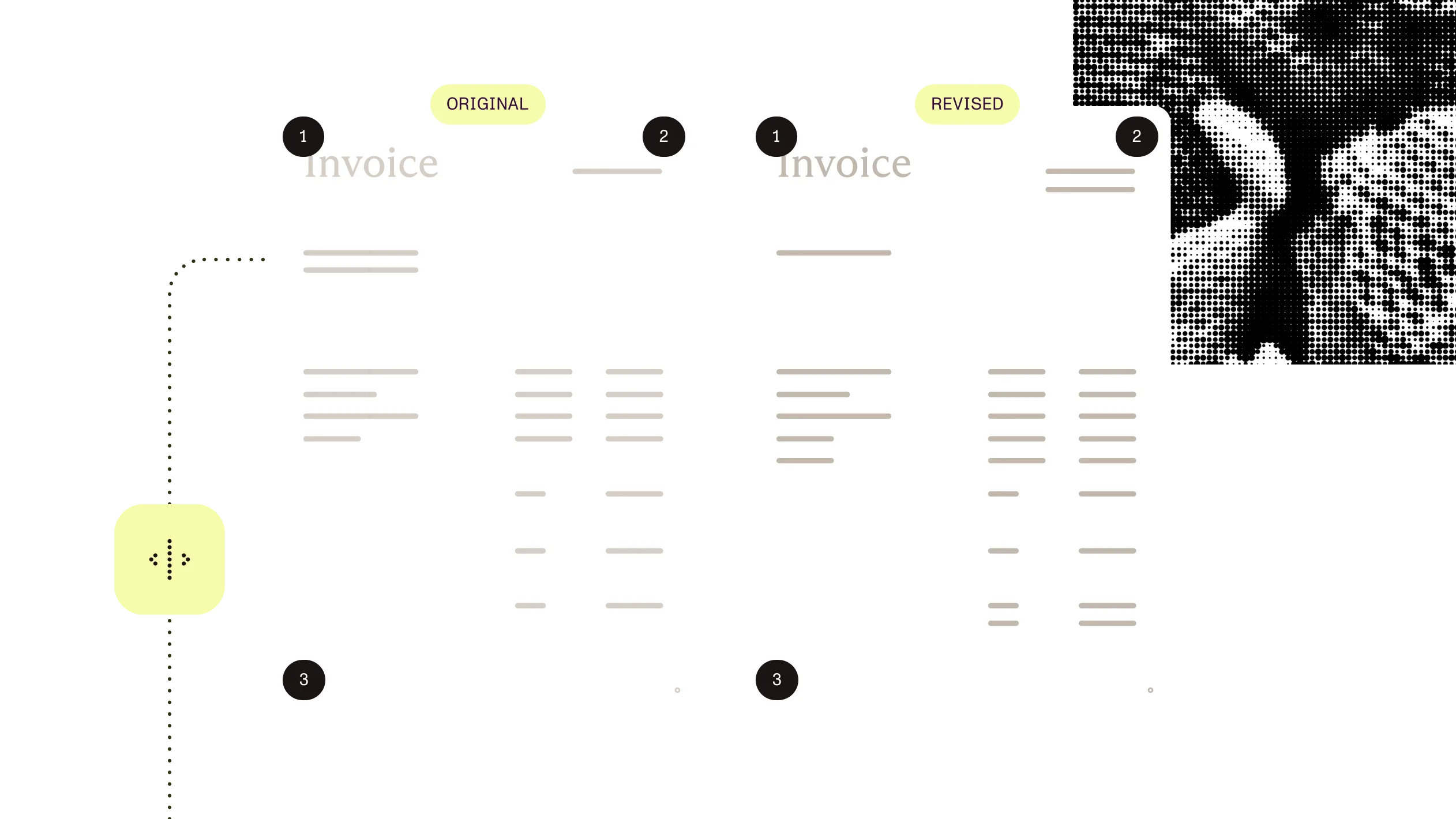
Compare pages that already match, or align an offset drawing with three reference points on each version.
3
Review the changes
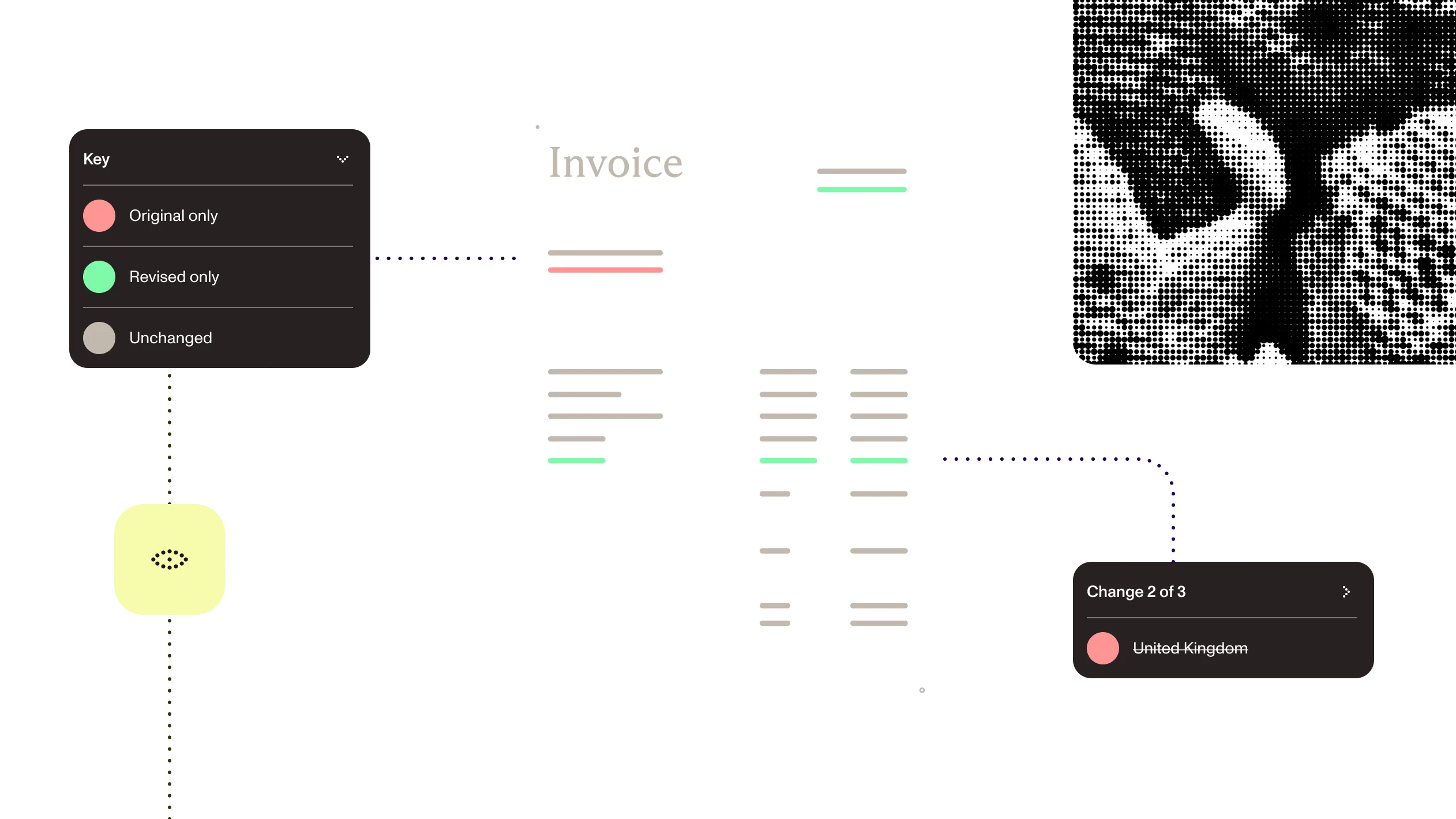
See changed lines in contrasting colors, or step through each insertion and deletion side by side.
4
Share or act on them
Export the overlay as a PDF, mark up what to push back on, or show changes in your own UI.
At a glance
The specs behind comparing PDF files
Nutrient document comparison shows exactly what changed between two versions of a PDF. It takes two PDFs and returns either an overlay that colors each version’s lines so drawing and layout changes stand out, a page-by-page text diff that marks every insertion and deletion, or both.
Inputs
Two PDFs. Convert Office files and images to PDF first.
Outputs
An overlay you can export as PDF, or a text diff.
Compares by
Vector lines for drawings. Text by character or by word.
Alignment
Automatic, or three reference points per drawing. Text matches by page.
Runs on
The browser, plus iOS, Android, Flutter, React Native, and MAUI apps.
Delivered through
Nutrient SDKs, plus AI Assistant for AI summaries.
Status
Available now. Text comparison is in Web SDK only.
Where it fits
Comparison in the document workflow
The risk in a contract is usually in what changed. Line up the versions, send them to the right lawyer, and show every change between them.
Reviewing contract revisions
ExamplePrepare
Convert both versions to PDF so they can be compared, whatever format they arrived in.
Legal document workflows
Work through source documents inside the systems where matter work happens.
See the offeringConstruction
Mark up and measure drawings across web and mobile, and carry annotations onto revised plans.
See the offeringWhy Nutrient
Comparison for small edits and offset drawings
A revised drawing can sit a few millimeters off the original. One word can change on page 40 of a contract. Both are easy to miss by eye.
Built into the review
Comparison runs in the same viewer as annotation and signing, so reviewers mark up changes without switching apps. Annotation and signing vary by route.
Drawings and words
Overlay versions to see what moved in a plan. Compare text to see each insertion and deletion. Text comparison is in Web SDK.
Accurate when pages don’t line up
Align an offset or rotated drawing with three reference points first, so only real changes show. This applies to visual comparison.
AI explains the diff without changing it
AI summarizes and sorts the complete diff. Page text goes only to your own AI Assistant and the model you choose. AI text comparison needs Web SDK and a self-hosted AI Assistant.
- 3,000+ organizations worldwide
- 15 percent of Global 500 companies
- 1B+ document interactions a year
- SOC 2 Type 2 audited
- GDPR and CSA compliant
Frequently asked questions
PDF comparison shows what changed between two versions of a PDF. Nutrient visual comparison overlays both versions in contrasting colors, so changed lines in drawings stand out. Nutrient text comparison lists each insertion and deletion, and an optional AI layer summarizes and sorts the changes. It runs in Nutrient’s web and mobile SDKs.
Load both versions in a Nutrient viewer and choose a method. Visual comparison overlays the pages, so moved or changed lines show in their own color. Text comparison shows the versions side by side and lists each insertion and deletion. In Web SDK, one call starts either one.
Not directly. Comparison takes two PDFs, so convert Word, Excel, or image files to PDF first. Nutrient can do that conversion as a separate step.
For drawings, reviewers pick three matching reference points on each version, and Nutrient aligns them before the overlay runs. Text comparison matches page 1 to page 1, page 2 to page 2, and so on. If pages were added or removed, set explicit page ranges in the Web SDK programmatic API.
Yes. Export the visual comparison overlay as a PDF to share with reviewers, approvers, or auditors. For text comparison, the programmatic API returns each change with its position on the page, so you can build your own report.
In the SDKs, comparison runs in the browser or on the device, so documents stay in your app. AI text comparison sends page text to your self-hosted AI Assistant, which calls the large language model (LLM) provider you configure. Nothing goes to Nutrient, and the AI summarizes the diff without changing it.