Search
PDF EDITING
Edit PDF pages and text in place
Fix a typo, add a missing page, or merge three files into one, without recreating the document. Nobody downloads it to fix it.
What you can do
What you can do with document editing
Assemble
Assemble the document
Merge files into one, add blank pages, and keep only the pages that belong.
Organize
Put the pages in order
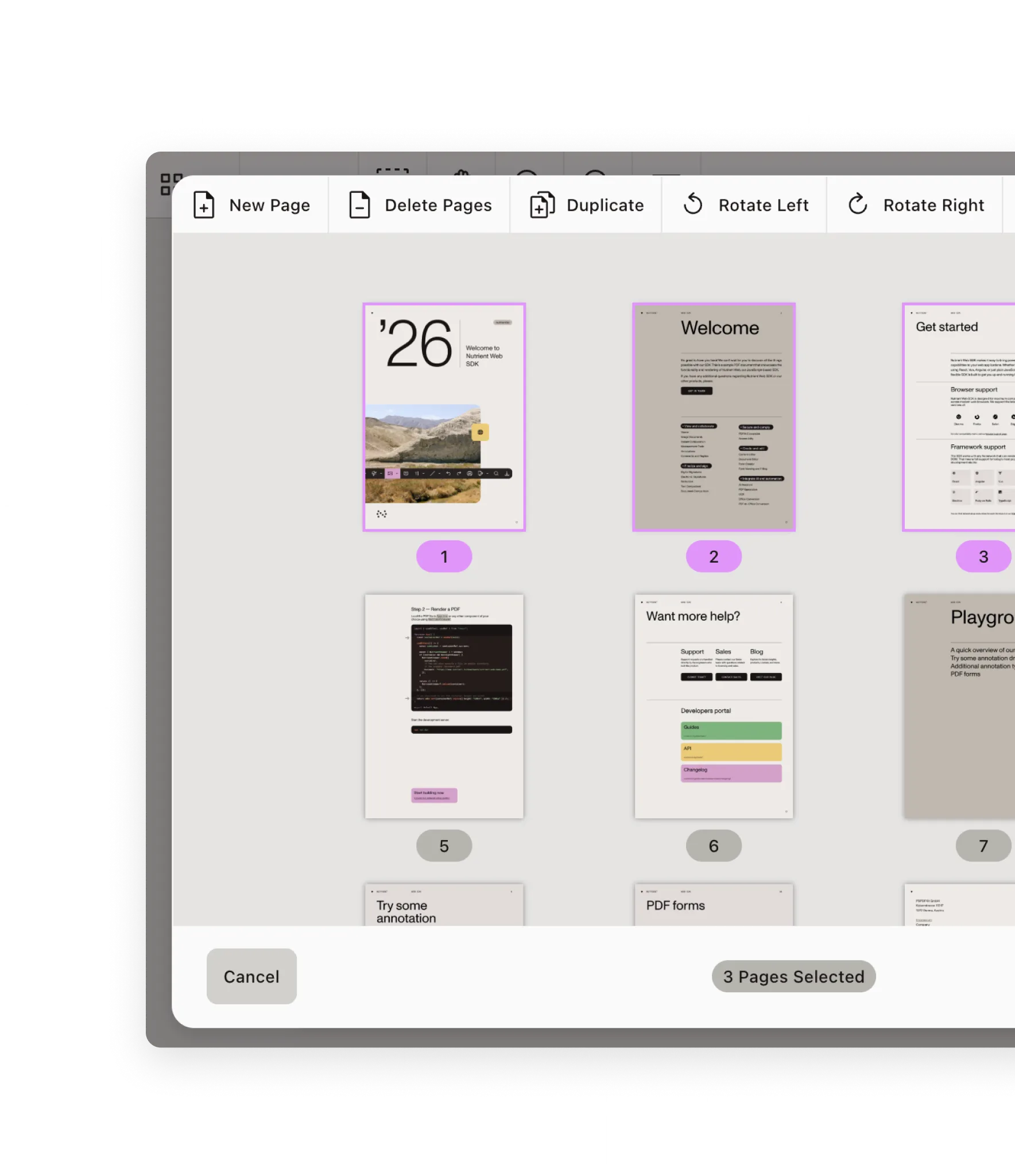
Reorder, duplicate, rotate, crop, and remove pages by drag and drop or in code.
Edit text
Edit existing text
Rewrite, restyle, move, or delete existing text without rebuilding the page.
Split
Split and save the result
Split a document into new files and save the result where the work continues.
Ways to build
Edit PDF text and pages where the document lives
In your app
Nutrient SDKs give people a page editor and a text editor in web and mobile apps, with APIs for both.
Web iOS and Android Flutter and React Native MAUI
On your servers
Nutrient server SDKs merge, split, rotate, and reorder pages in backend jobs. Document Engine does the same as a self-hosted server.
.NET, Java, Python Node.js Document Engine
Through a hosted API or an AI agent
Nutrient APIs merge, split, rotate, and reorder pages in one call, with nothing to deploy. Nutrient MCP lets AI agents merge files and rotate pages.
Merge and split Rotate and reorder MCP
In SharePoint and Salesforce
Document Editor lets SharePoint users edit text and pages in the browser. Nutrient Documents for Salesforce does the same on the record.
SharePoint, OneDrive, Teams Salesforce
Inside approval workflows
Nutrient Workflow lets requesters fix attachment pages before they submit, and it merges up to five PDFs in a merge task.
Try it in code
Merge another PDF into the open document with Web SDK, or merge files from URLs with one API call.
instance.applyOperations([ { type: "importDocument", afterPageIndex: 10, // Import document after page 10. treatImportedDocumentAsOnePage: false, // All the imported document pages will be treated separately for other operations. document: blob // Document to import. }]);curl -X POST https://api.nutrient.io/build \ -H "Authorization: Bearer $NUTRIENT_API_KEY" \ -H "Content-Type: application/json" \ -d '{ "parts": [ { "file": { "url": "https://example.com/cover.pdf" } }, { "file": { "url": "https://example.com/body.pdf" } }, { "file": { "url": "https://example.com/appendix.pdf" } } ] }' \ -o result.pdfHow it works
Merge PDFs in the viewer or with one API call
1
Open the document
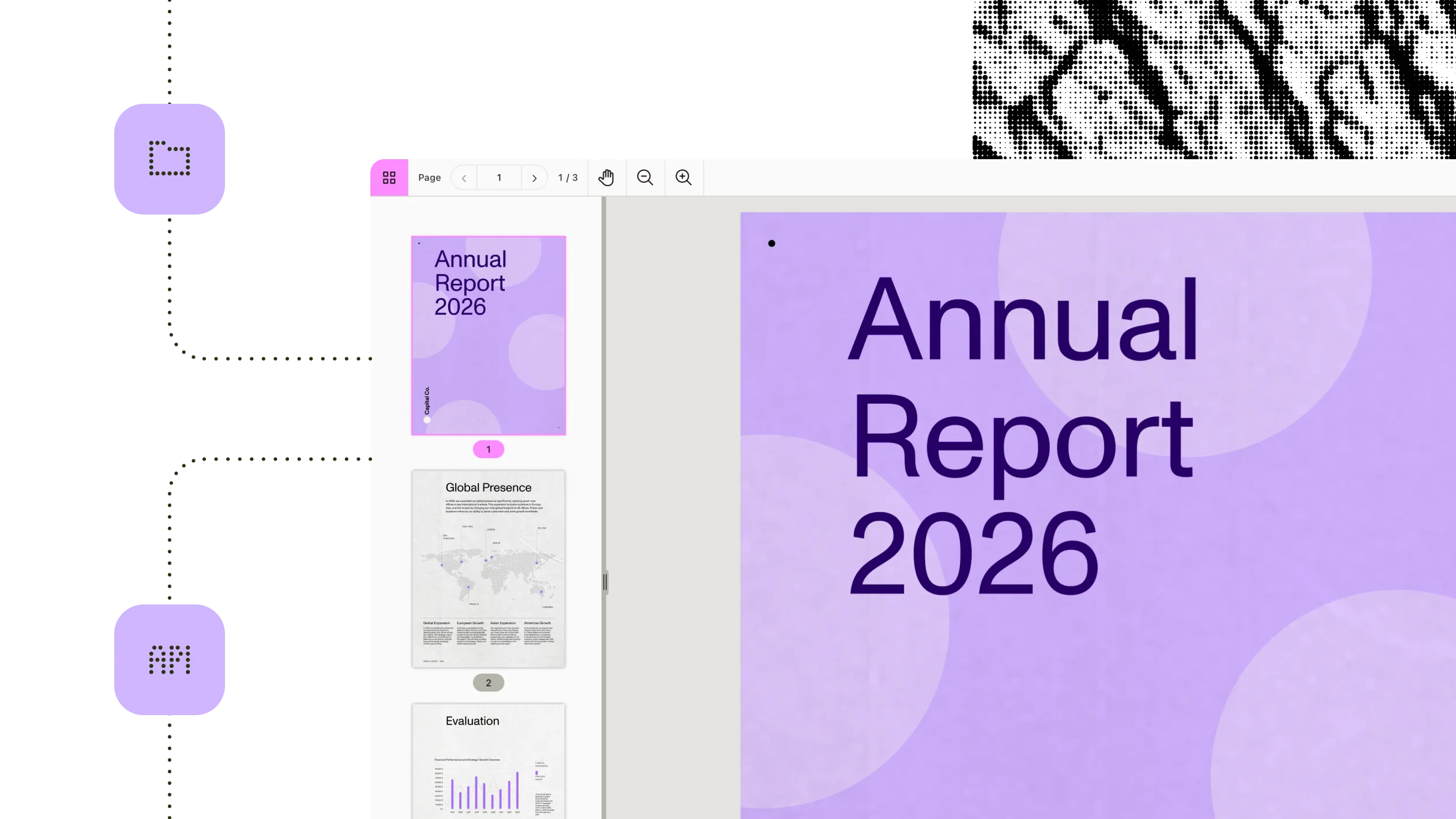
Load the PDF in the viewer, or send it to the API from your backend.
2
Make the change
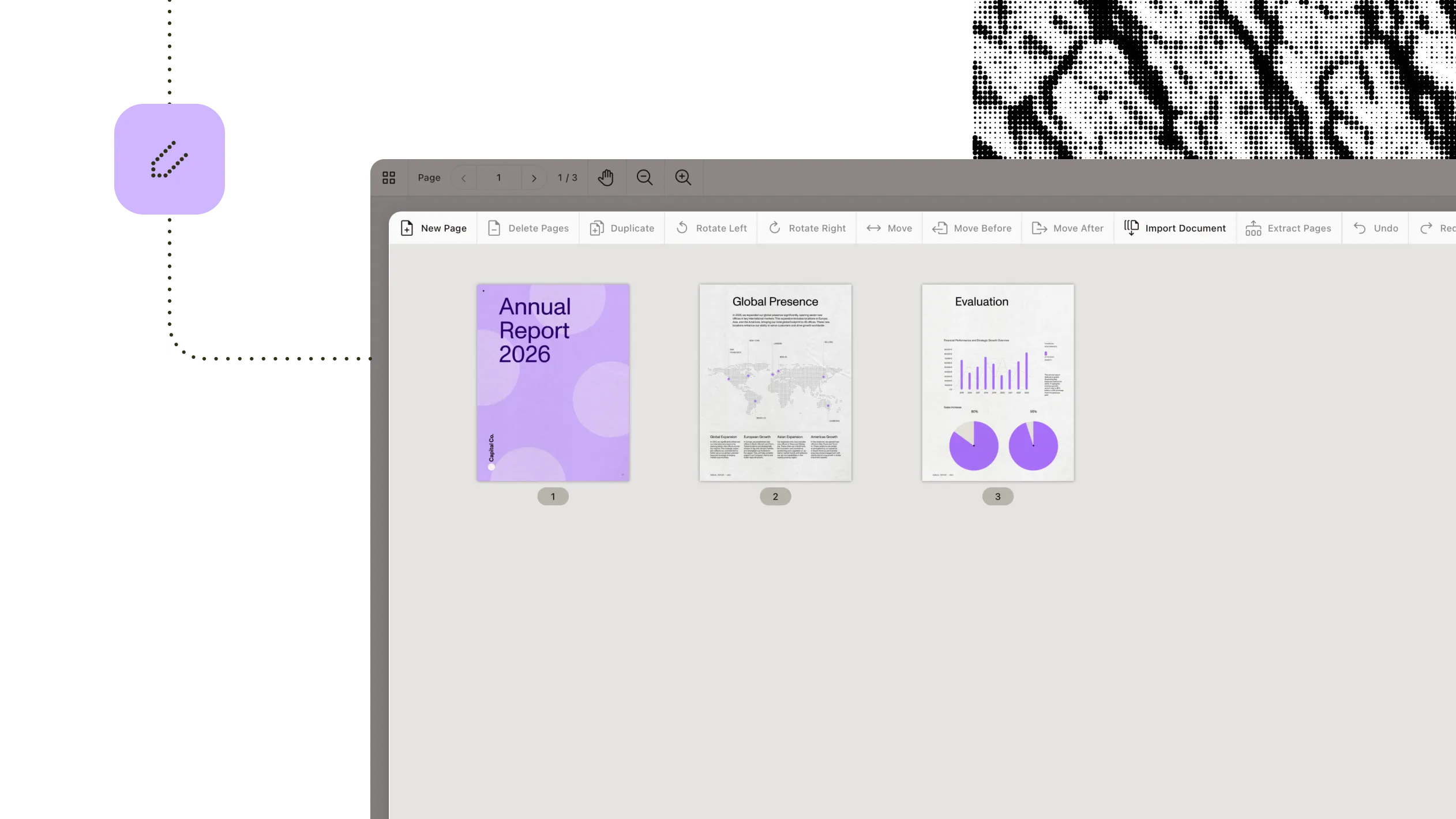
Drag pages into order, merge in another file, or click into a paragraph and rewrite it.
3
Save the result
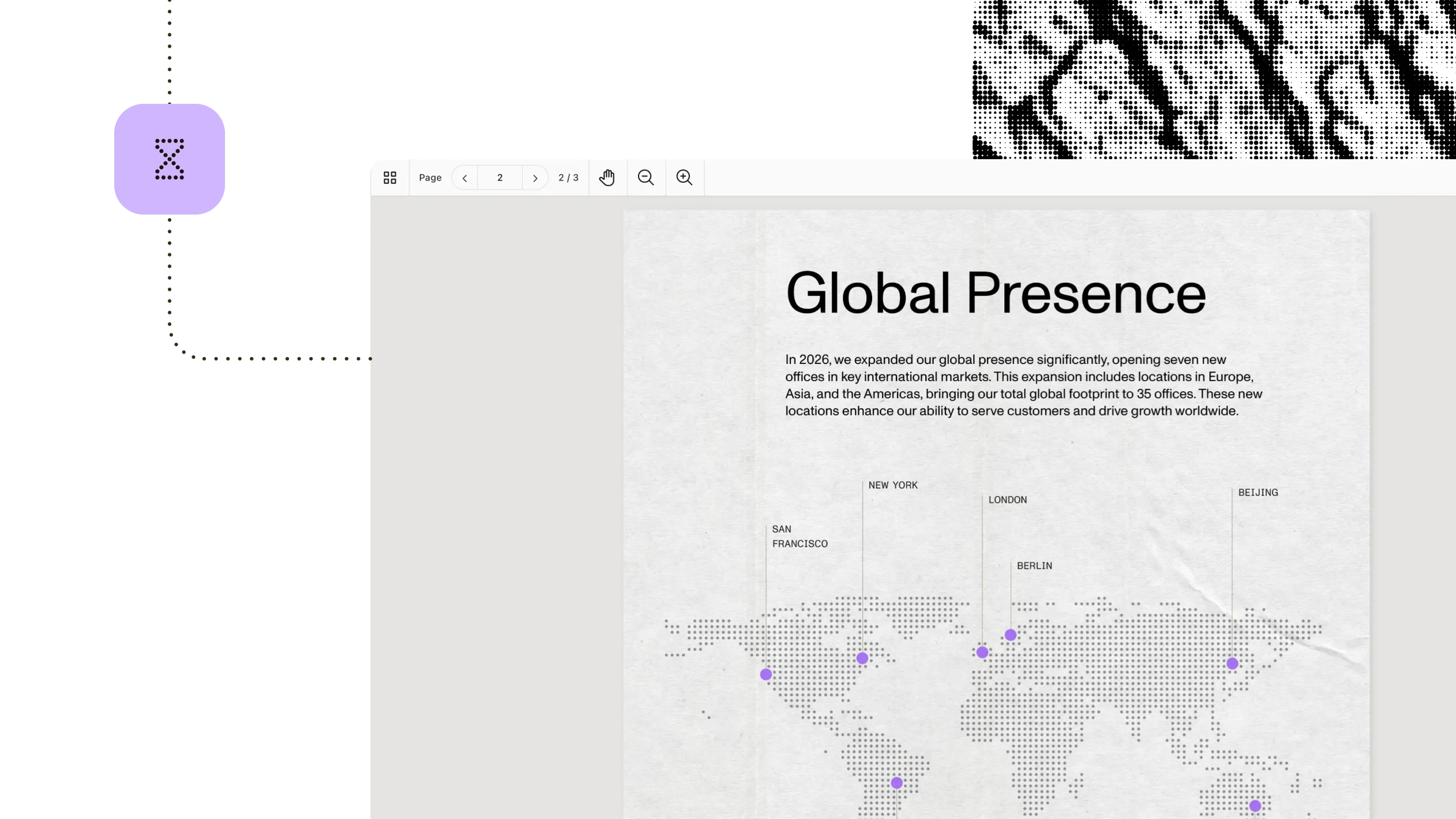
Your app stores the edited PDF, or the file saves back to SharePoint or Salesforce.
At a glance
The specs behind PDF editing
Nutrient document editing changes an existing PDF without recreating it. It takes a PDF and returns an updated one: pages added, removed, reordered, rotated, cropped, merged, or split, and, where the content editor is available, existing text rewritten, restyled, or moved, with the rest of the page left as it was.
Inputs
PDFs. Some routes convert images and Office files on the way in.
Outputs
An updated PDF, returned to your app or saved to its source.
Page editing
Add, remove, reorder, rotate, crop, merge, and split pages.
Text editing
Rewrite, restyle, and move existing left-to-right text in place.
Runs on
Browsers, mobile devices, your servers, Nutrient’s cloud, SharePoint, and Salesforce.
Delivered through
Nutrient SDKs, Document Engine, APIs, MCP, Document Editor, Salesforce, and Workflow.
Status
Available now. Text editing runs on fewer routes than page editing.
Where it fits
Editing in the document workflow
Some documents arrive almost right. Read what came in, flag what needs fixing, and let a person correct it in place instead of sending it back.
Correcting submitted documents
ExampleReview
The reviewer fixes the text, reorders pages directly in the PDF, and then approves it.
Why Nutrient
Edit the file, not a copy of it
A changed sentence has to fit back into a layout built for print. A merged packet has to land on the right record.
Edits in the existing file
Text changes in place, paragraphs stay paragraphs, and the rest of the page stays as it was. Text editing supports left-to-right text.
Wherever the document lives
Edit in your app, SharePoint, Salesforce, an approval workflow, or a backend job. One current version stays where the team works. Text editing runs on fewer routes than page editing.
A UI for people, an API for systems
People drag pages into order. Pipelines and agents merge, split, and rotate pages in one API call. Agents get page operations, not text editing.
Next to the rest of the work
Editing sits beside annotation, redaction, and signing, so a document goes from fixed to signed in one place. The mix varies by route.
- 3,000+ organizations worldwide
- 15 percent of Global 500 companies
- 1B+ document interactions a year
- SOC 2 Type 2 audited
- GDPR and CSA compliant
Frequently asked questions
PDF editing changes an existing PDF without recreating it. Nutrient page editing adds, removes, reorders, rotates, crops, merges, and splits pages. Nutrient content editing rewrites and restyles existing text in place. Page editing runs on every route. Text editing runs on fewer, including the Web, iOS, Android, and Node.js SDKs, SharePoint, and Salesforce.
Yes. The Web, iOS, and Android SDKs include a built-in text editor, and the Web and Node.js SDKs edit text through an API. Document Editor for Microsoft 365 and Nutrient Documents for Salesforce include it for business users. Text editing supports left-to-right text.
Yes, for pages. Server SDKs, Document Engine, and the hosted API merge, split, rotate, and reorder pages in code, and the hosted MCP server gives agents page operations too. Text editing in code runs in the Web SDK and Node.js SDK.
Text is edited in place: Paragraphs stay paragraphs, and the rest of the page stays as it was. Page operations change the document’s structure, not the content on the pages.
It depends on the route. Client SDKs edit on the device or in the browser, and server SDKs and self-hosted Document Engine edit in your environment. The hosted API and MCP server process files on Nutrient’s cloud, where retention depends on your plan.
Content edits are staged in a session and can be discarded before they’re committed or saved. After a save, the earlier version depends on where the file lives — for example, SharePoint or Salesforce version history.