Search
DOCUMENT GENERATION
Generate documents from templates and data
Fill Word templates with your data, or render HTML into paginated PDFs. Nobody retypes a value or fixes a layout by hand.
What you can do
What you can do with automated document generation
Design
Design the template in Word or HTML
Build templates in Word, or in HTML and CSS, so the people who own the wording can change it.
Fill
Fill it with your data
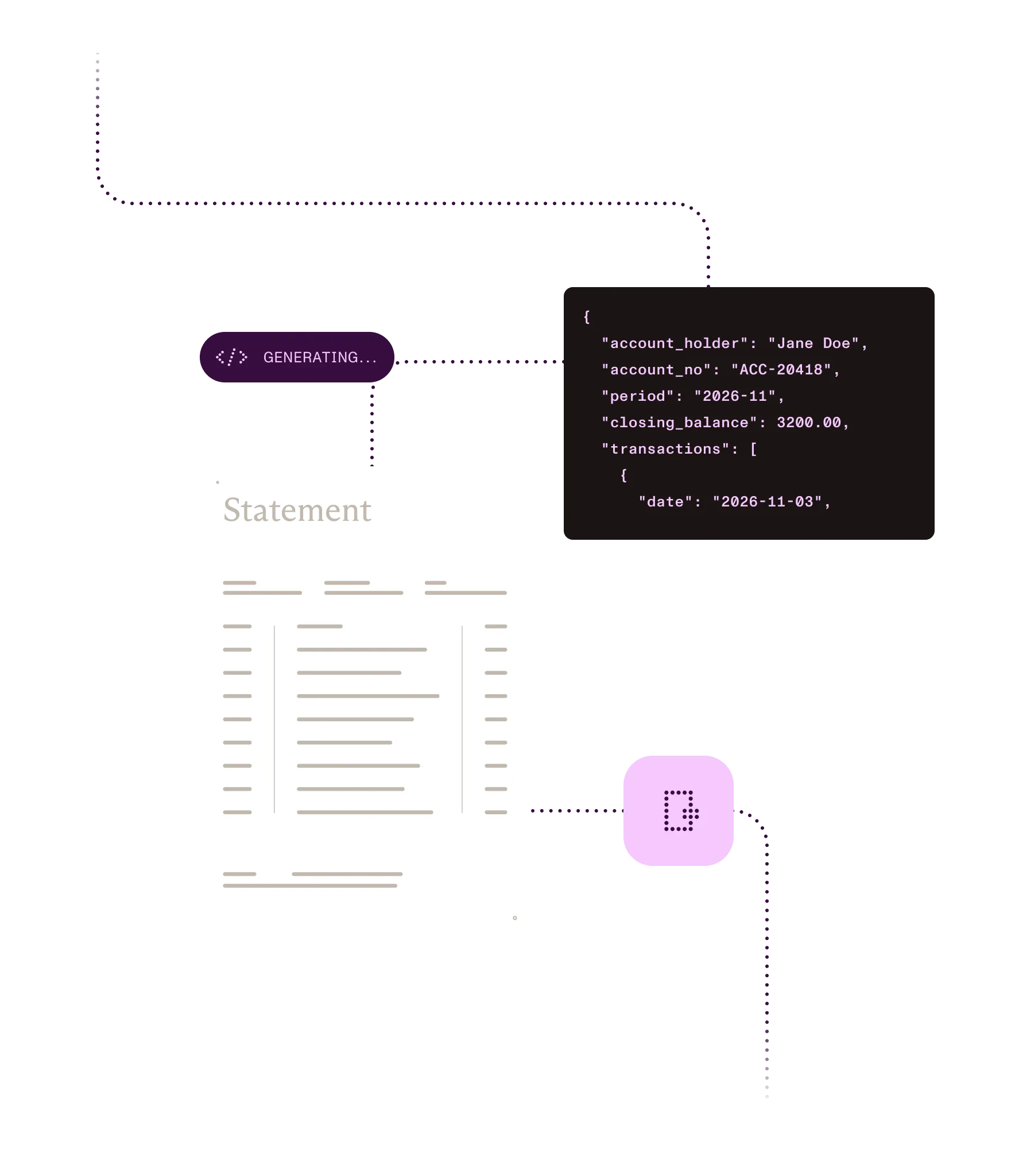
Merge JSON or record data, repeating rows and showing or hiding sections as the data requires.
Produce
Produce the finished file
Return a PDF, PDF/A, PDF/UA, or the filled Word file, with the layout reflowed to fit.
Automate
Generate on demand or in batches
Generate from a user’s click, a backend job, a Salesforce record, or a workflow step.
Ways to build
Generate in your app, on your servers, or in your workflow
In your app
Nutrient Web SDK fills Word templates in the browser. The mobile SDKs turn HTML into PDFs on the device.
Web iOS and Android Flutter and React Native
On your servers
Nutrient SDKs for .NET, Java, and Python fill Word, PowerPoint, and Excel templates in batch. Document Engine does the same as a self-hosted server.
.NET Java Python Document Engine
Through a hosted API or an AI agent
Nutrient APIs fill Word templates and render HTML or Markdown into PDFs, with nothing to deploy. The make-pdf skill lets AI agents render PDFs too.
Word templates HTML and Markdown make-pdf skill
Inside Salesforce
Nutrient Documents for Salesforce builds quotes and contracts from record data, with templates administrators can edit or lock.
Inside approval workflows
Nutrient Workflow fills a Word template when a request reaches a step, so the letter or certificate is ready on time.
Try it in code
Fill a Word template with JSON data in the browser with Web SDK, or send the template and data to the hosted API.
const buffer = await NutrientViewer.populateDocumentTemplate( { // Other configuration options. document: "template.docx", }, data,);curl -X POST https://api.nutrient.io/process_office_template \ -H "Authorization: Bearer your_api_key_here" \ -o result.docx \ --fail \ -F 'document=@template.docx;type=application/vnd.openxmlformats-officedocument.wordprocessingml.document' \ -F 'model={"name":"Alex","company":"Acme","date":"2026-04-10"}'How it works
Fill a Word template with data
1
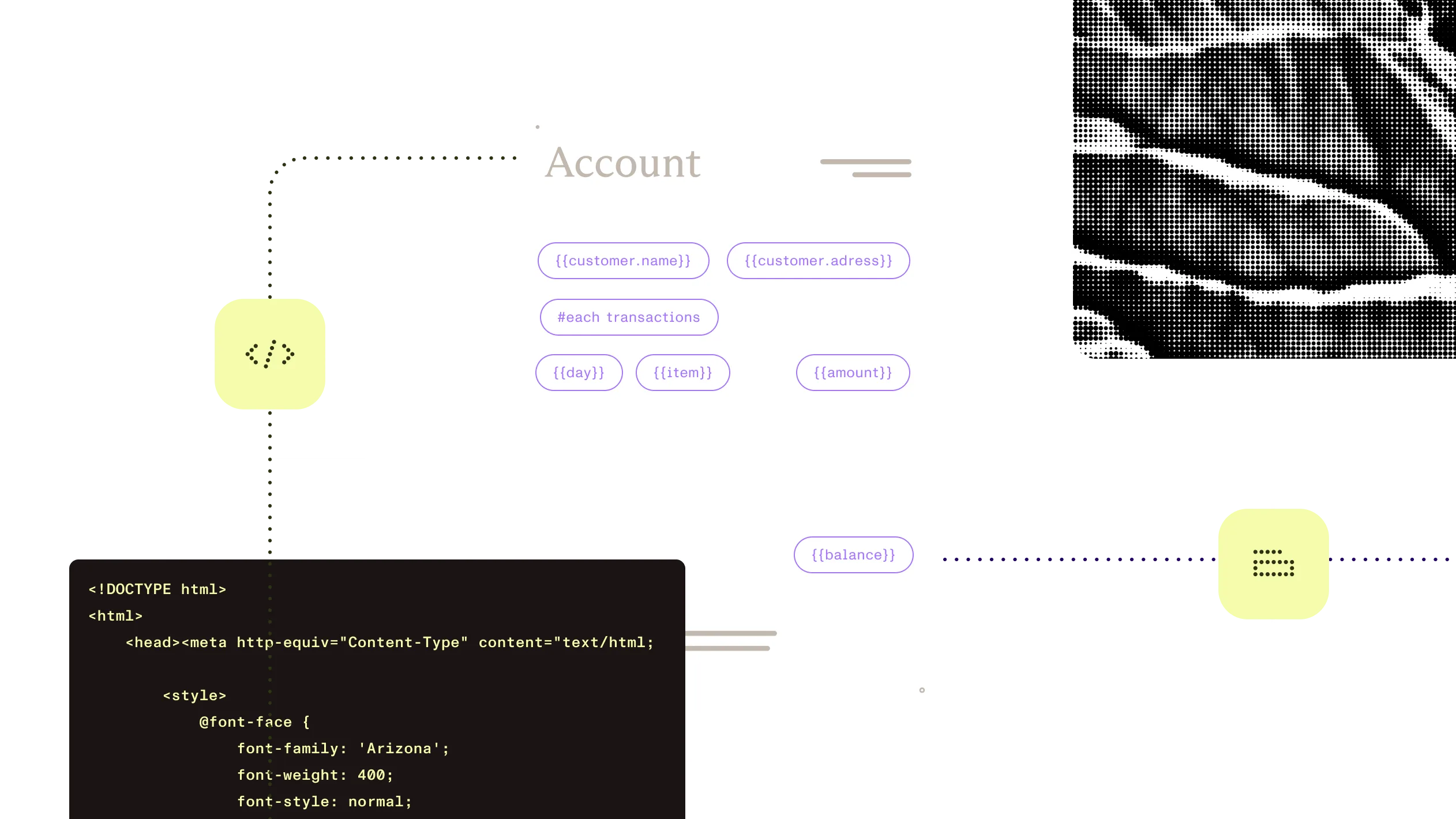
Design the template
Add placeholders, loops, and conditions to a Word document, or build the page in HTML.
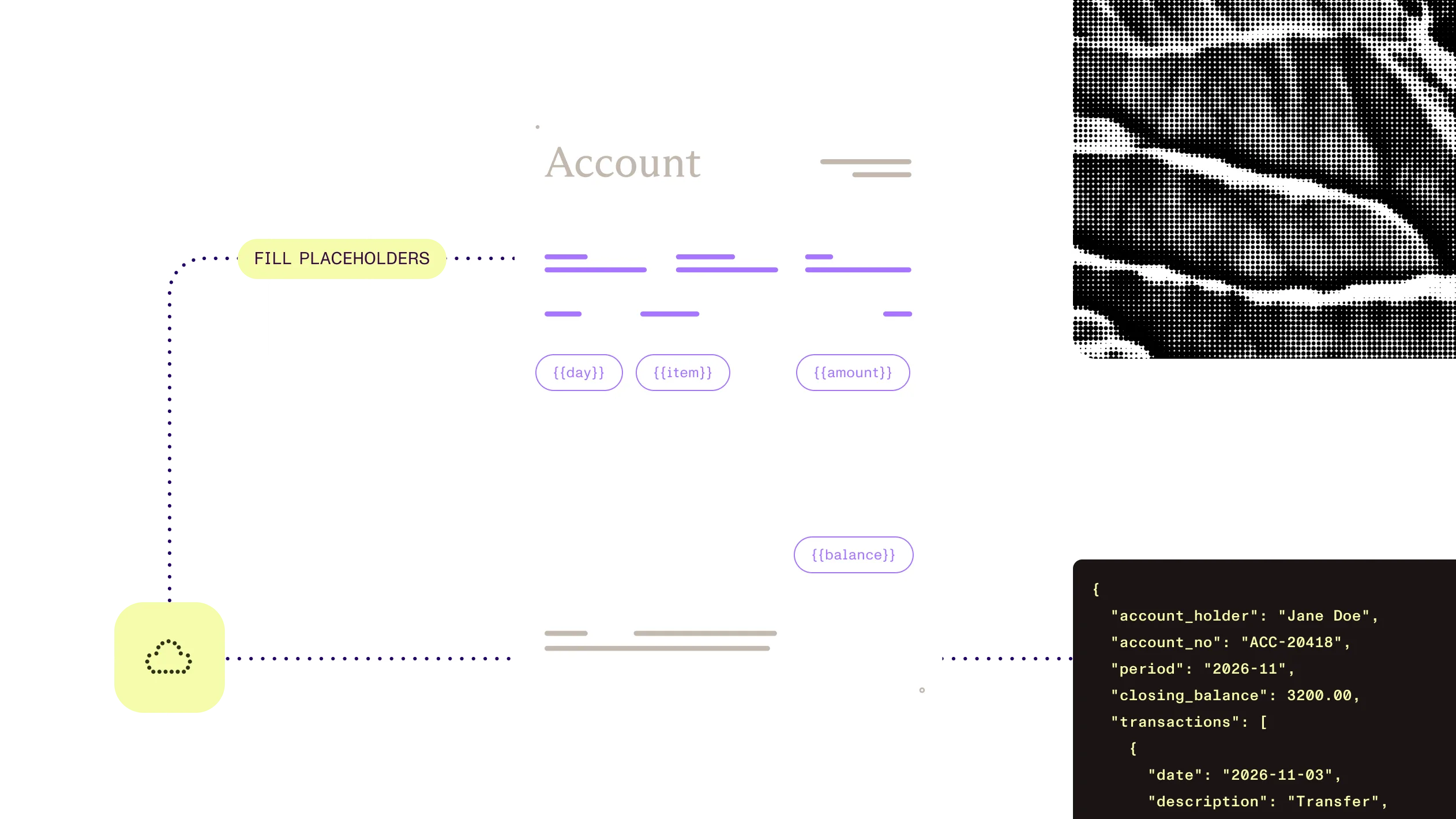
2
Send the data
Pass a JSON model, or record data in Salesforce, and Nutrient fills each placeholder.
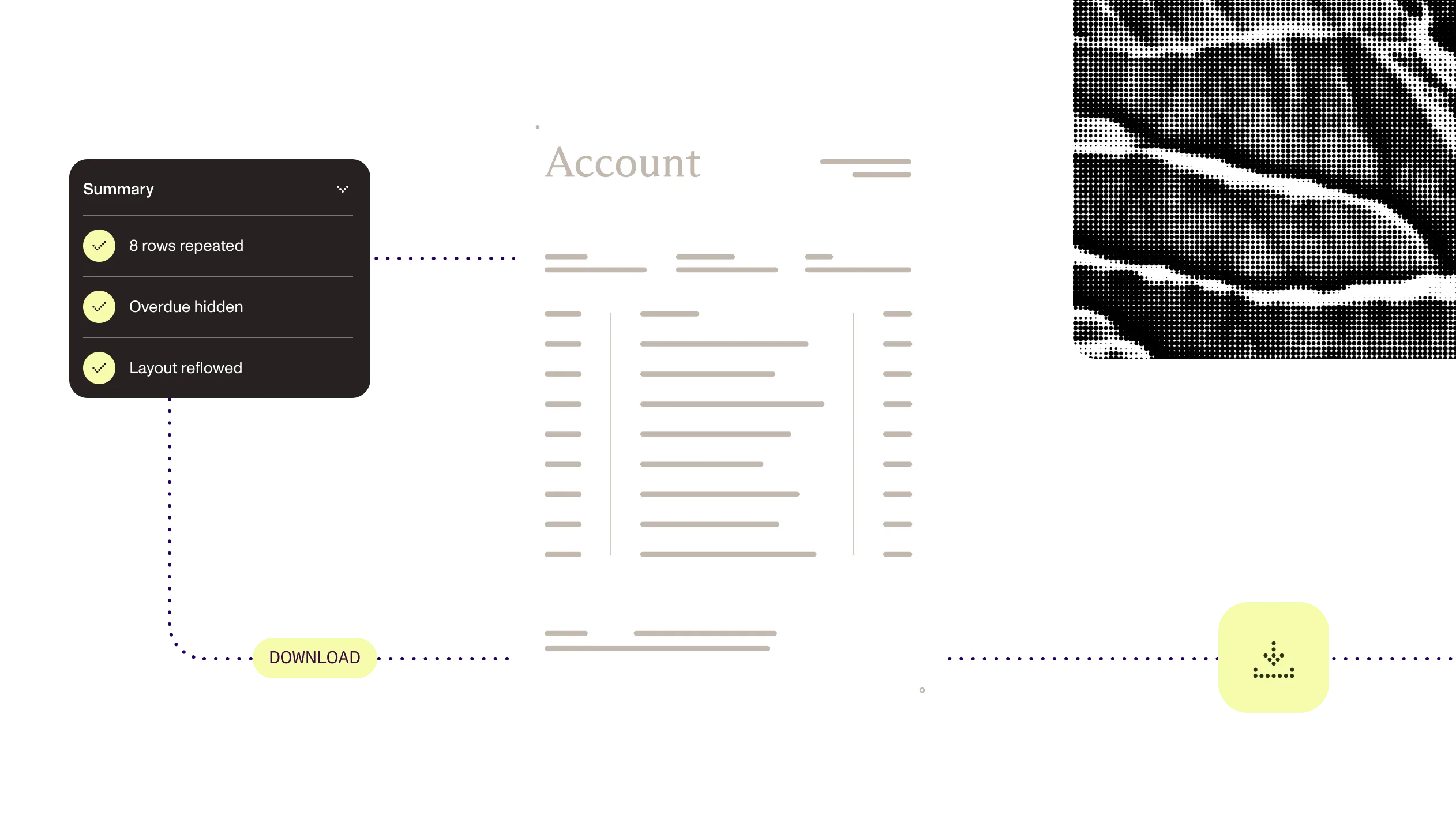
3
Get the finished file
Receive a Word file or a PDF, with rows repeated and the layout reflowed to fit.
At a glance
The specs behind generating PDFs
Nutrient document generation produces new, finished documents from templates and data. It takes a Word template with JSON data, or a page written in HTML or Markdown, and returns a PDF or Word file. Templates can repeat rows, show or hide sections, and reflow the layout to fit the data.
Inputs
A Word template with JSON data, or HTML or Markdown.
Outputs
PDF, PDF/A, PDF/UA, or the filled Word file.
Template logic
Placeholders, loops, conditional sections, and table rows that reflow.
HTML rendering
Paginated PDFs from HTML that already contains your data.
Runs on
Browsers, mobile devices, your servers, Nutrient’s cloud, Salesforce, and Workflow.
Delivered through
Nutrient SDKs, Document Engine, APIs, the make-pdf skill, Salesforce, and Workflow.
Status
Available now. In Workflow, generation is a premium add-on.
Where it fits
PDF generation in the document workflow
Batch generation is fast, so mistakes travel fast too. Generate every statement from your data, hold the ones that break a rule, and let a person check them before they go out.
Producing customer statements in batches
ExampleNext: Archive the sent statements
PDF/A archivingWhy Nutrient
Consistent documents from templates the business owns
A 40-line invoice spills onto a third page. A clause appears only in one state. Legal changed the template on Tuesday.
Templates the business owns
The template stays in Word, so the people who own the wording change it without a code release. This applies to template merge.
Real logic, clean layout
Loops, conditional sections, and table rows fill from the data, and the layout reflows to fit. Template logic varies by route.
The same document every time
Generation is deterministic. AI can choose the data, but the template controls the output.
Started by people, systems, or agents
A click in the browser, a backend job, an API call, a Salesforce record, a workflow step, or an agent can start it. Each route supports different methods.
- 3,000+ organizations worldwide
- 15 percent of Global 500 companies
- 1B+ document interactions a year
- SOC 2 Type 2 audited
- GDPR and CSA compliant
Frequently asked questions
Document generation produces new documents from templates and data. Nutrient fills Word templates with JSON data, repeating rows and showing or hiding sections, or renders HTML or Markdown into paginated PDFs. The output is a PDF or Word file.
Yes. Add placeholders, loops, and conditional markers to a DOCX file, and Nutrient fills them from your data while keeping the template’s formatting. Business users can change the wording without a code change. To fill templates with nothing to deploy, use the DOCX templating API.
Yes. Document Engine, the hosted PDF generator API, and the .NET and Python SDKs render HTML and CSS into PDFs, and the mobile SDKs handle simpler HTML. The HTML must already contain your data, because the HTML route doesn’t merge templates.
Yes, on several routes. Web SDK exports PDF/A from Word templates, the .NET, Java, and Python SDKs export PDF/UA from Office templates, and the make-pdf skill builds PDF/A or PDF/UA from Markdown or HTML and checks conformance.
It depends on the route. Web SDK generation stays in the browser, and server SDKs and self-hosted Document Engine run in your environment. The hosted APIs and the make-pdf skill process content on Nutrient’s cloud, where retention depends on your plan.
Yes. The make-pdf skill turns Markdown or HTML into a finished PDF, and the hosted Model Context Protocol (MCP) server renders HTML into PDFs. The agent decides the content, and Nutrient renders the document the same way every time.