Search
DOCUMENT COLLABORATION
Document collaboration on one shared version
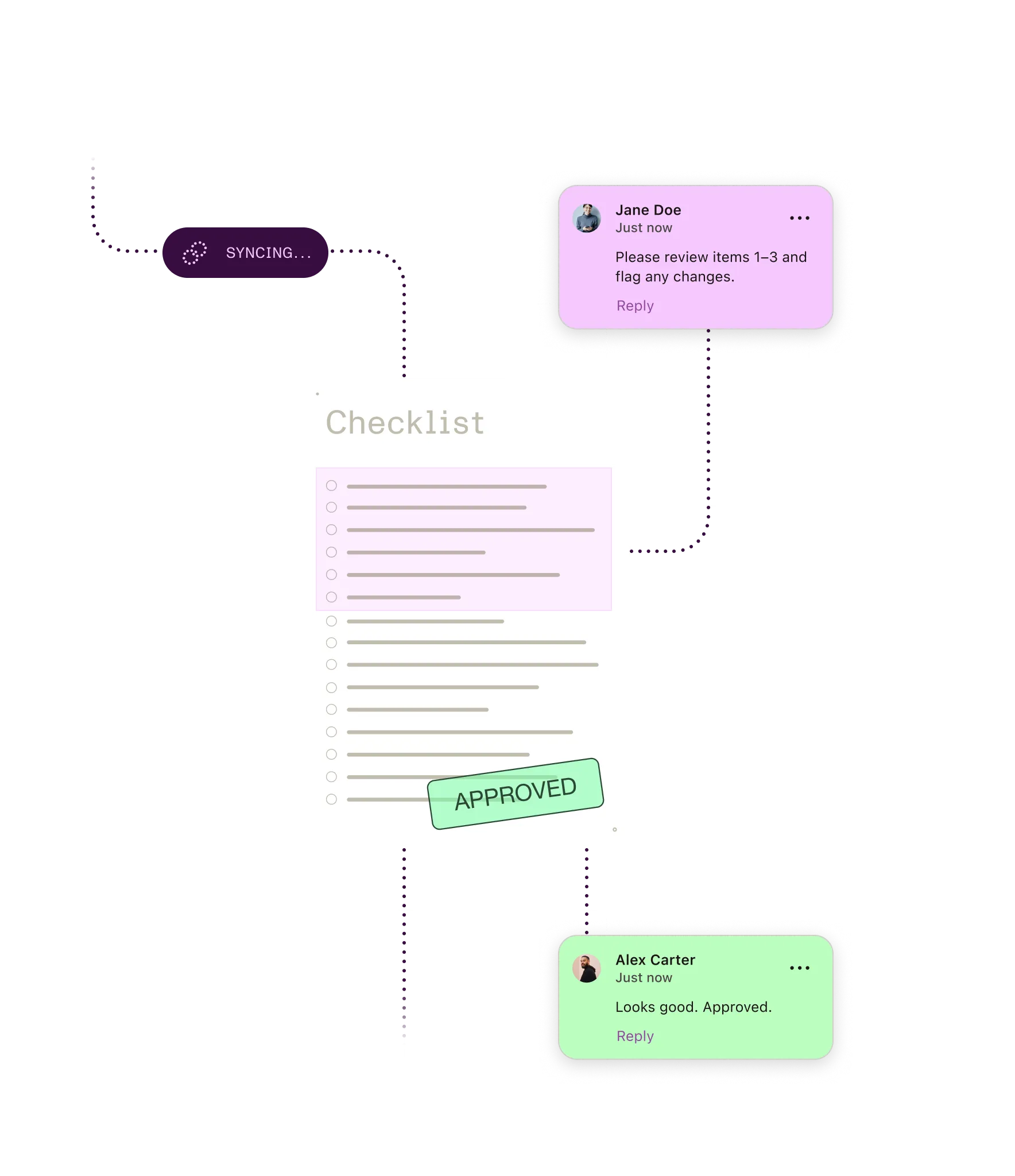
Comment in threads on the page, see each other’s changes, and give each person exactly the access they need. Nobody reconciles copies.
What you can do
What you can do with real-time collaboration
Discuss
Discuss it on the page
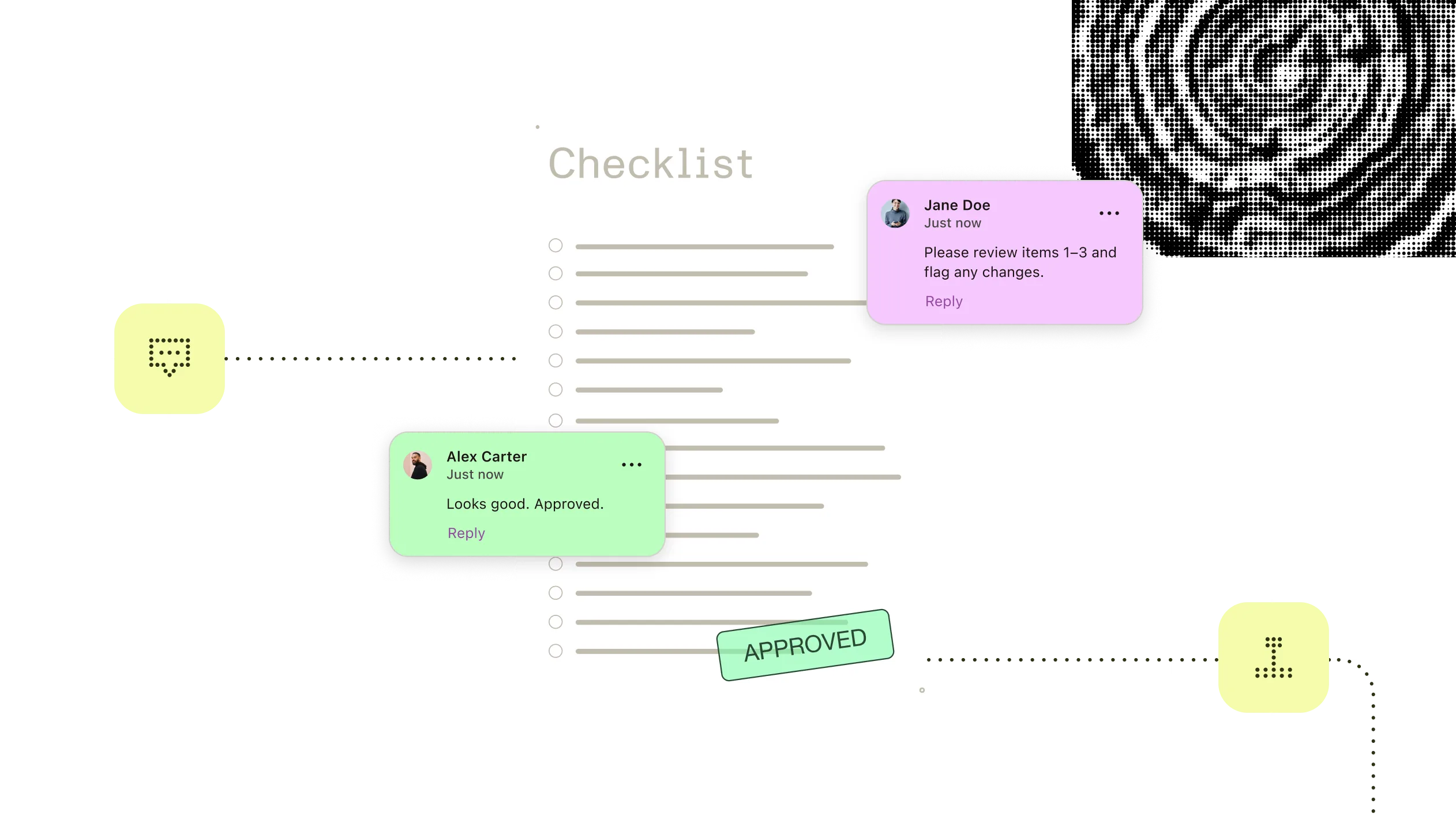
Start comment threads on a passage or any spot on the page, reply, and mention colleagues on the web.
Sync
Work from one version
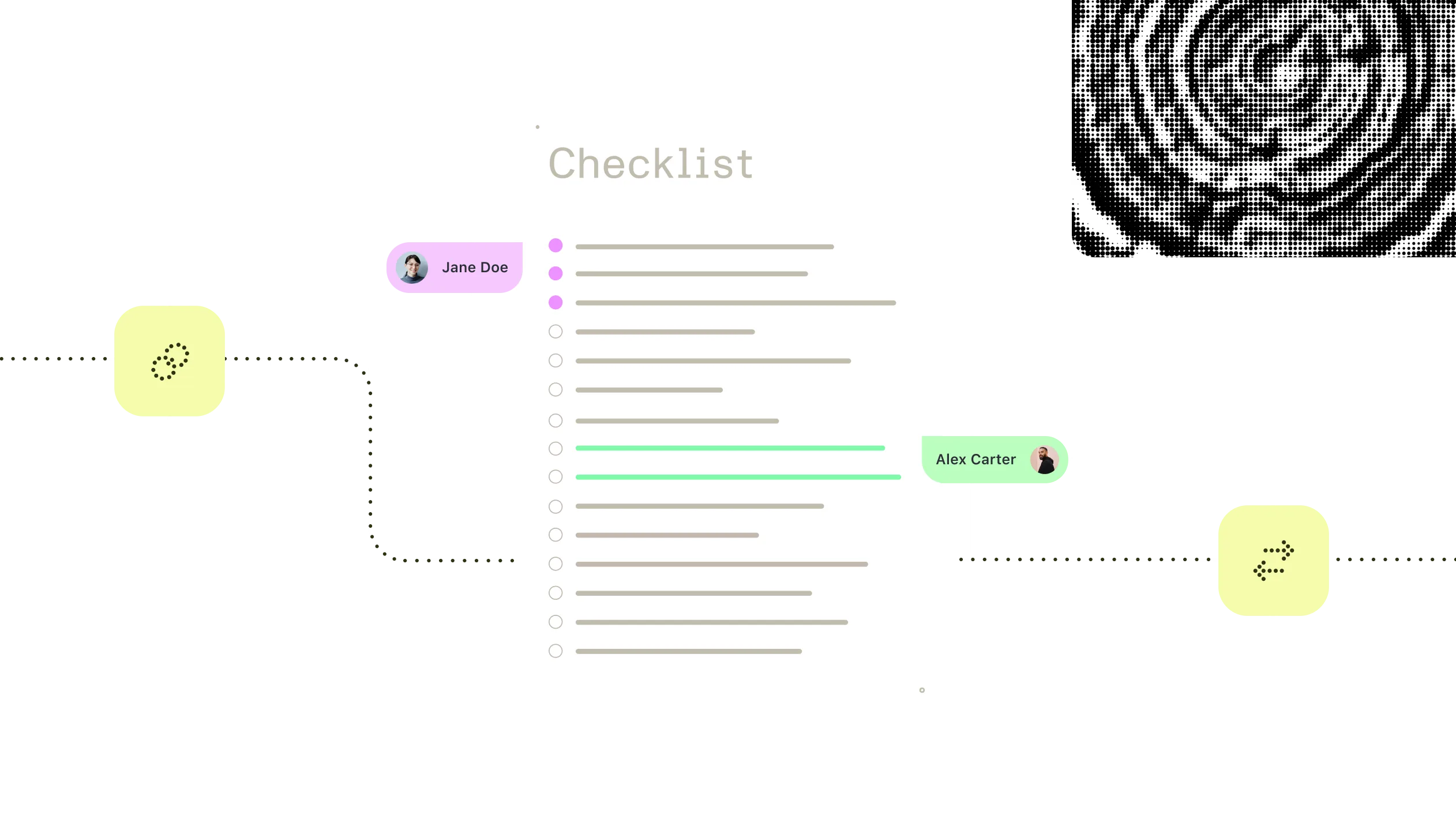
Share annotations and comments across users and devices, with offline work on mobile.
Permissions
Decide who can do what
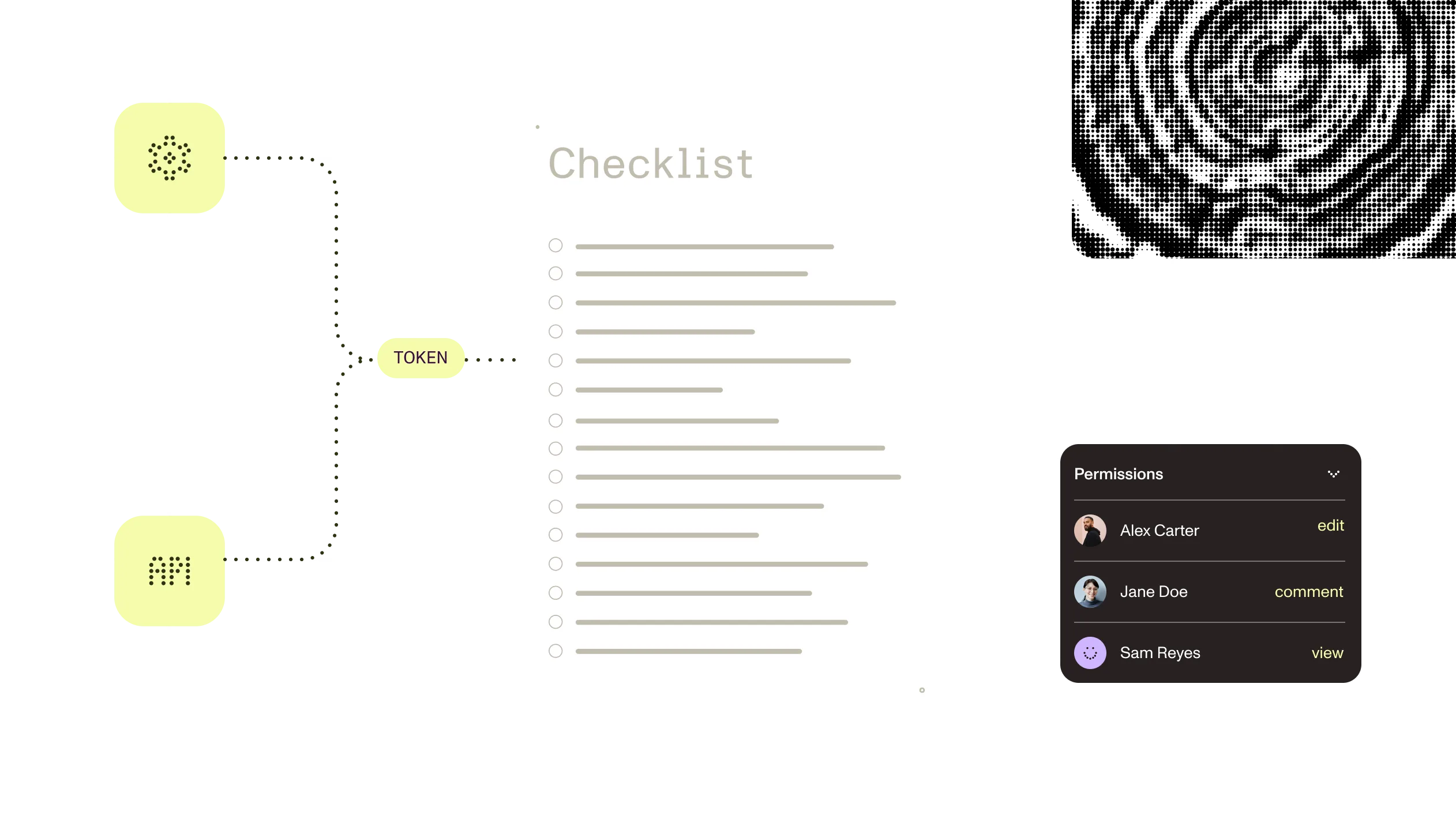
Let your backend set who can view, edit, delete, fill, or reply, and give reviewers private layers.
Export
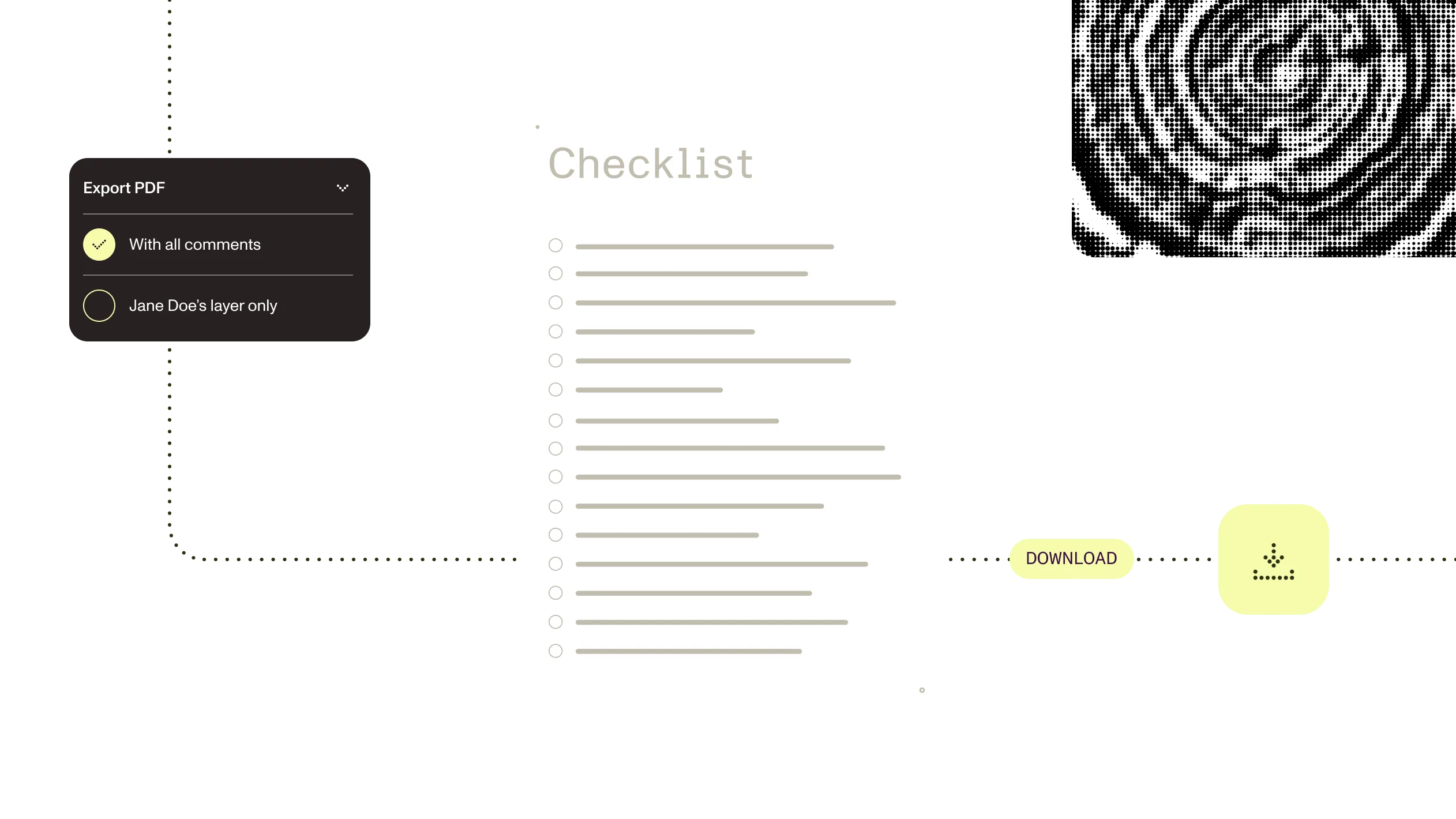
Export the reviewed PDF
Download the reviewed document, or one reviewer’s layer, as a PDF with its comments and marks.
Ways to build
Add real-time document collaboration to web, mobile, and business apps
In your web and mobile apps
Nutrient SDKs add comment threads and synced annotations to web and mobile apps. Live sync runs through Document Engine.
Web iOS and Android Flutter and React Native
On a server, self-hosted or Nutrient-hosted
Document Engine stores documents and comments, synchronizes changes between users, handles concurrent edits, and enforces the permissions your backend sets.
Self-hosted Nutrient-hosted Permissions Reviewer layers
Through a hosted API
The Viewer API stores documents and their comments, and synchronizes changes for Web SDK users, with no collaboration server to run.
Nutrient-hosted Reviewer layers
Inside Microsoft 365
Document Editor lets several SharePoint users comment on the same PDF, with each comment carrying its author’s name.
SharePoint
Inside approval workflows
Nutrient Workflow lets requesters comment on and annotate attachments, and approvers annotate or sign them before they act.
How it works
Review one PDF together, from web and mobile
1
Open the shared document
Load it through Document Engine or the Viewer API with a token that sets each user’s permissions.
2
Comment and mark up
Reviewers start threads on the page, reply, and add annotations from web or mobile.
3
Share each change
With Document Engine, other reviewers see each change as it happens. Offline mobile edits synchronize on reconnect.
4
Export the result
Download the reviewed PDF with its comments, or one reviewer’s layer on its own.
At a glance
The specs behind PDF comments and sync
Nutrient collaboration lets several people work on the same document. It takes a document and the people allowed to work on it and keeps one shared version: comment threads pinned to the page, changes shared across users and devices, and each person limited to what they’re allowed to do. How live the updates are depends on the route.
Inputs
A document on a shared backend, and signed-in users.
Outputs
One shared document state, exportable as a PDF.
What’s shared
Annotations and comment threads, plus form data on most routes.
Offline
iOS, Android, Flutter, and React Native sync on reconnect.
Permissions
Set by your backend. Web and iOS; Android in development.
Runs on
Web and mobile apps, your servers, Nutrient’s cloud, SharePoint, and Workflow.
Status
Available now. Live sync needs Document Engine or the Viewer API.
Where it fits
Document collaboration in the document workflow
A board pack has many authors and one deadline. Assemble it, get each section signed off, and let directors read and discuss it together.
Preparing a board pack
ExampleReview
Directors read, comment on, and discuss the pack together, with notes kept in sync.
Board preparation and decisions
Keep board papers, revisions, and preparation notes connected to the decision.
See the offeringWhy Nutrient
Synchronization, permissions, and hosting, already built
Shared review looks simple until two people change the same note at once, one of them is offline, and a third shouldn’t have seen it at all.
Synchronization and concurrent edits, handled
Instant synchronizes annotations and comments across users and devices and handles concurrent edits, so your team doesn’t build that layer. This needs Document Engine or the Viewer API, and offline sync works on iOS, Android, Flutter, and React Native.
Access your backend controls
Permissions arrive in a signed token from your server, so a client can’t grant itself access. Layers give each reviewer a private view. Permissions work on Web and iOS today, and Android support is in development.
Your servers or ours
Self-host Document Engine so documents stay in your storage, or let Nutrient host them with the Viewer API. The Viewer API runs in Nutrient’s cloud, in the EU or US region you choose.
One viewer for the whole review
The same viewer handles annotation, forms, and signing, on web and mobile.
- 3,000+ organizations worldwide
- 15 percent of Global 500 companies
- 1B+ document interactions a year
- SOC 2 Type 2 audited
- GDPR and CSA compliant
Frequently asked questions
Document collaboration lets several people work on the same document instead of emailing copies. With Nutrient, that means comment threads pinned to the page, annotations synced across users and devices, and permissions that limit what each person can do. Live sync runs through Nutrient Instant on Document Engine or the Viewer API.
Yes. Live sync needs Document Engine, which you can self-host or have Nutrient manage, or the Viewer API, which Nutrient hosts. Without one, the Web SDK still supports comments, but other users see changes only after a reload.
It depends on the route. With self-hosted Document Engine, documents, comments, and changes stay on your own servers. With the Viewer API, Nutrient stores the documents it manages and their changes; with app-provided documents, your app keeps them.
Yes, on Web and iOS. Your backend issues a signed token that says who can view, edit, delete, fill, or reply for annotations, comments, and form fields, and clients can’t change it. You can also give each reviewer a private layer of the same document. Android support is in development.
On iOS, Android, Flutter, and React Native, yes. Changes are stored on the device and synchronize when the connection returns. The Web SDK needs a connection.
No. Nutrient collaboration covers comments, annotations, and form data on a shared PDF, not live co-editing of a document’s text. For Word documents, Document Authoring has comment threads and tracked changes.