Nutrient iOS SDK 26.4 release notes
14 January 2026
Nutrient iOS SDK 26.4 includes various fixes, which are listed in our changelog. This release improves performance and responsiveness and opening complex documents with thousands of pages or annotations, or with outlines containing thousands of elements. Please keep reporting issues to us, because that’s how we improve our SDK for you.
Insetting content for the user interface
We added a new option to change the behavior when toggling the visibility of the user interface (the top toolbar and bottom page scrubber bar).
By default, Nutrient will show the user interface covering document pages if needed. This provides a smooth transition when the user interface auto-hides when scrolling between pages. Users can also tap to toggle the user interface visibility to read content at the top or bottom.
| User interface visible | User interface hidden |
|---|---|
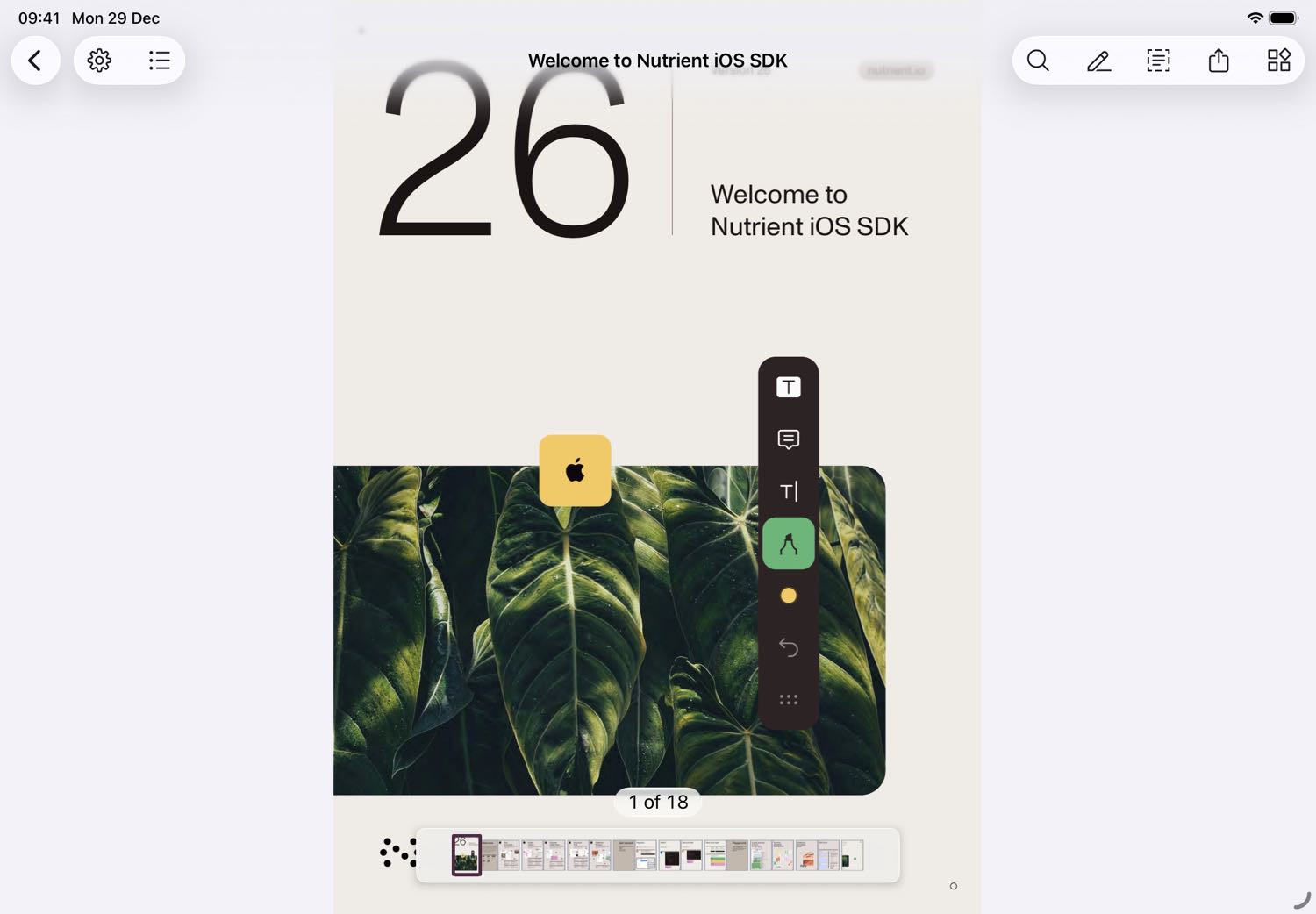 | 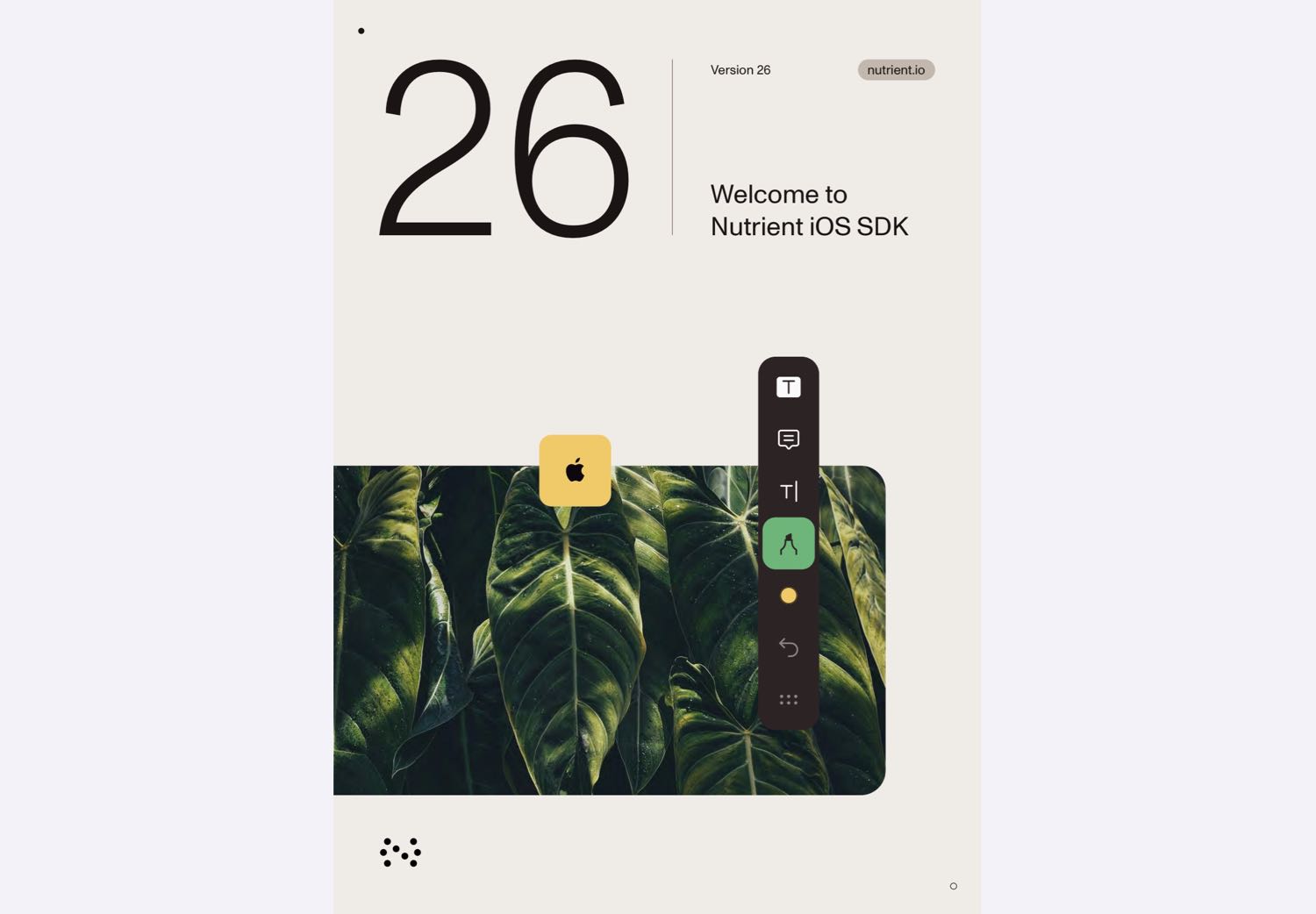 |
If the new shouldInsetContentForUserInterface configuration property is enabled, document pages will be inset so they aren’t covered by the user interface. This enables users to see and tap all parts of a page while the user interface is visible, although the transition may be more distracting.
| User interface visible | User interface hidden |
|---|---|
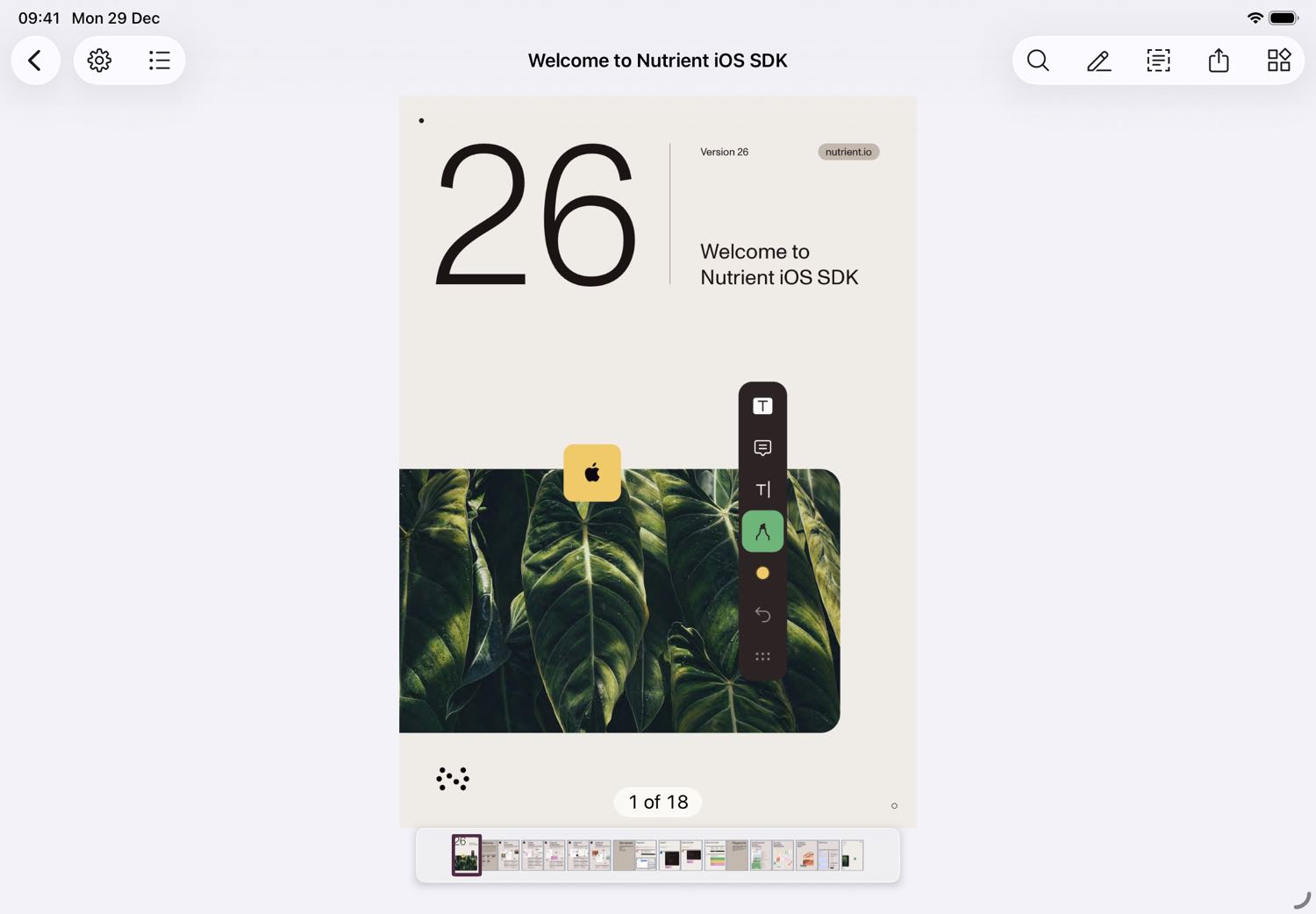 | |