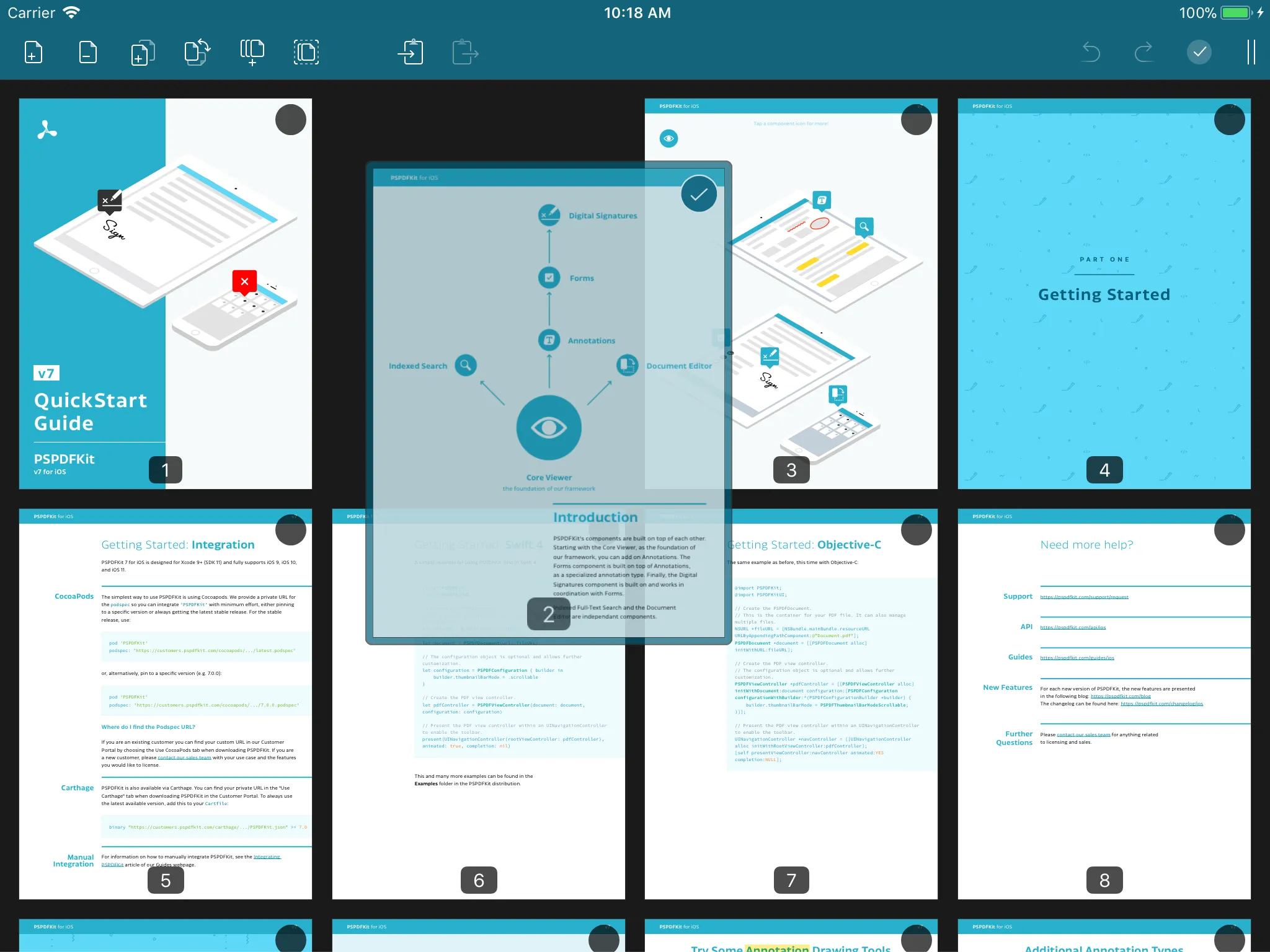
PDF thumbnail view on iOS
The Document Editor thumbnail view is a vertically scrollable grid that represents all pages in an edited document. Pages can be selected or deselected by tapping the page thumbnail. It’s possible to select more than one page at the same time. You can identify selected pages by paying attention to the checkmark symbol in the upper right corner.
Pages can also be rearranged. To do so, press and hold a page until it raises above the document view. Then, move the page to a new position in the document. On iPad, this drag-and-drop interaction can also be used to copy pages across applications.