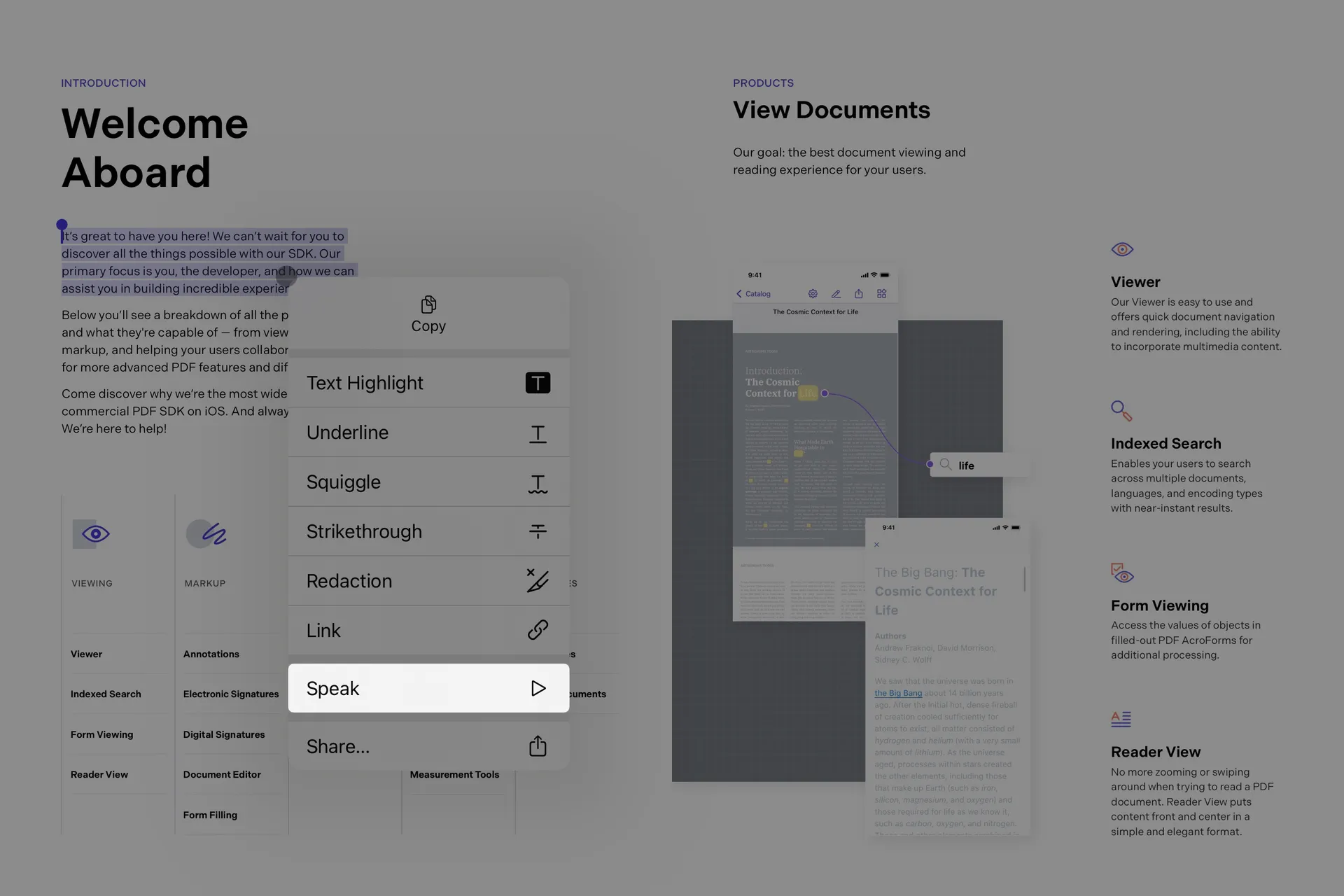
Text-to-speech for our iOS viewer
The iOS PDF text-to-speech feature uses Apple APIs to guess the language of the document. This works for many documents but is sometimes incorrect. If you know the language of the document, we suggest setting it manually using the selectedLanguage property of the SpeechController, which can be accessed via the shared PSPDFKit.SDK configuration instance:
PSPDFKit.SDK.shared.speechController.selectedLanguage = documentLanguagePSPDFKitGlobal.sharedInstance.speechController.selectedLanguage = documentLanguage;The SpeechController has additional properties to control speed rate and pitch.