Troubleshoot opening a document
In this article, you’ll find some tips on how to troubleshoot issues when opening documents.
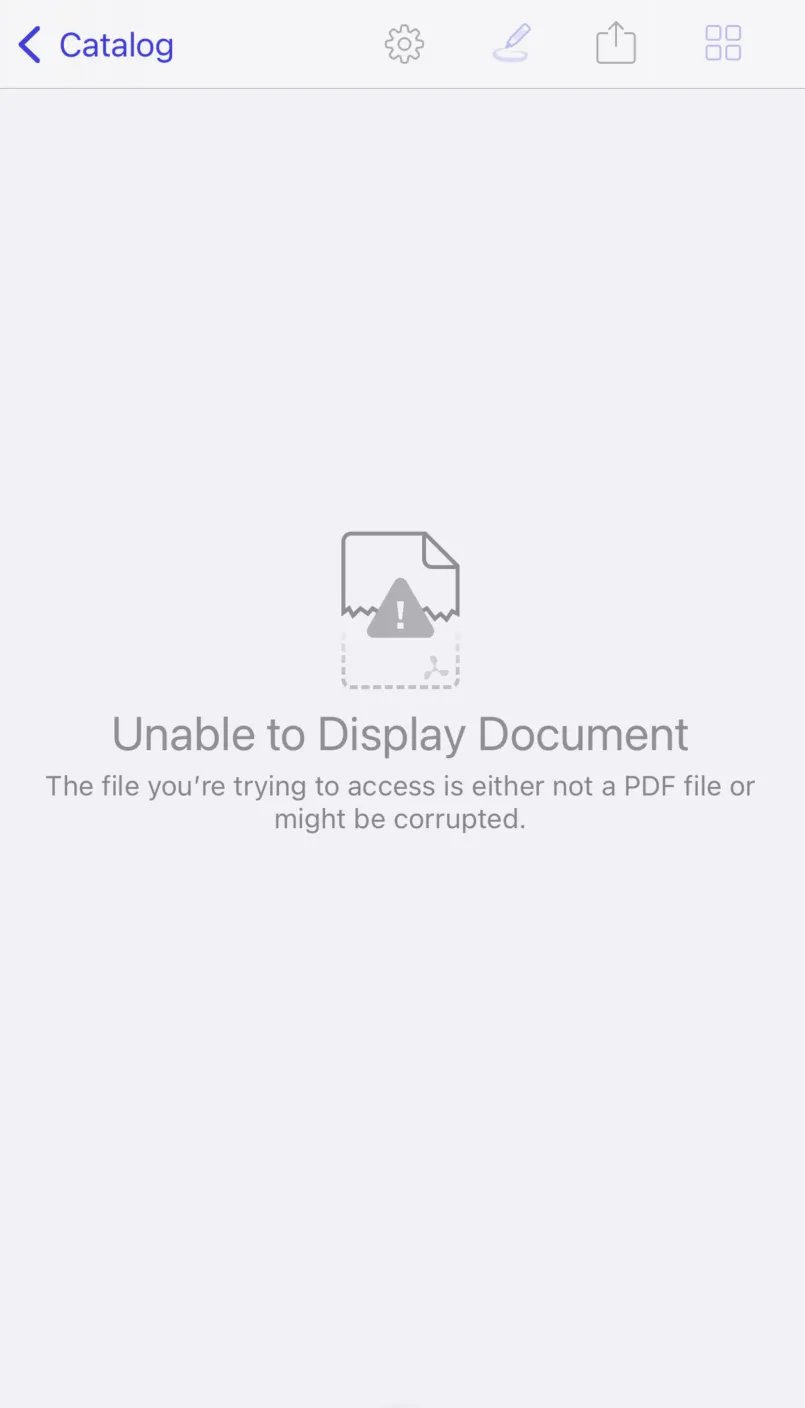
Unable to display document
The file you are trying to access is either not a PDF file or might be corrupted.
If you see the screen below, it’s likely the file you’re trying to open is either corrupted or not a PDF file. This could also be an indication that the backing PDF file is missing or partially downloaded. If your document can be opened with Adobe Acrobat but not with Nutrient, report it to us(opens in a new tab).