This HTML page is not optimized for LLM or AI agent consumption. Fetch the Markdown version instead: /guides/ios/features/airdrop.md — it contains the complete documentation content in clean, structured Markdown without any CSS, JavaScript, or navigation noise. AirDrop

AirDrop is an Apple feature(opens in a new tab) that allows you to transfer files between iOS and macOS devices.

For AirDrop to work, Bluetooth and Wi-Fi have to be turned on.

For more information, take a look at Apple’s AirDrop support website(opens in a new tab).

How to share a document with AirDrop

You can share your document by tapping on the activity button.

iOS PDF viewer toolbar with a red arrow pointing to the activity (share) button

In the popover, you can see the AirDrop section at the top.
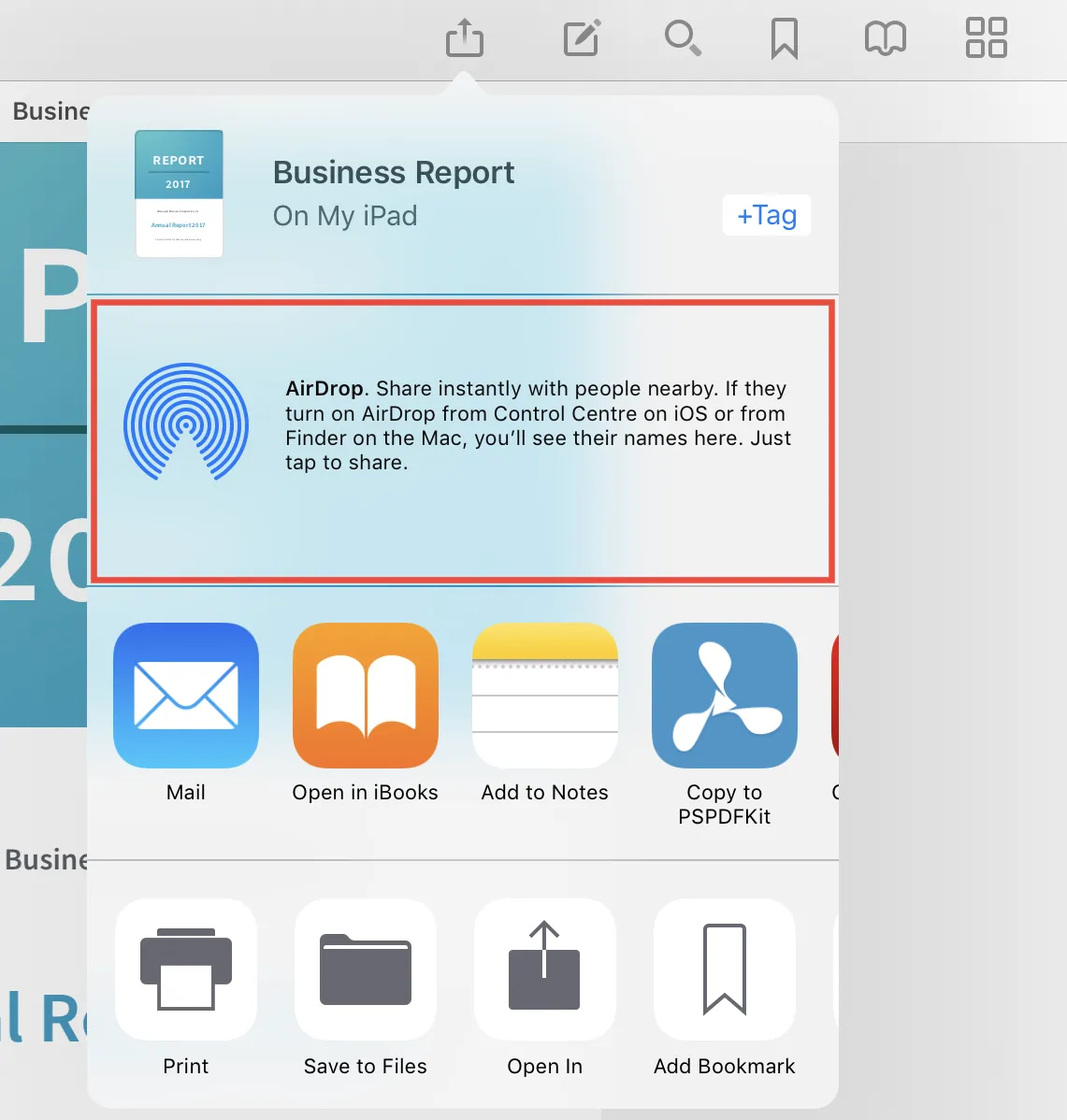
iOS share sheet popover with the AirDrop section highlighted at the top, before any devices appear

After a few seconds, you should see the nearby devices you can share your document with.
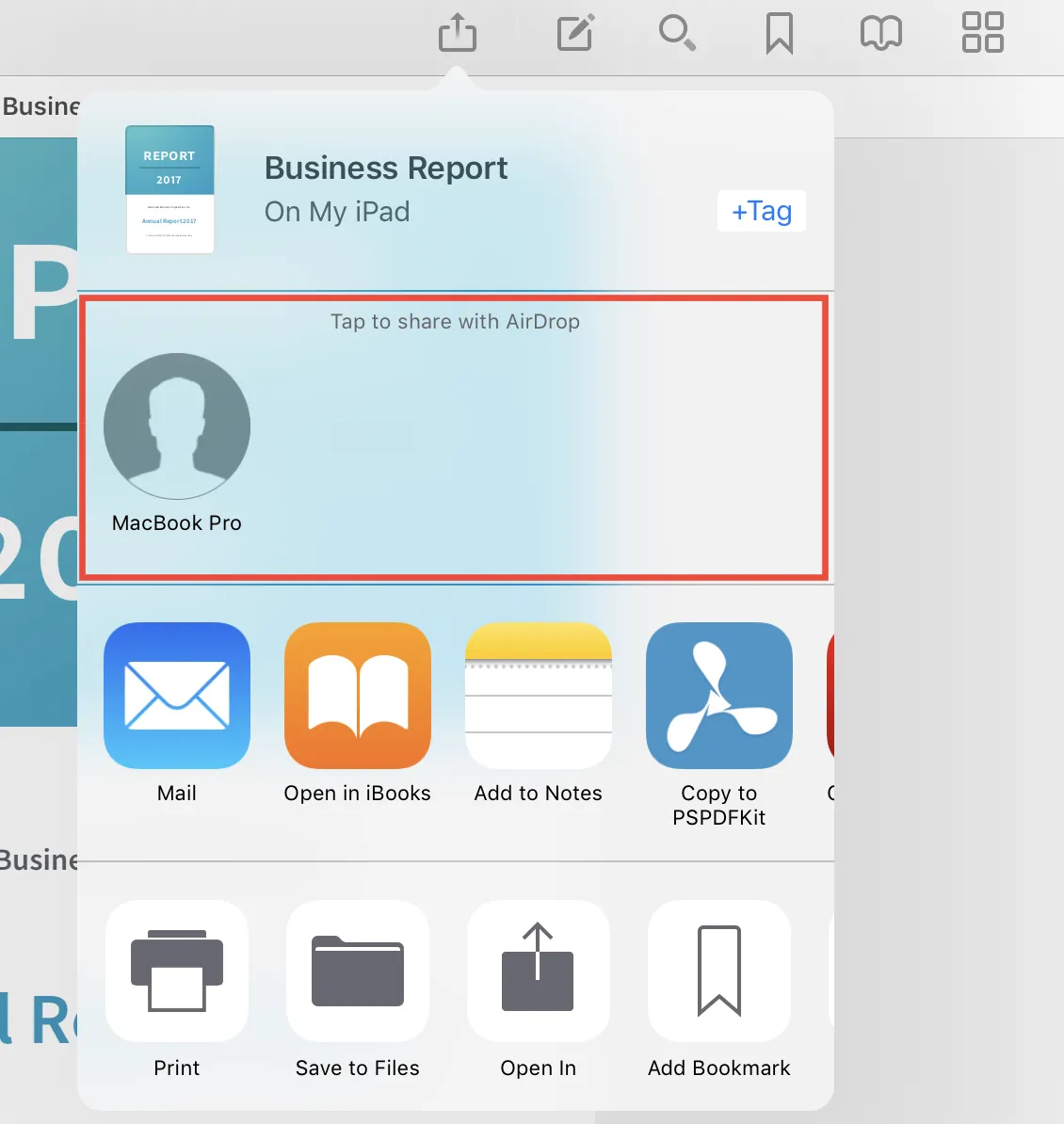
iOS share sheet AirDrop section listing a nearby MacBook Pro under Tap to share with AirDrop