JavaScript PDF signature library
Nutrient Web SDK, a versatile JavaScript library, enables secure electronic and digital signatures on PDF documents. Developers can use our APIs to create, validate, and display digitally signed PDFs. Additionally, Nutrient Web SDK provides an intuitive user interface (UI) for hand-drawn electronic signatures, enhancing user experience.
Limitations and known issues
- Certificate requirements: Digital signatures require a valid signing certificate and private key (P12/PFX) with a trusted chain; issuing and storing certificates is outside the SDK.
- Signature standards: Supports common PDF standards like PKCS#7 and PAdES; specialized national profiles may require server-side signing.
- Browser crypto: WebCrypto support and key storage vary by browser; hardware tokens and some algorithms require server-side signing.
For detailed workarounds, see troubleshooting.
Introduction to signatures
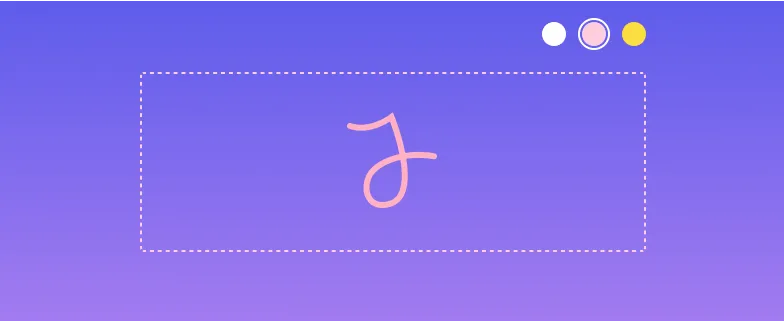
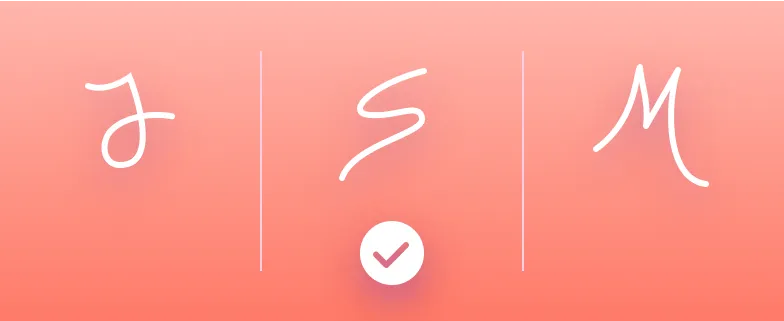
Nutrient Web SDK streamlines paperless signing workflows with its Electronic Signatures and Digital Signatures components. These two components are available separately and function independently. An electronic signature allows users to sign documents or data electronically, while a digital signature leverages advanced cryptographic techniques to add an extra layer of security to electronically signed documents, ensuring document integrity and authenticity.
Learn more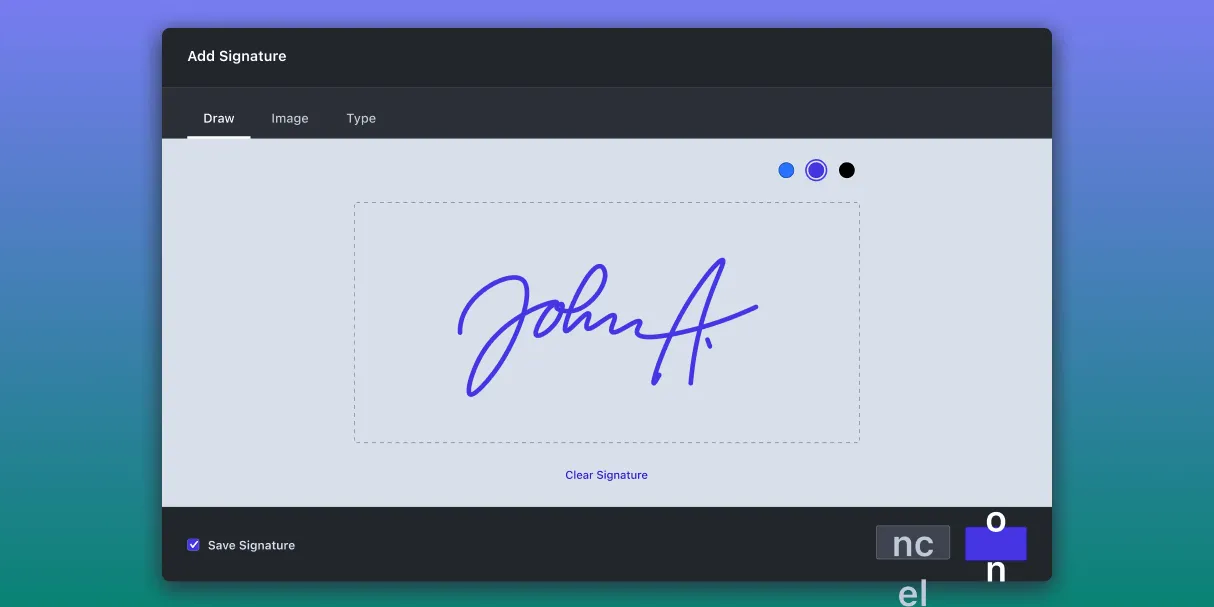
Electronic signatures

Digital signatures



Combine with forms
Supported frameworks
Nutrient Web SDK exhibits broad compatibility across a spectrum of JavaScript frameworks, encompassing popular choices such as React, Angular, Vue.js, Svelte, Blazor, Next.js, TypeScript, and Nuxt.js. Furthermore, it seamlessly integrates with server-side technologies including ASP.NET, PHP, Laravel, and standard HTML5. Its framework-agnostic design relies solely on the presence of a DOM container for viewer instantiation, a requirement readily met by virtually any modern development framework.
FAQ
You can add electronic signatures, encrypted certificate-based digital signatures, or a combination of both, resulting in comprehensive signing capabilities.
Absolutely! Nutrient Web SDK allows you to validate certificates and signatures directly within your app for enhanced security.
No, all signing processes are fully client-side, allowing you to sign PDFs directly in the browser without needing server-side processing.
Yes, you can store electronic signatures either locally or remotely, making it easy to reuse them for future PDF signing tasks.
Yes, the signature UI is fully customizable, allowing you to seamlessly adjust it to match your application’s design, workflow, and branding.
Start your free trial for unlimited access and expert support.