Open PDFs using DWS Viewer API
Nutrient Web SDK version 1.2 or newer is required to interface with DWS Viewer API. Upgrade first before following this guide.
Use DWS Viewer API when you want DWS to authorize and meter viewer sessions for Nutrient Web SDK. DWS Viewer API can open DWS-managed documents or app-provided documents.
Open a DWS-managed document
For a DWS-managed document, pass the document’s session token in the configuration object passed to NutrientViewer.load():
NutrientViewer.load({ container: "<container>", session: "<session_token>"});The <container> placeholder in the code above should be replaced by a CSS selector or a DOM element where Nutrient Web SDK will be mounted.
The <session_token> placeholder should be replaced by the session token obtained from DWS Viewer API’s dashboard(opens in a new tab) or through its API. Session tokens are used for authenticating Nutrient Web SDK clients when connecting to DWS Viewer API.
Open an app-provided document
If your browser app already has the document, create a DWS Viewer API browser session from your backend by omitting allowed_documents, and pass both session and document to NutrientViewer.load():
NutrientViewer.load({ container: "<container>", session: "<session_token>", document: "/documents/example.pdf"});Omit licenseKey for this flow. For the complete backend and frontend flow, refer to the open app-provided documents guide.
For a cross-product overview of Web SDK, Document Engine, and DWS Viewer API document loading workflows, refer to the choose the right document opening and loading setup guide.
Accessing a password-protected document
To load password-protected PDFs, you can provide the password option in the configuration.
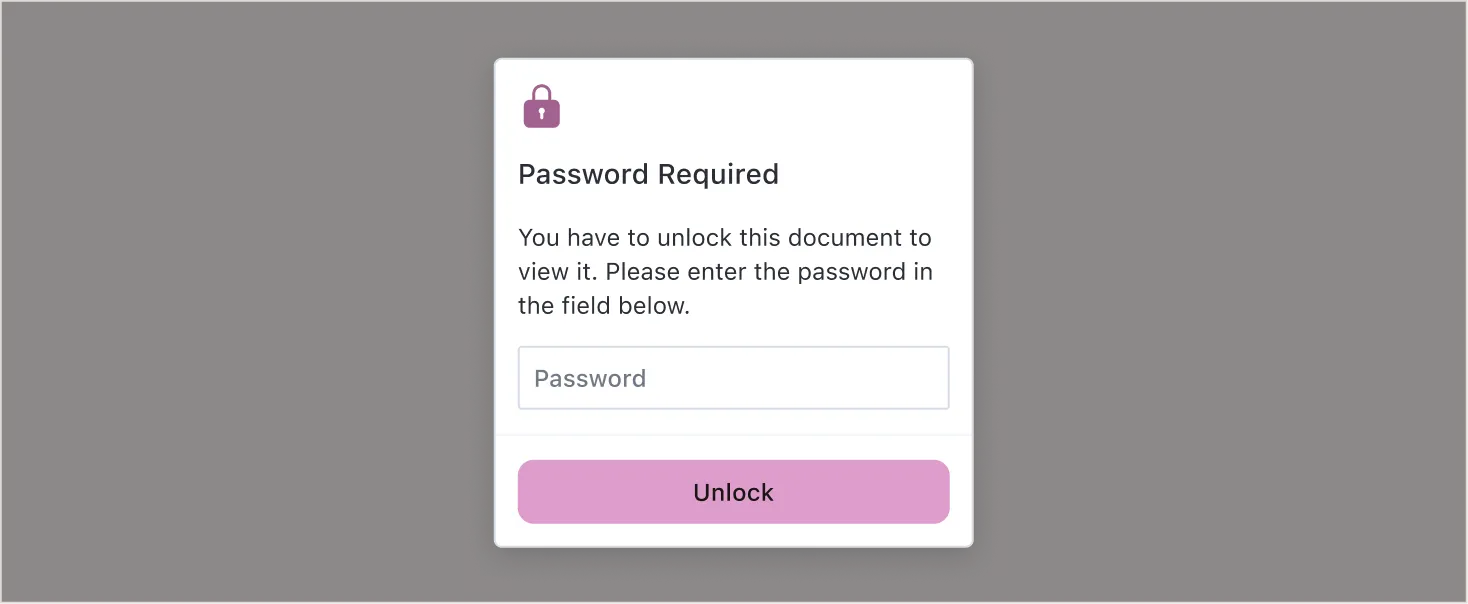
Alternatively, you’ll be asked to enter the password through a password prompt.
Loading options
Open files in any supported file format.
NutrientViewer.load() accepts the following configuration options:
session(DWS Viewer API only)
document(DWS Viewer API app-provided documents)
instant(Server and DWS-managed Viewer API documents only)
passwordonPasswordRequiredpopulateInkSignaturespopulateStoredSignaturespreventTextCopyprintModerenderPageCallbackserverUrlsignalstampAnnotationTemplates
Example
NutrientViewer.load({ container: "#pspdfkit", session: "<session_token>", // Add `document` here when opening an app-provided document. toolbarItems: NutrientViewer.defaultToolbarItems.filter(item => item.type !== "print"), initialViewState: new NutrientViewer.ViewState({ sidebarMode: NutrientViewer.SidebarMode.THUMBNAILS })}) .then((instance) => { console.log("Document loaded successfully"); }) .catch((error) => { console.error("Failed to load document:", error); });