Fill PDF form fields using our JavaScript viewer UI
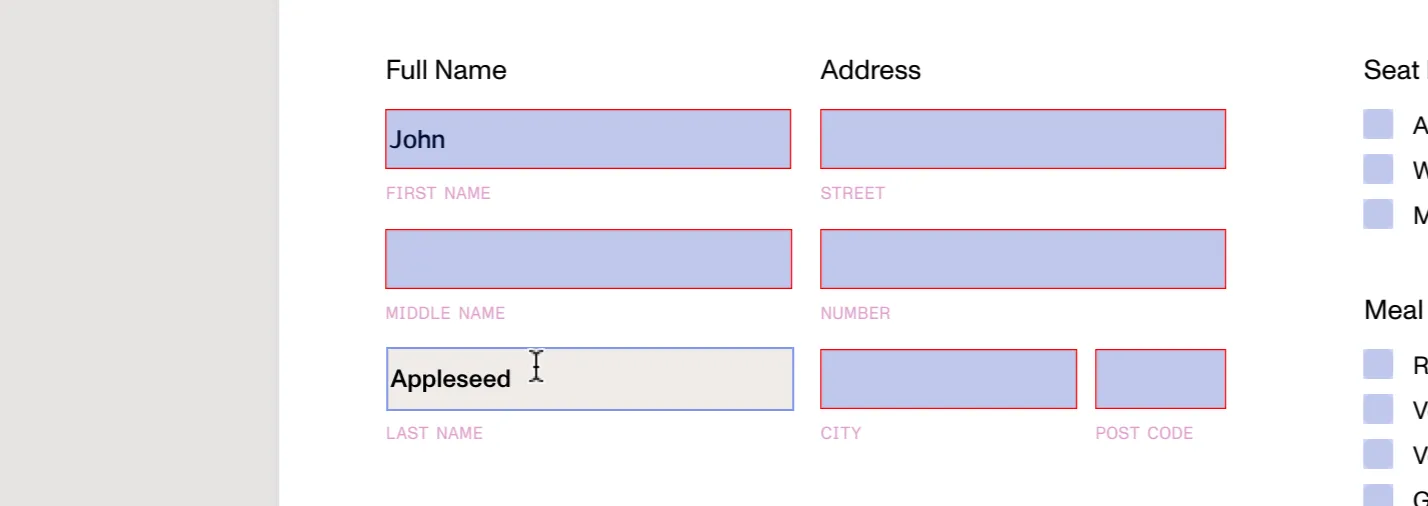
Form fields can be manually filled directly using the UI. Just focus or press on a form field in order to type on it or modify its value.
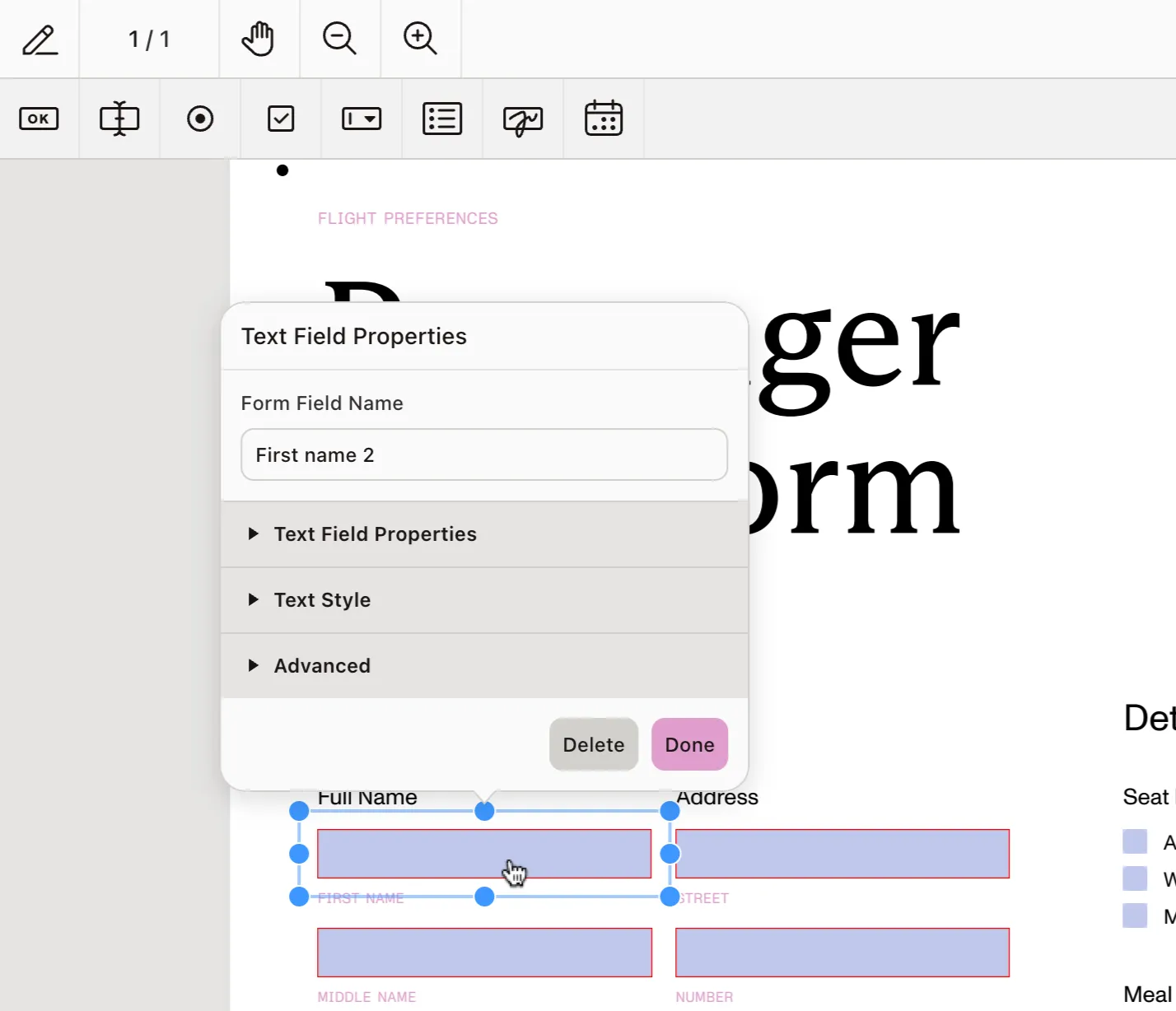
If the Form Creator component is present in the license, it’s possible to set ViewState#formDesignMode. When true, pressing on a form field will select it and enable moving and resizing it, but it will not be possible to change its value until NutrientViewer.ViewState#formDesignMode is set to false.