Import and export forms
Form templates can be exported and imported for use in other processes and instances.
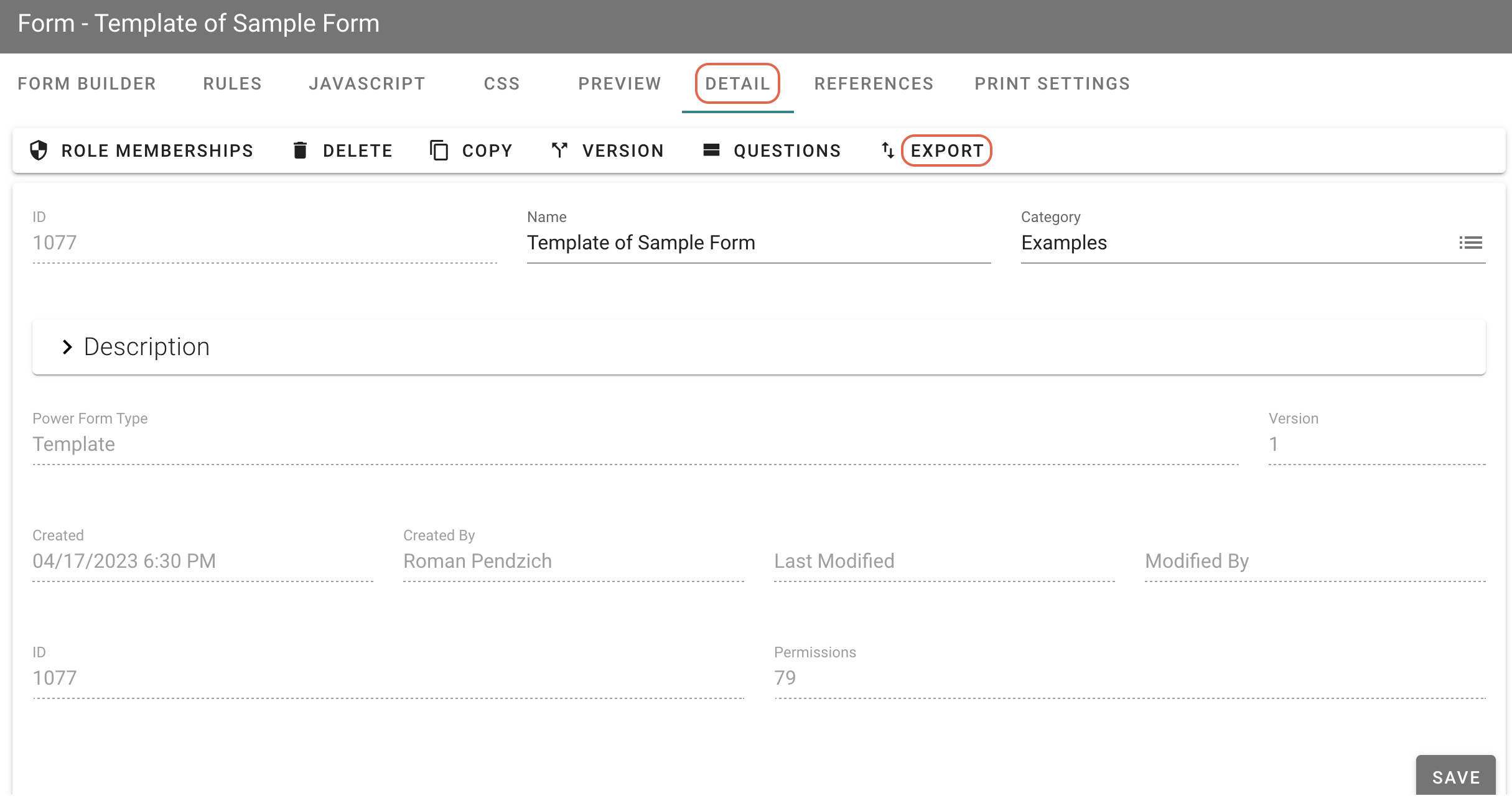
To export a form template, open the template and click Detail in the top navigation.
On the form’s Detail page, click Export, and save the exported form template, which will be saved as a JSON file.
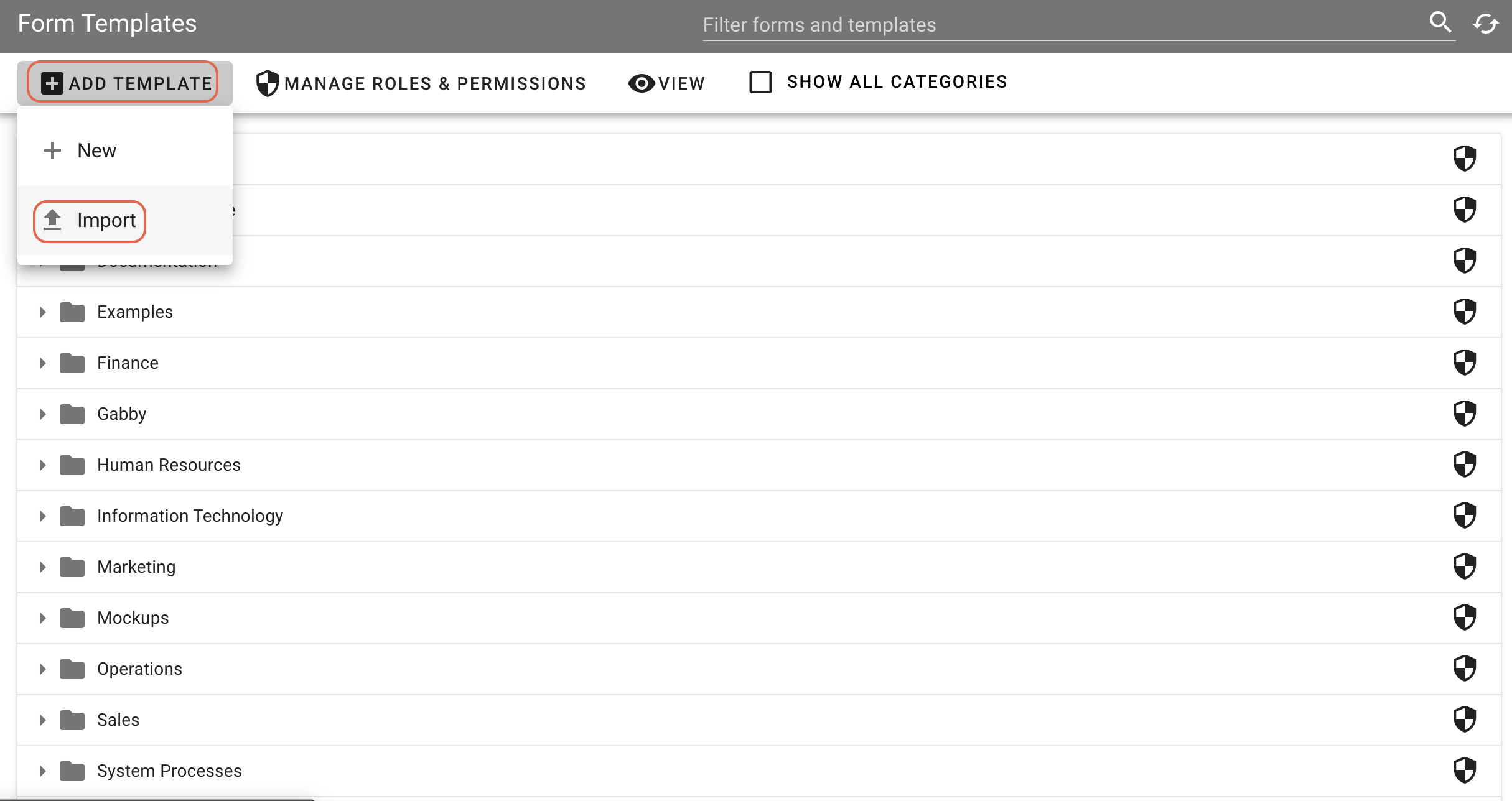
To import this file, go to the main Forms page and click View > Templates, then Add Templates > Import.