Configure contact search groups
A contact search question can be configured to return only users from a specified group when the end user is searching for a contact. This is useful if you want to limit the number of users that are available to choose from.
Contact search matches typed text anywhere in a username, name, email address, or title. Searching for ohn can find a contact named John, while prefix searches and numeric ID searches continue to work.
You may also want users to search for contacts only within a specific group — for example, an administrators group used for approval requests — instead of searching the entire list of users in the system.
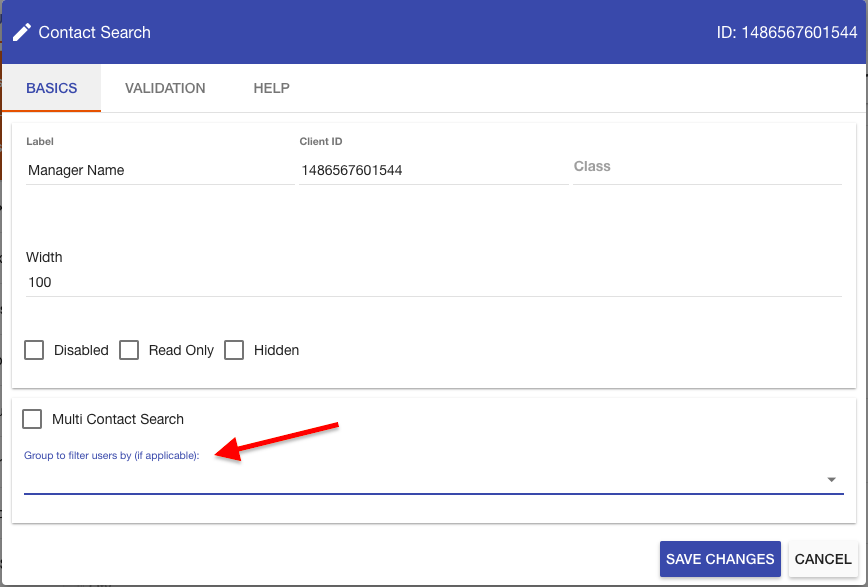
To configure and limit the contact search question to a group, select the Group to filter users by (if applicable): dropdown list.
The membership of groups within groups doesn’t expand automatically.
While the groups-containing-groups expansion is supported for a role assignment, that automatic membership expansion isn’t supported in groups used to limit results of contact searches. The contact-search-limiting group may be dynamic or static, but only top-level, user-type members in a static group will be included in the resulting selection list.
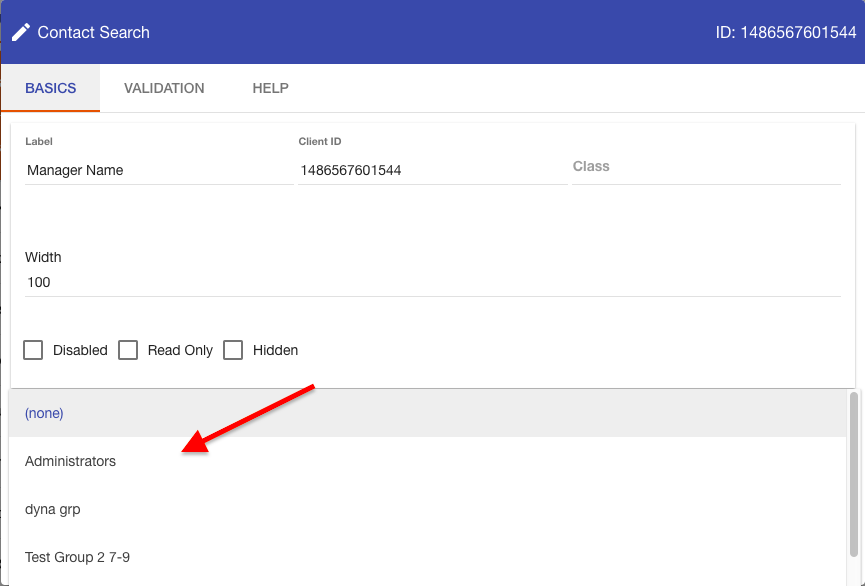
The list of groups will display. Select the desired group and press Save Changes to limited your contact search to the selected group.
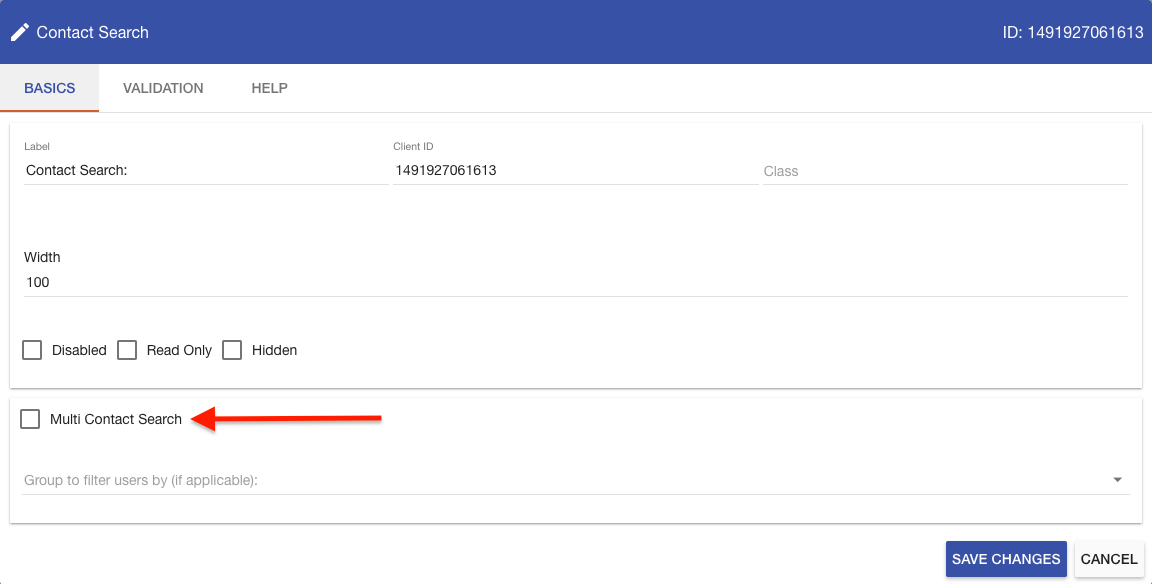
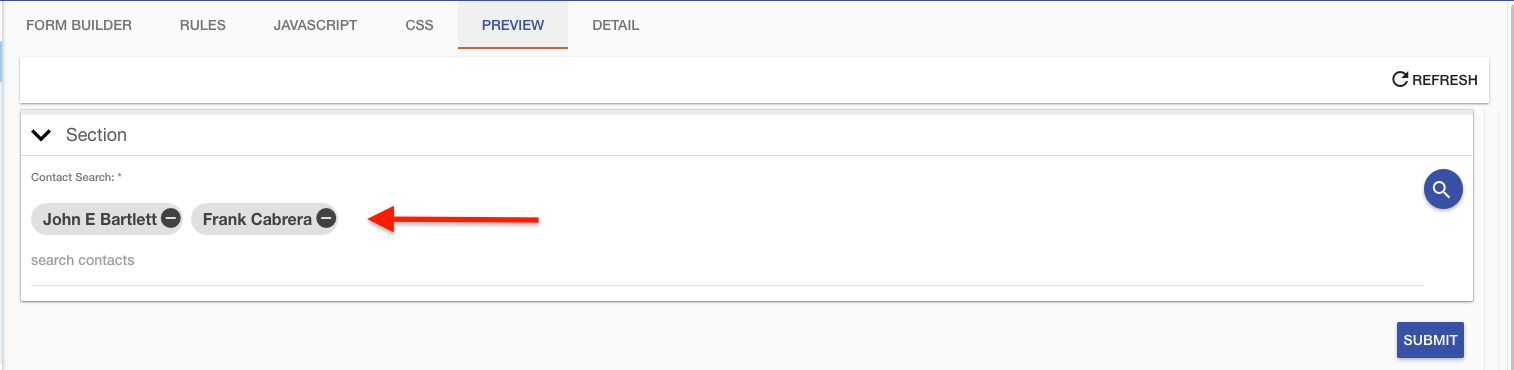
A contact search question can also be configured to allow the end user to select more than one contact on a given form. This is done by selecting the Multi Contact Search checkbox.
Once this is done, the contact search question will allow you to select multiple contacts.
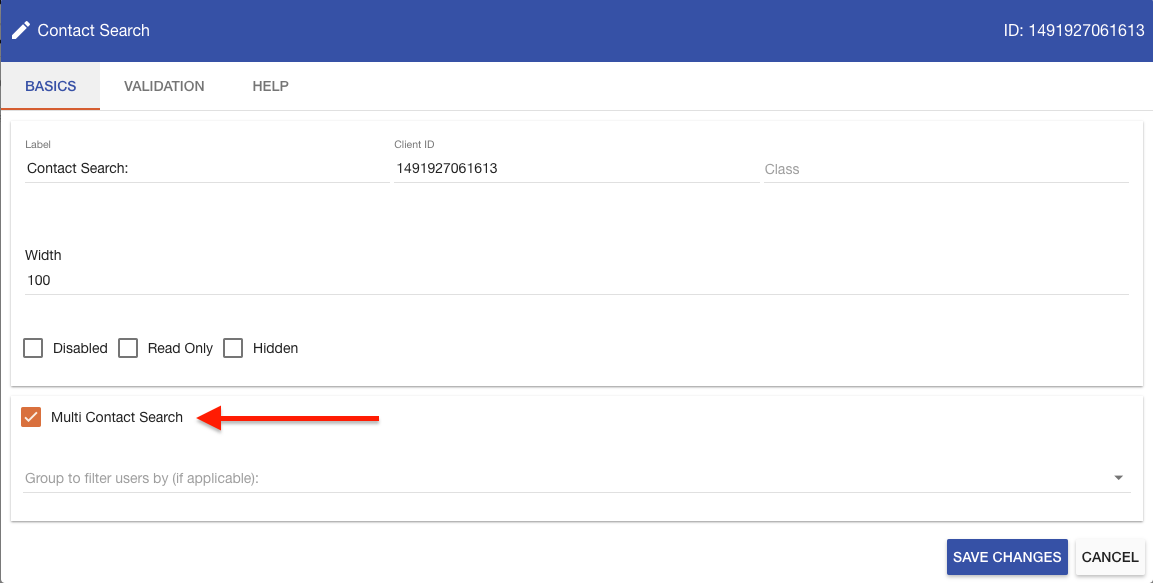
To limit the contact search question back to one contact at a time, uncheck the Multi Contact Search checkbox.