Import and export forms
Import and export form templates for use in other processes and instances.
To import a form template, navigate to Forms in the Administration menu, switch to the Templates tab in the upper-right corner, and click Import Template.

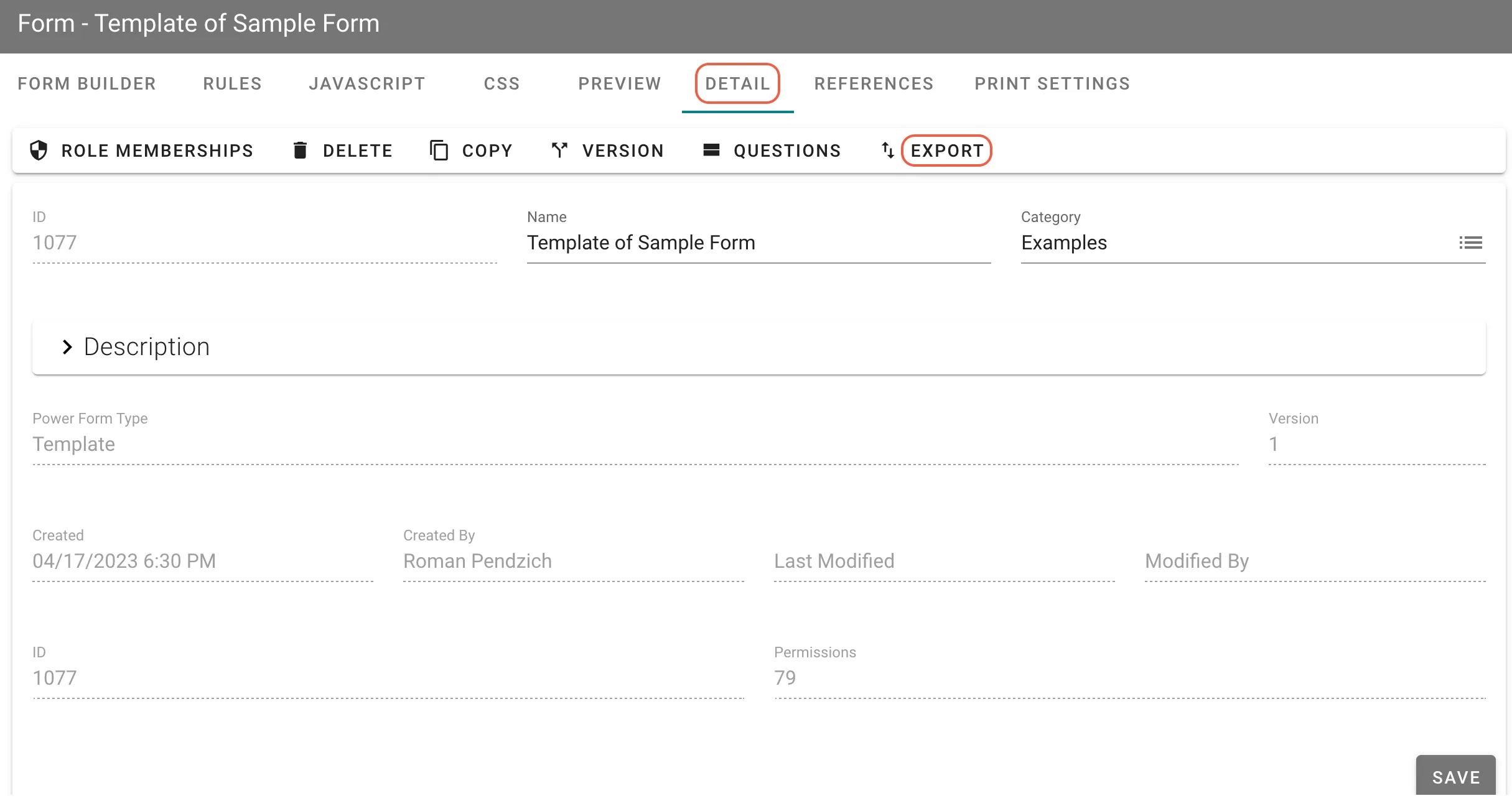
To export a form template, open the template and click Detail in the top navigation.
On the form’s Detail page, click Export. The form template downloads as a JSON file.