Reassigning tasks
If the Reassign Task option is given by the process administrator, you’ll see this button above a task.
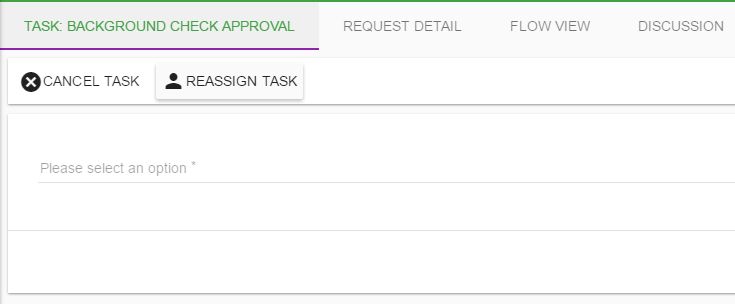
To transfer one open task, open it from Actions > View My Tasks, check its request and task name, and select Reassign Task. Search for the colleague who will take over the task and confirm you selected the intended person before reassigning.
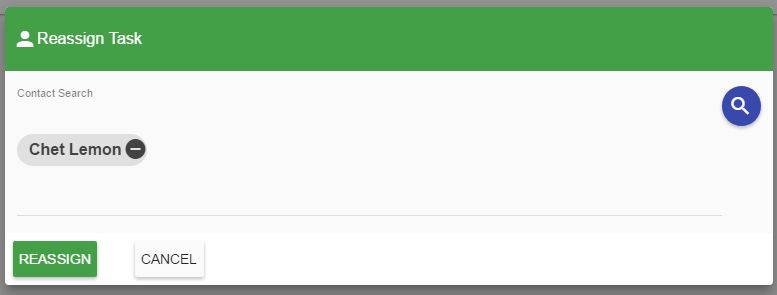
Select Reassign to assign the task to that user. To hand off several open tasks in one process, ask an administrator with Bulk Reassign permission to use Bulk User Reassignment. To route only new tasks while you are away, refer to delegating your tasks instead; delegation doesn’t move already-open tasks.