How to delete a process safely
Deleting a Process
To completely delete a process from Integrify by pressing the Delete Process button in the top menu of the Process Detail tab. By deleting a process, you are effectively removing the entire process definition and any outstanding requests that may be executing against the process definition will be impacted.
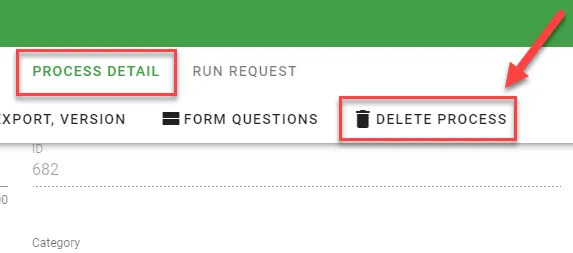
Note: Do Not Delete a process unless you are absolutely sure that no outstanding requests are pending against that process. You cannot un-delete a process once it has been removed.