Understanding tasks in workflow automation
Tasks are the building blocks of processes. Simply put, tasks represent a unit of work or distinct action. Standard tasks may present a user with a form, allow a person to approve or reject a request or send an email notification to a user or group of users. Our more advanced, Integration Tasks, can push or pull data to/from external databases or create an interface with other systems and data sources throughout an organization.
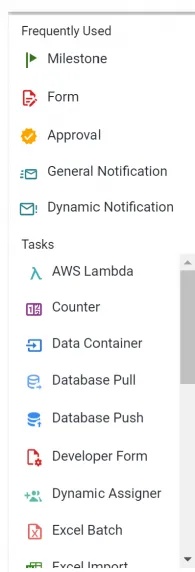
All tasks are contained within the Task Menu of a process and can be added to a process and configured within the Process Flow of a process. You will also see at the top of the Tasks Menu a “Frequently Used” category.

See a Full List of Standard and Integration Task Types