Process Library overview
The Process Library is the central hub for managing all workflow processes in Nutrient Workflow Automation. Use it to create, import, edit, and organize your processes, as well as configure user roles and permissions.
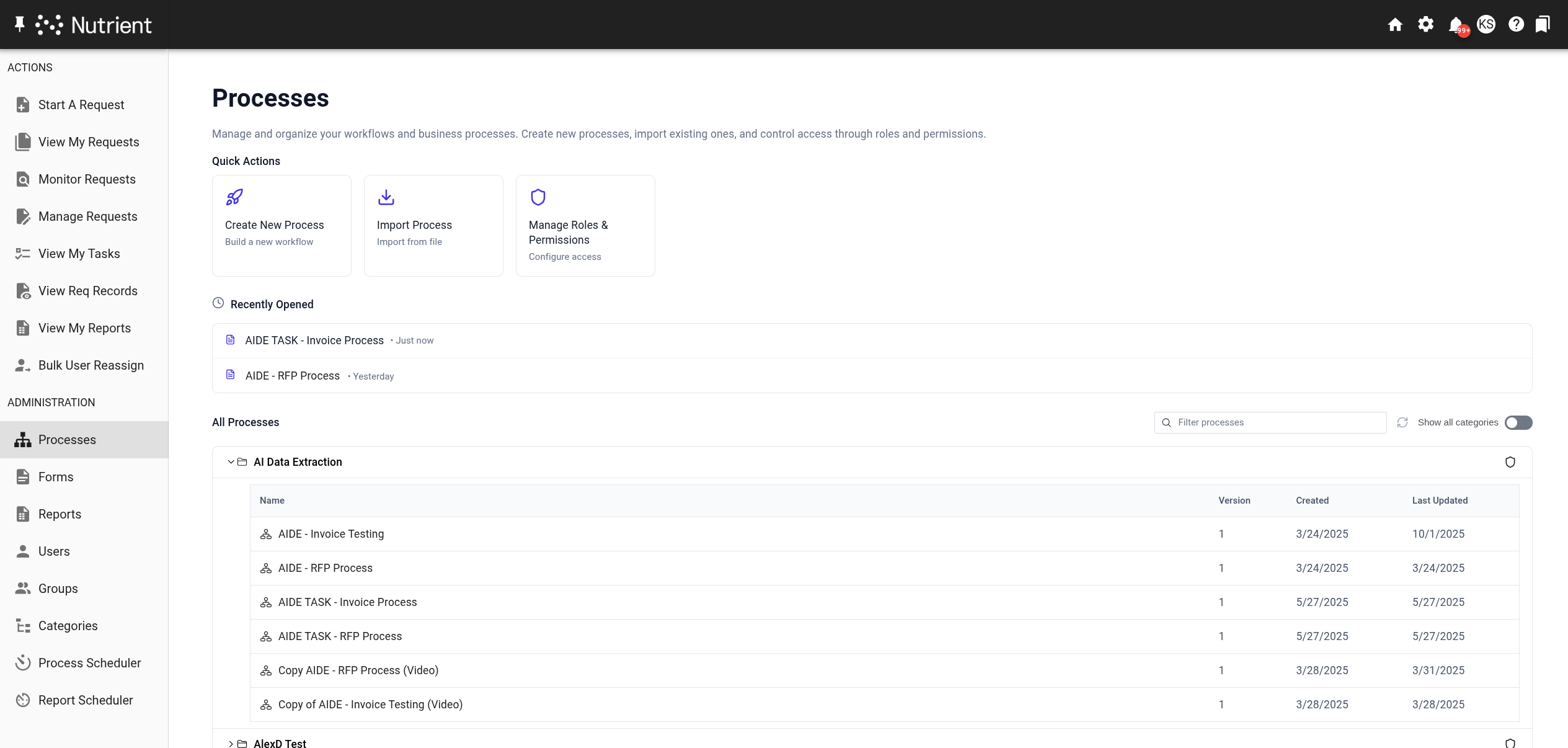
To access the Process Library, select Administration > Processes in the left navigation panel.
The Process Library provides tools to find, edit, create, or import processes.
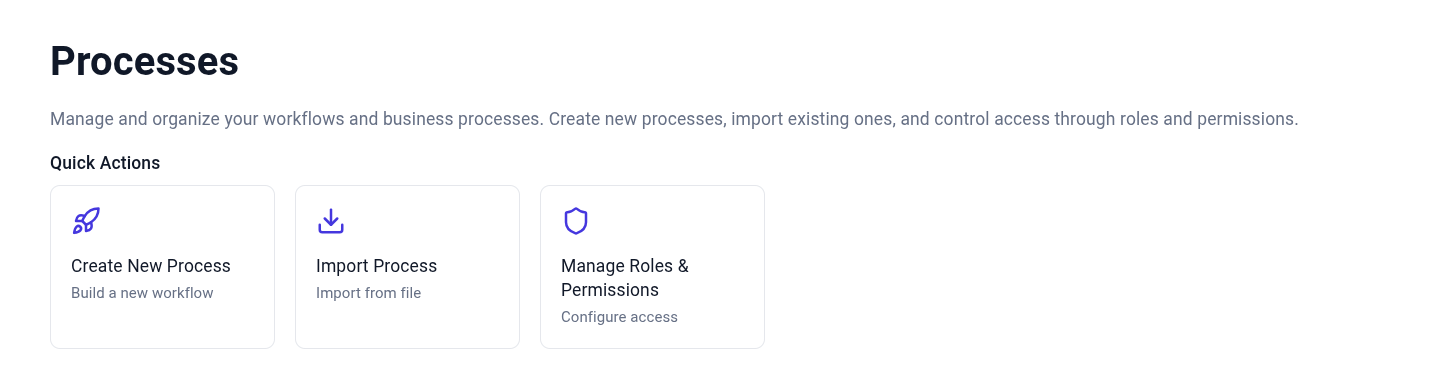
Quick actions
- Create a new process — Enables you to create a new process from scratch.
- Import process — Enables you to import a workflow process file and edit it.
- Manage roles and permissions — Enables administrators to manage permissions and members of different roles (administrators, process testers, process users).
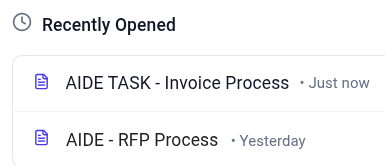
Recently opened
Use the recently opened section to access processes you’ve recently worked on.
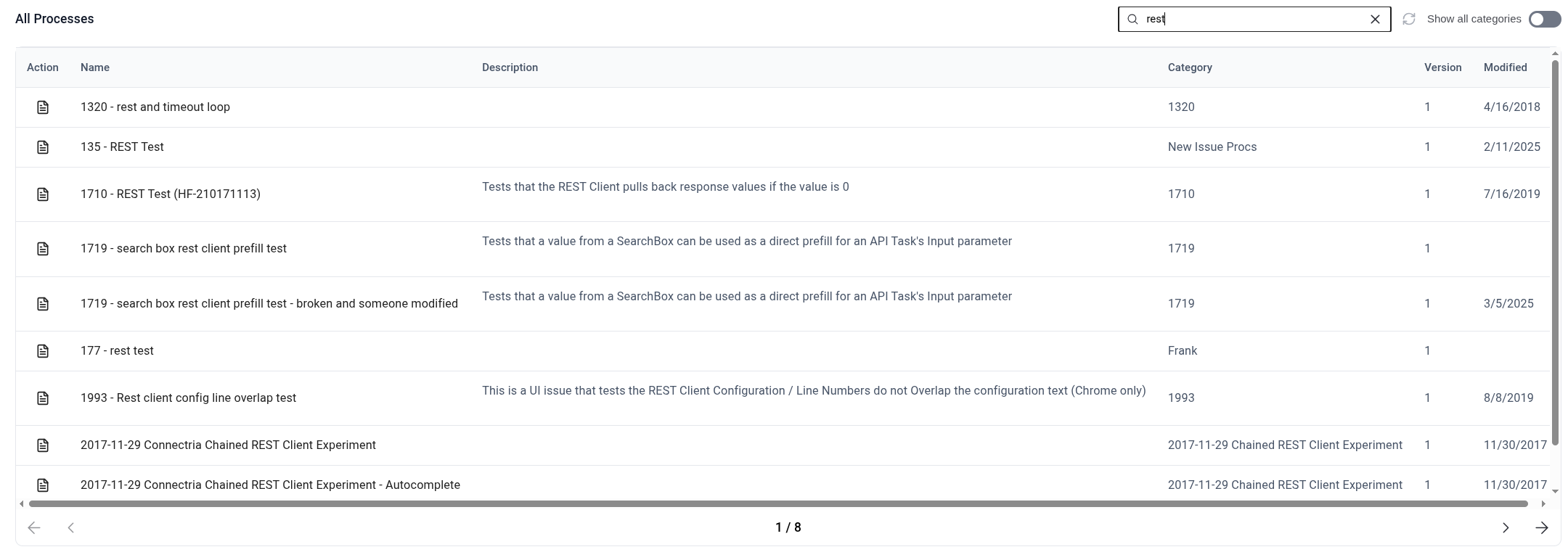
Filter processes
The filter option enables you to find processes by name, description, and GUID.