Process importing
Nutrient Workflow Automation enables you to import an entire process definition from one installation to another. You can import the process itself, any forms that are part of the process, and any custom JavaScript that was added.
When you import a process into Workflow Automation, it creates a mirrored image of the process and contains everything you built for that process in the other Workflow Automation installation.
The only exceptions are that any files attached to the process and any task type that requires templates (PDF and Excel task types) aren’t included in a process export. Add those attachments and templates to the imported process and reconfigure the task.
Importing a process
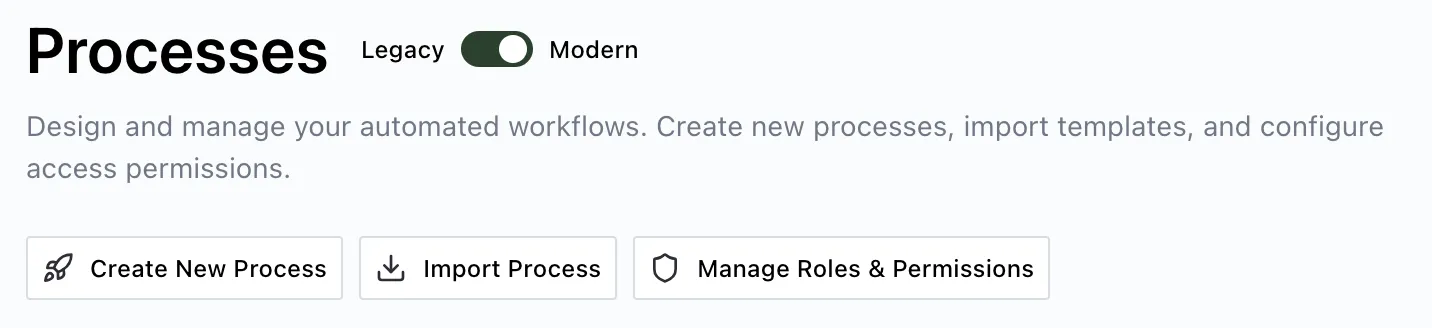
To import a process into Workflow Automation, navigate to the Processes section under the Administration menu. Click Import Process.
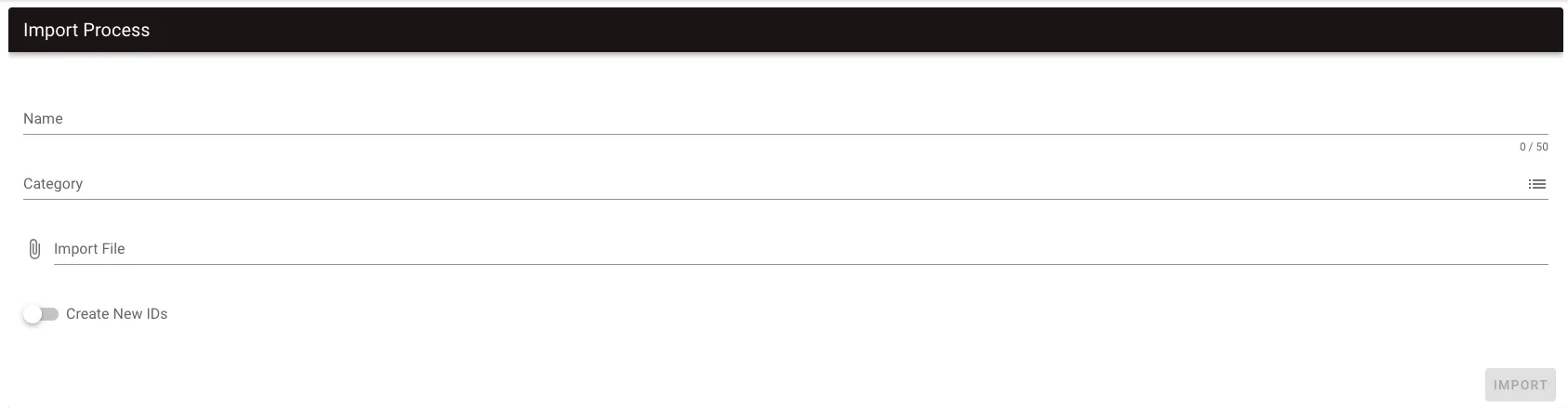
On the screen that appears, enter the following details:
- Name — The name of the process.
- Category — Select the category where the process will be placed.
- Import File — Attach the JSON export file that Workflow Automation generated when you exported the process. While the system still supports the old Integrify Process Markup Language (IPML) format, incompatible task types (specifically form tasks) won’t be imported.
- Create New IDs (optional) — If you select this option, the import procedure will generate new IDs for the process and all tasks. If left unchecked, the import procedure will use the process ID and task IDs as defined in the export file.
Click Import to proceed.
After importing the process, Workflow Automation opens the process definition for that newly imported process.
Additionally, the system stores any forms associated with the process in the same category you selected when importing. The system also appends the form name with the name of the process you defined.
Static recipients (users and groups) of tasks won’t be imported. Redefine the recipients of tasks, which also may require revisiting task rules that are dependent on recipients.