Edit and preview your forms effectively
Use Preview to check the form’s appearance, field validation, and page load before assigning the form to a process. Test a conditional field with an answer that displays it and one that hides it. For a required field, submit without an answer to check the validation message.
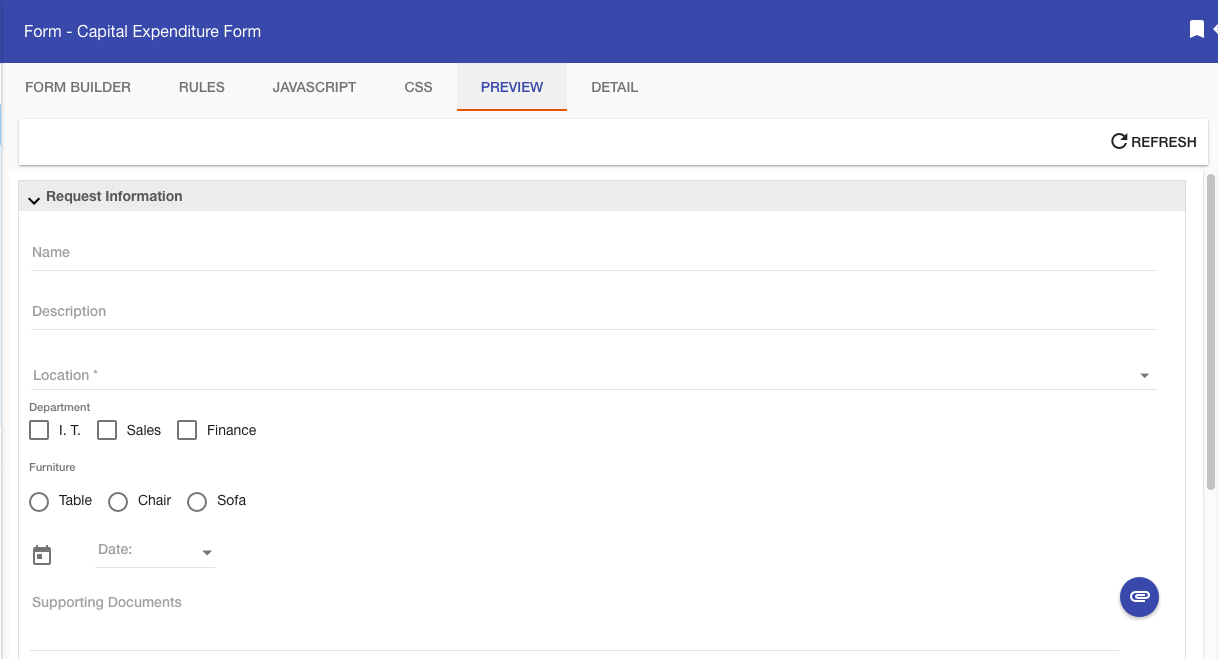
Use Form Builder to edit and format the questions. Then return to Preview to check the changes. Preview checks the form itself, so run a test request in the process to check task recipients and process routing.
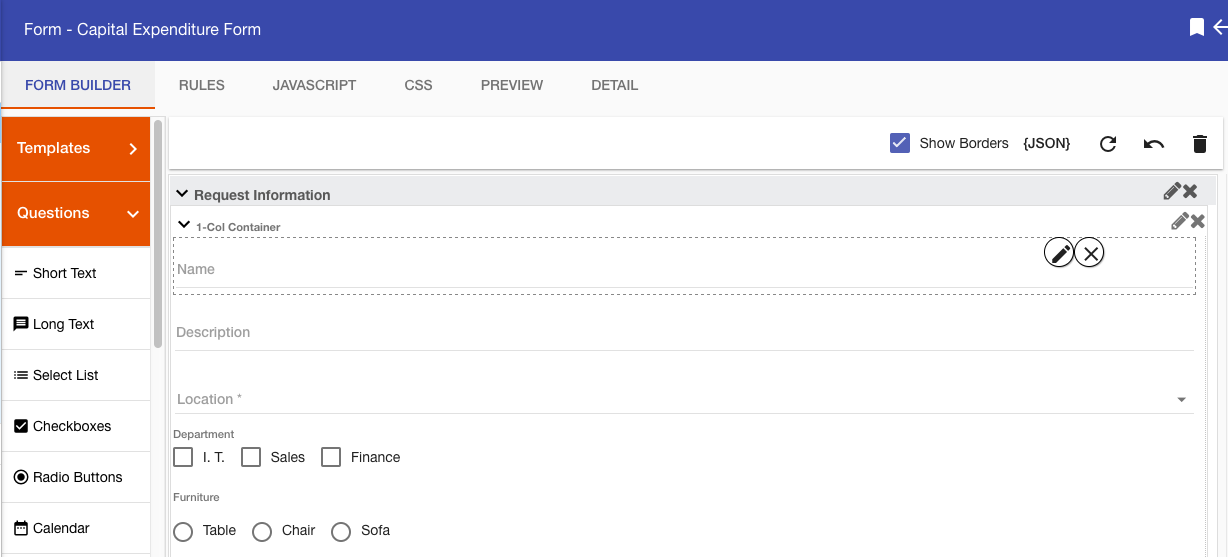
For conditional visibility and inverse behavior, see Form rules. For process-level checks, see Run Request.