Enhance your dashboard with report widgets
This guide outlines how to add a report to your dashboard.

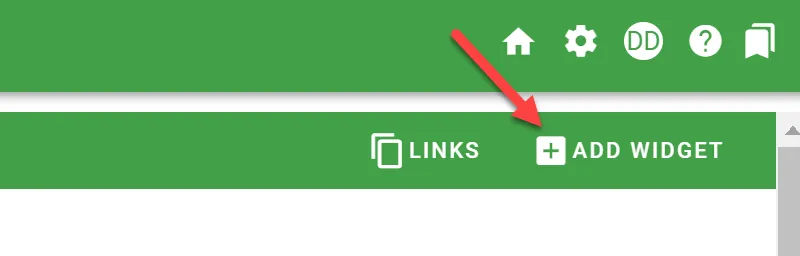
First, click Add Widget in the upper-right corner.
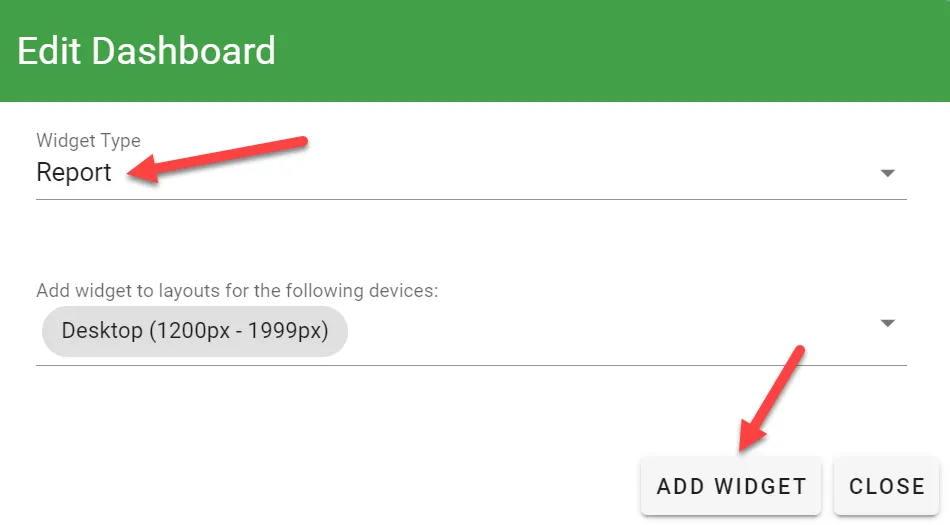
Under Widget Type, select Report.
Next, choose Widget Layouts and click Add Widget.
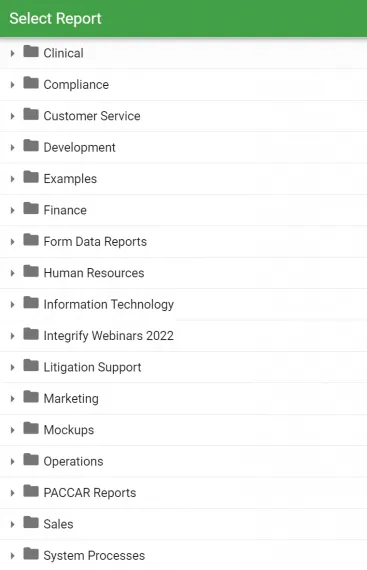
After clicking Add Widget, choose which report you’d like to appear on the dashboard.
Then press Save.